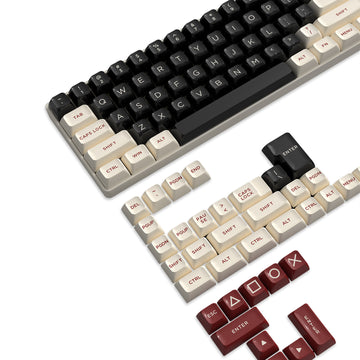
A 60% gaming keyboard can replace a full-size board for most everyday use, but only if you rarely need dedicated arrow keys, function keys, navigation keys, or a number pad. If those keys are part of your daily routine, a full-size gaming keyboard or a larger compact layout is the better fit.

A 60% Can Replace Full-Size, If Dedicated Keys Are Occasional
The real question isn't how many keys a board has. It's how often you reach for the ones a 60% gaming keyboard leaves out. A 60% layout keeps the main typing area and drops the number pad, function row, arrow cluster, and navigation block into secondary access, usually through a layer or Fn combination.

That trade works fine when those commands come up once in a while. It gets frustrating fast when they're part of a repeated workflow, like spreadsheet navigation or sustained numeric entry. So the decision comes down to two things: how often you use dedicated keys, and how much numeric entry your day actually involves. Readers who rarely trigger either can choose a 60% gaming keyboard. Readers who trigger both regularly should stay with full-size or step up to a larger compact layout, such as a 65% or 75% board.
What You Give Up, and What Layers Can Restore
Moving from full-size to 60% trades dedicated physical keys for layer-based access on most boards. A programmable layer can place navigation and function commands behind another key, but the exact key combination depends on the specific keyboard's firmware and keymap, so it's worth confirming before you buy.
The table below lines up what each layout offers and what that means for daily use.
| Control group | 60% board | Full-size board | Everyday implication |
|---|---|---|---|
| Footprint | Smallest, more desk and mouse room | Largest, dedicated space needed | 60% helps most when desk space is tight |
| Arrow keys | Often layer-dependent, not a separate key | Dedicated physical keys | Occasional use is fine on 60%; frequent use favors full-size |
| Function row (F1–F12) | Usually accessed through Fn or a layer | Dedicated physical row | Frequent shortcut users may find layers repetitive |
| Navigation (Home, End, Page Up/Down) | Commonly layer-dependent | Dedicated physical keys | Repeated document or spreadsheet navigation favors full-size |
| Number pad | Not included by default | Dedicated numeric cluster | Sustained numeric entry is the strongest case for full-size |
A layer workaround is not the same as equal everyday convenience. It restores access, but it adds a second keystroke every time. Before assuming any specific keyboard covers all four groups the way you expect, check that board's manual or configurator directly.
Gaming: Choose 60% When Mouse Space Matters More Than Dedicated Controls
A 60% gaming keyboard is a strong full-size replacement for gaming when desk space and mouse room matter more than having separate arrow, function, or navigation keys. Most in-game controls sit on the main typing area anyway, so the compact footprint mainly affects how much room you have for mouse swings, not your core inputs.
Compact layouts and macro pads can help players reclaim desk space without needing a full-size chassis on the desk. That's the clearest gaming-specific benefit: more room beside the keyboard, not a claimed edge in speed or accuracy.
The exception is games and setups that lean on many non-gaming commands, frequent menu navigation, or alt-tabbing into spreadsheets, chat overlays, or strategy interfaces mid-session. MMO players, strategy gamers, and anyone who streams or multitasks heavily while playing should test their actual command list before assuming a 60% board covers it. If those secondary commands show up often, a larger compact layout keeps more of them as direct keys.
Work and School: Ordinary Typing Is Easy; Key-Heavy Tasks Change the Answer
A 60% keyboard handles ordinary work and school typing well. The friction only shows up once your tasks lean on repeated dedicated keys or heavy numeric entry, which is a separate decision covered in the next section.
General Work and Browsing
Documents, email, and web browsing are mostly typing tasks, and a 60% board covers them without much adjustment. Occasional shortcuts, like copy, paste, or a stray function key, are usually tolerable through a layer. Still, test your own recurring shortcuts on the board before swapping out a familiar full-size layout, since comfort with a layer varies by person.
School and Mixed-Use Routines
Research, essays, and most everyday school software fit a 60% keyboard the same way general office work does. The exception is spreadsheets, coding environments, data entry, or subject-specific software that leans on function keys or numeric input. Don't assume school use is automatically light. Check what your specific classes or programs actually require before deciding.
Spreadsheet and Shortcut-Heavy Work: When Full-Size Removes Repeated Friction
Full-size keyboards remove repeated friction when your job or coursework depends on frequent arrow, navigation, or function-key commands, or on sustained numeric entry. That's the clearest case for skipping a 60% board altogether.
US spreadsheet users can use these controls repeatedly. Excel lists arrows, Home, End, Page Up, Page Down, and F1–F12 for common worksheet actions, covering navigation, selection, and editing tasks that recur throughout a normal session. Hitting a layer combination once in a while is fine. Hitting it every few seconds during a long spreadsheet session adds up and interrupts your flow.
The same logic applies to sustained numeric entry, like accounting, inventory, or data-entry work. A 60% board has no dedicated number pad by default, so you're relying on the top number row, an external keypad, or a model-specific remap. If your job or coursework runs on any of these patterns regularly, choose a full-size board, or a larger compact layout, such as a 65% or 75% board, if you want some dedicated keys back without the full footprint.
Who Should Switch to a 60% Keyboard?
Run this five-step audit before you buy or switch, using a normal day of your own tasks rather than a marketing key count.
- List the commands you actually use across gaming, work, school, and typing during a typical day or week.
- Mark each recurring command as acceptable, tolerable, or disruptive if it required a layer press instead of a dedicated key.
- Test your tolerance for layer access directly, ideally on the actual board or a close equivalent, rather than assuming it will feel fine.
- Check numeric entry separately from ordinary typing. Occasional numbers are not the same as sustained keypad-style entry.
- Route yourself based on the result: choose a 60% gaming keyboard if dedicated-key needs are occasional and layer access felt acceptable, choose a larger compact layout if you need some dedicated keys but not a full number pad, or choose a full-size gaming keyboard if navigation, function-key, or numeric-entry demand is frequent.
This audit works whether you're comparing a 60% vs. full-size keyboard for work and gaming, or simply asking, "Can a 60 percent keyboard replace a full-size board?" for your own routine. Your own command list, not a general answer, decides it.
Qualitative Decision Flow: 60%, Larger Compact, or Full-Size
The audit leads to three practical routes. Match the route to the friction you observed, then use the stated next step before you buy.
Choose 60% when dedicated-key use and numeric entry are occasional, and layer access felt acceptable in your test. Your next step is to verify the model's keymap or configurator, then prioritize the compact layout if the remaining layer actions will not interrupt your routine.
Choose a larger compact layout when you need some dedicated arrow, function, or navigation keys but do not need a dedicated number pad. Compare the specific key groups you missed during the audit so you gain the controls that matter without choosing a full-size board by default.
Choose full-size when repeated navigation, function-key shortcuts, or sustained numeric entry caused disruption. Keep the dedicated controls as the priority, even if a smaller footprint would leave more desk space.
If Your Audit Favors Compact, Start With a 60% Option
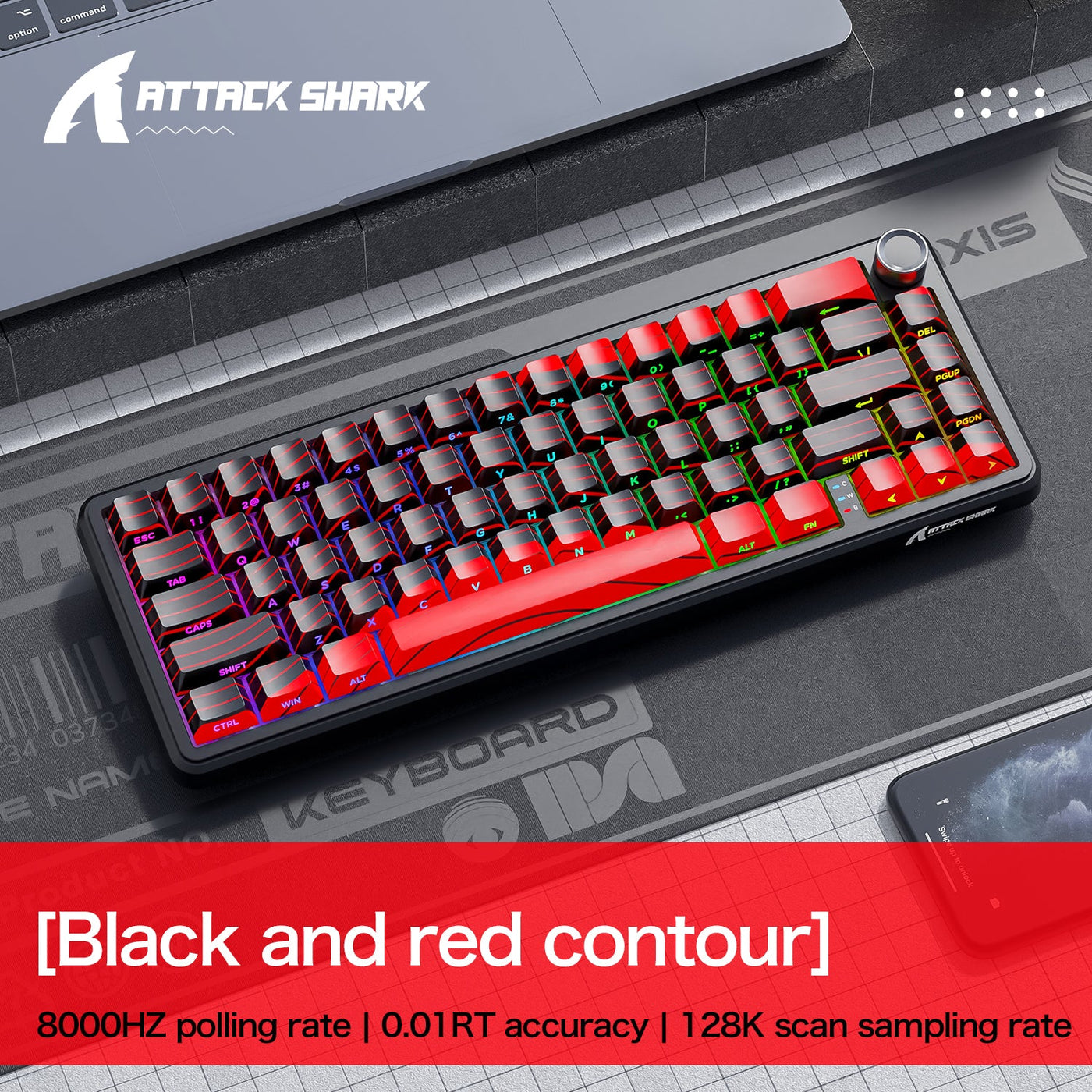
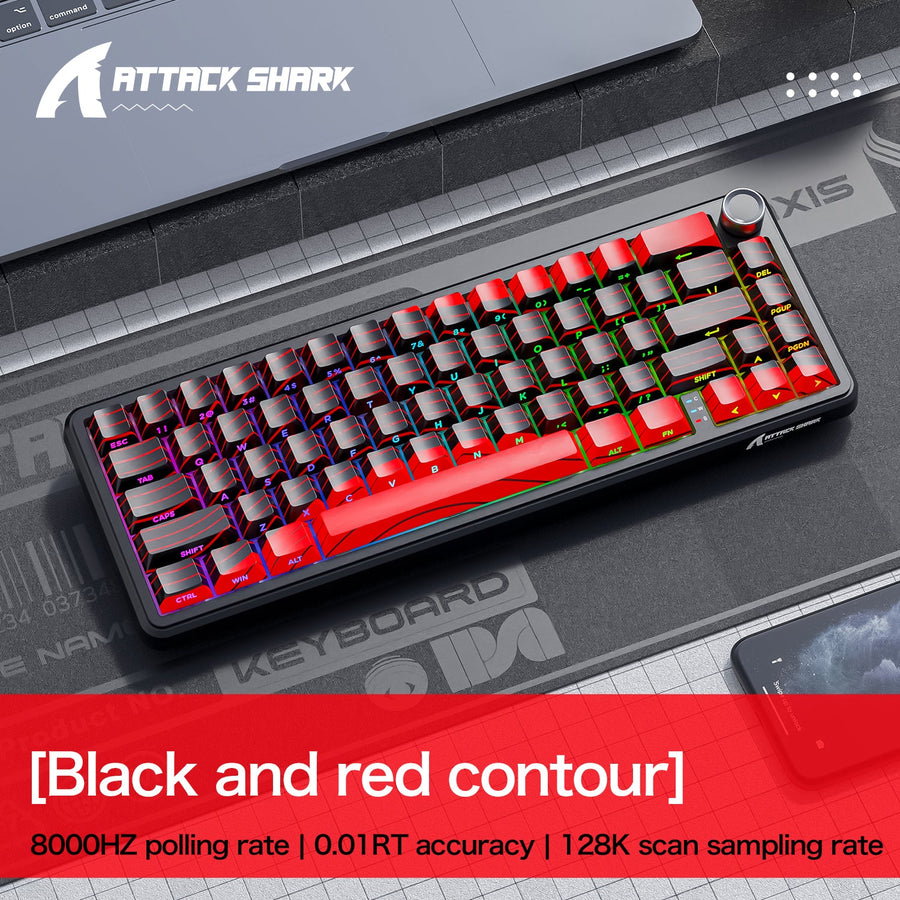
If your audit points to a 60% gaming keyboard, we offer the ATTACK SHARK X65 PRO HE Rapid Trigger Keyboard as a compact 60% option. It has a 60% form factor, 66 keys, tri-mode connection through USB-C, 2.4G wireless, and Bluetooth, plus a web-based configurator and PC software. Confirm how its layers or configurator handle those commands before buying if any of them are a deciding factor for you.
If your audit instead points toward more dedicated controls without going all the way to full-size, you can browse larger HE layouts to compare 65% and 75% options.
FAQs
Is a 60% Keyboard Enough for Work?
Yes, for ordinary work like documents, email, browsing, and research, as long as you're comfortable with occasional layer access. If your job depends on repeated navigation, function-key, or numeric-entry commands, that changes the answer, and a full-size or larger compact layout removes the added friction.
Can I Use a 60% Keyboard for Gaming and School?
Generally yes, especially when gaming is your main use and schoolwork is mostly typing, research, and standard applications. The exception is spreadsheet-heavy coursework or software that leans on function keys or numeric entry, which shifts the recommendation toward a larger layout.
What Keys Are Missing on a 60% Keyboard?
A standard 60% layout typically drops the dedicated arrow cluster, function row (F1–F12), navigation keys like Home, End, Page Up, and Page Down, and the number pad. The missing dedicated keys on a 60% keyboard are usually still reachable through a layer or Fn combination, but the exact mapping varies by board.
How Do You Use Arrow Keys on a 60% Keyboard?
Arrow keys are commonly placed on an Fn or programmable layer rather than as separate physical keys. Whether that combination is comfortable for frequent use depends on the specific board's keymap, so check the manual or configurator for your model before relying on it for regular navigation.