


Attack Shark
The test will run for 10 seconds.
* Ensure you press keys quickly. Holding a key down does not trigger polling detection.
How to Use
Click START TEST to initialize the 10-second timer and polling detector.
Immediately begin pressing two keys (e.g., A and S) as rapidly and alternatingly as possible.
Maintain the rhythm until the timer hits zero. Do not hold keys down, as this stops polling events.
Understanding the Results
- Max Rate: The highest report frequency detected. 1000Hz = 1ms delay.
- Stability: Indicates how consistent the data transmission is. "Good" is ideal for gaming.
- 125Hz vs 1000Hz: Standard office keyboards are locked at 125Hz. Gaming keyboards range from 1000Hz to 8000Hz.
- Browser Limits: Some browsers may cap rates. If you see consistent ~1000Hz, your device is performing well.
Frequently Asked Questions
Keyboard polling rate results are estimates
This web tool can only estimate polling rate from browser keyboard events. Browser limits, system scheduling, page focus, keyboard firmware, and input repeat behavior may affect the displayed result.
Use the result as a reference only.
Featured collection


Blog posts
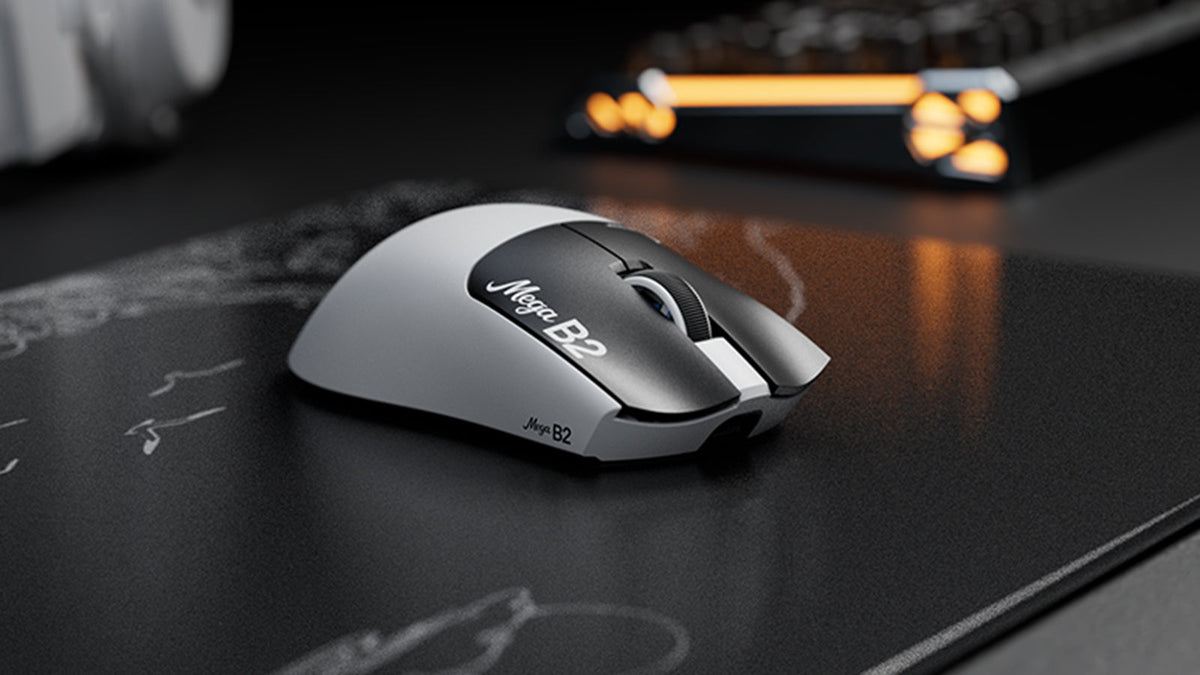
What Is a Rapid Trigger Mouse? How TMR Magnetic Sensing Changes Mouse Clicks
Rapid Trigger resets a mouse button after minimal upward travel, while TMR magnetic sensing enables adjustable actuation without fixed contacts.

ATTACK SHARK Announces Strategic Partnership With Cloud9 Kia’s League of Legends Team
Find out why this Cloud9 League of Legends partnership matters for esports fans, pro-level gear, and accessible gaming peripherals.

Meet ATTACK SHARK at TOKYO KEYBOARD EXPO 2026
ATTACK SHARK heads to Tokyo Ryutsu Center on September 23, 2026 for hands-on testing of Hall Effect keyboards and gaming mice at Booth B21-B23.