


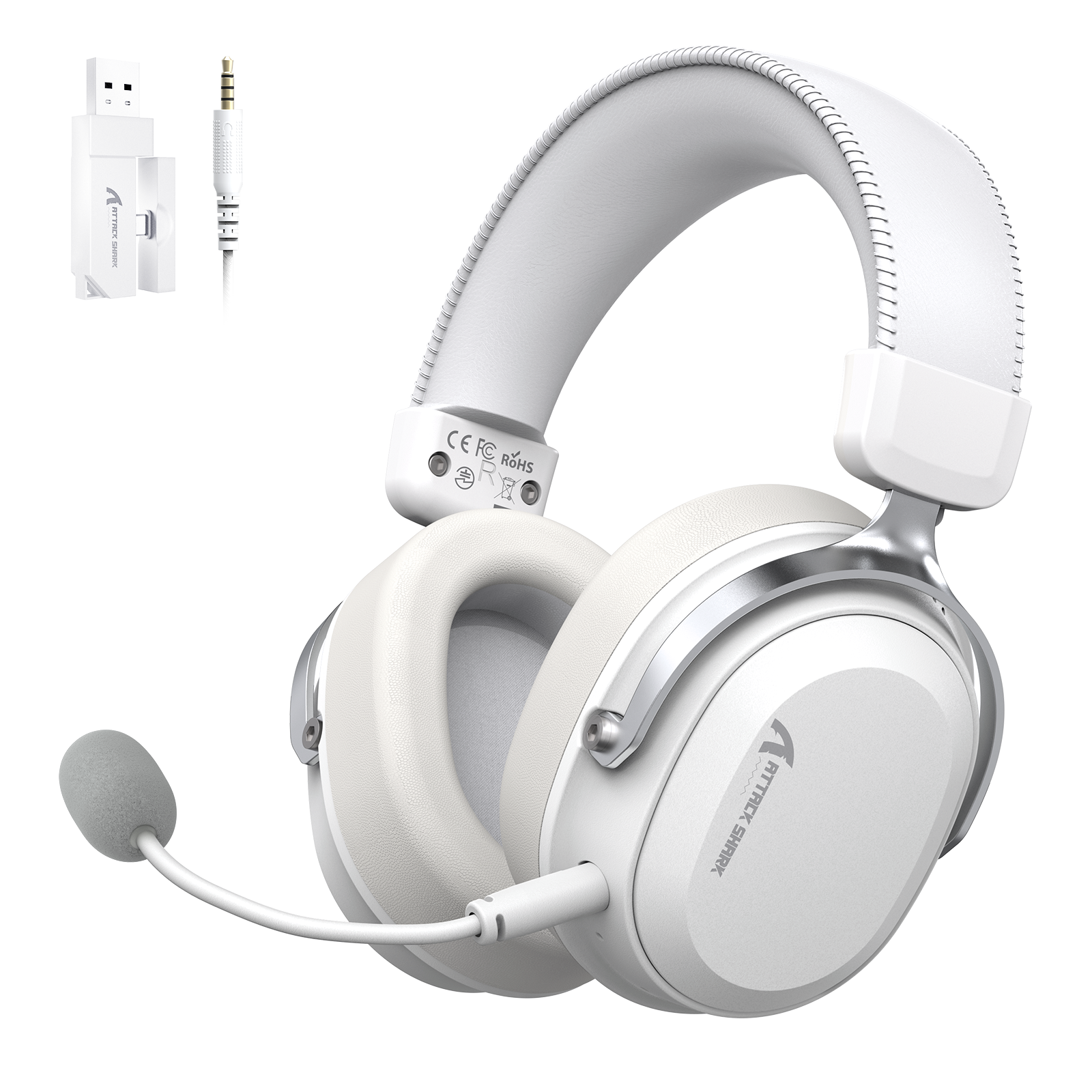

ATTACK SHARK L30 PRO Wireless Gaming Headset
- Share:
-

-

-

-


Technical Specifications


-
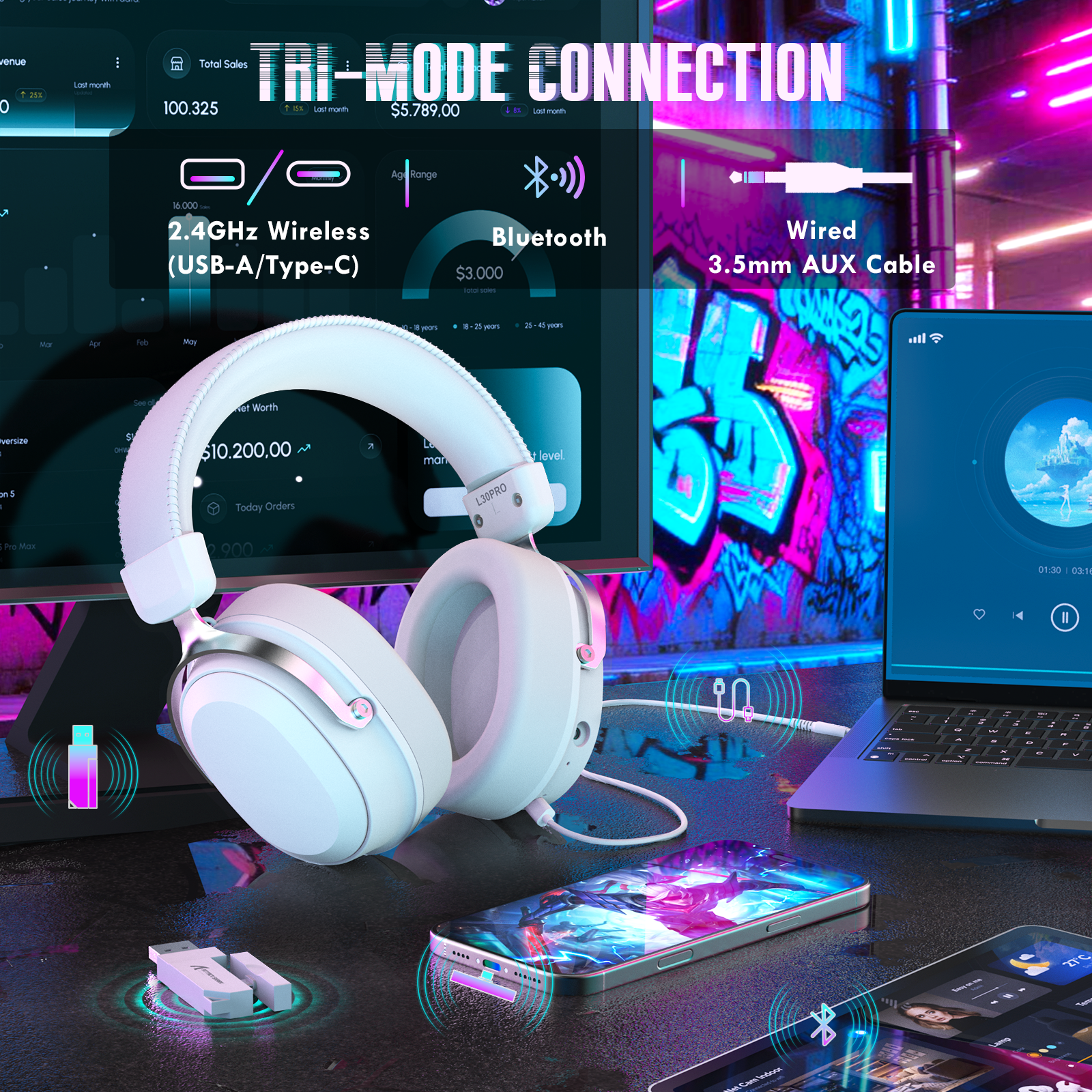
Tri-Mode Connectivity & Wide Compatibility
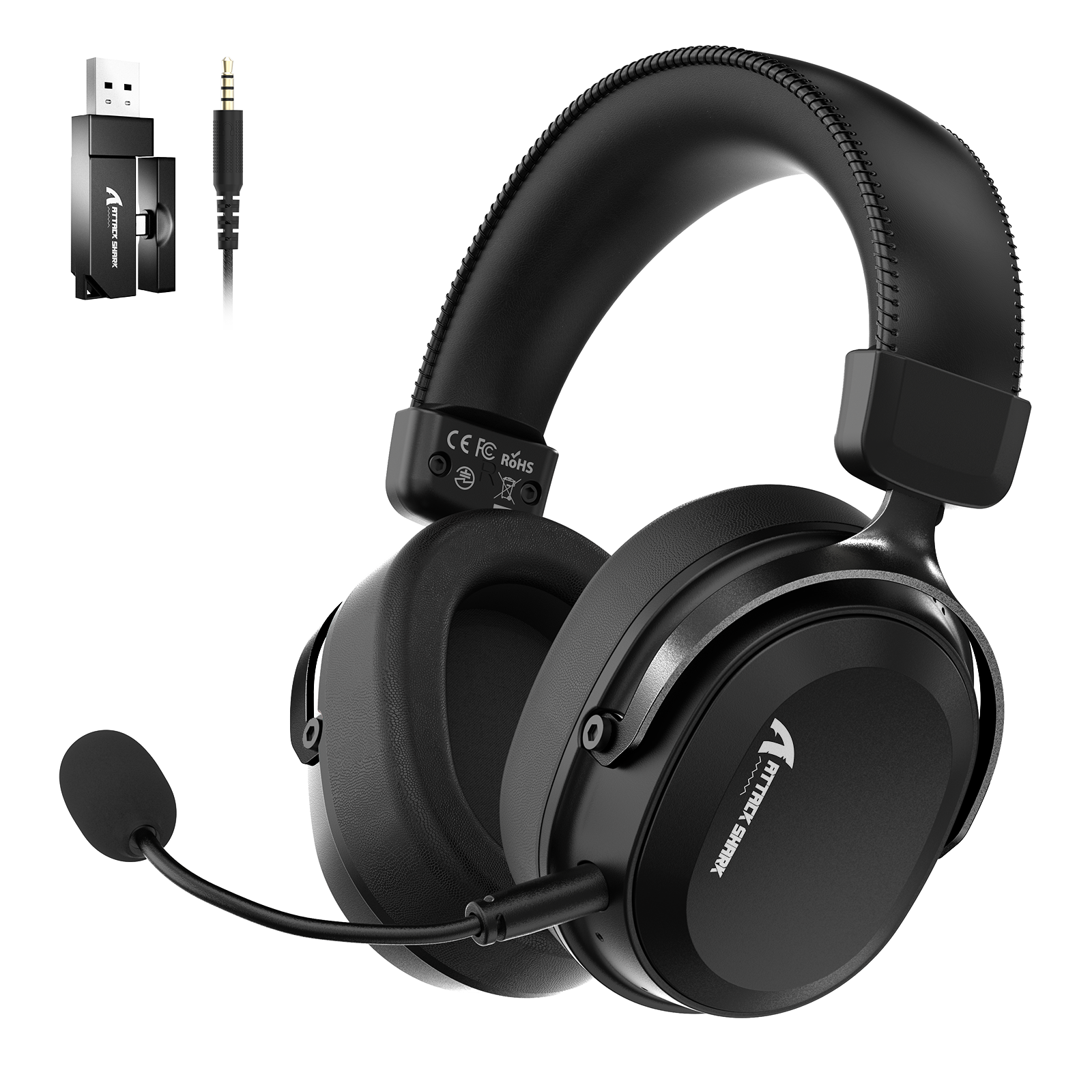
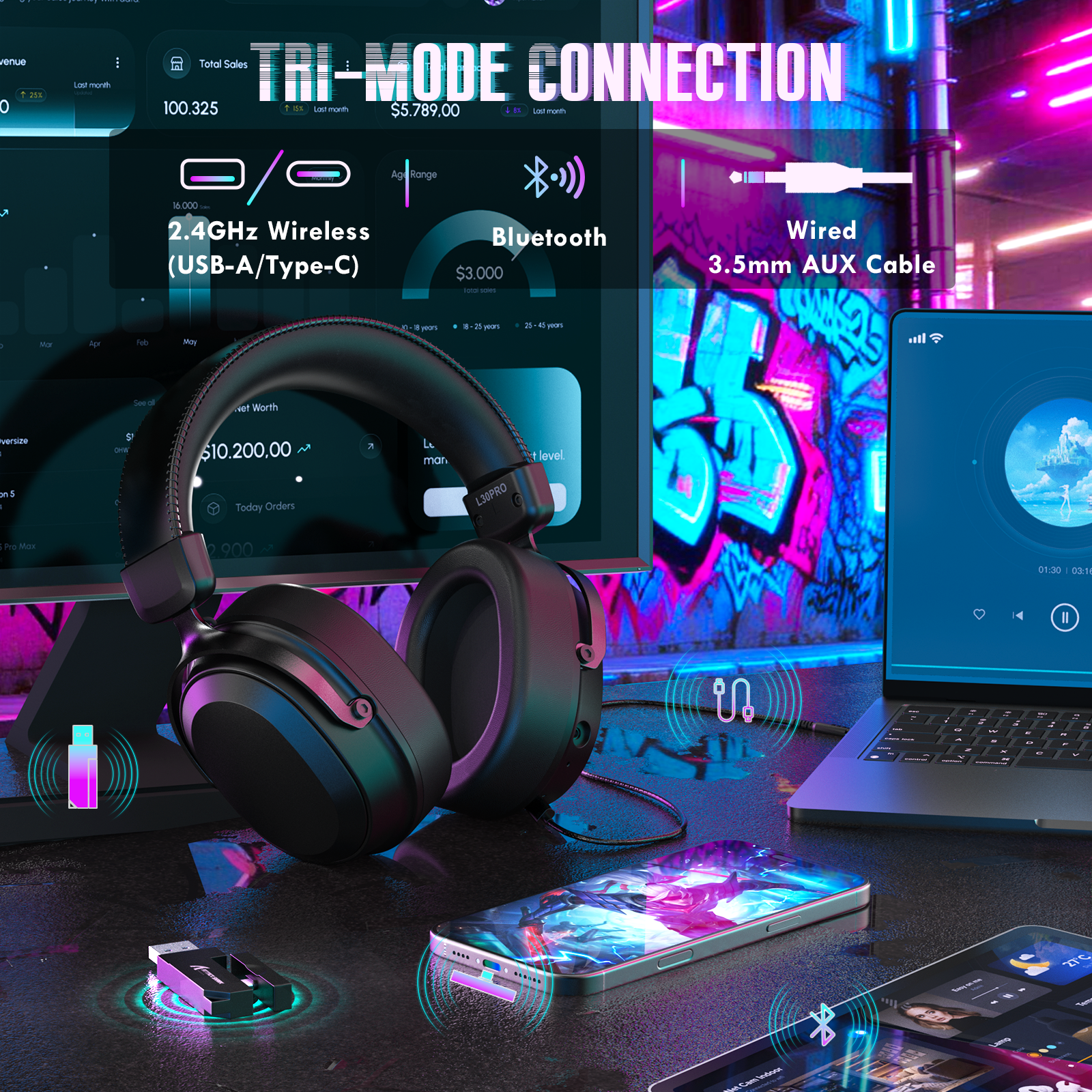
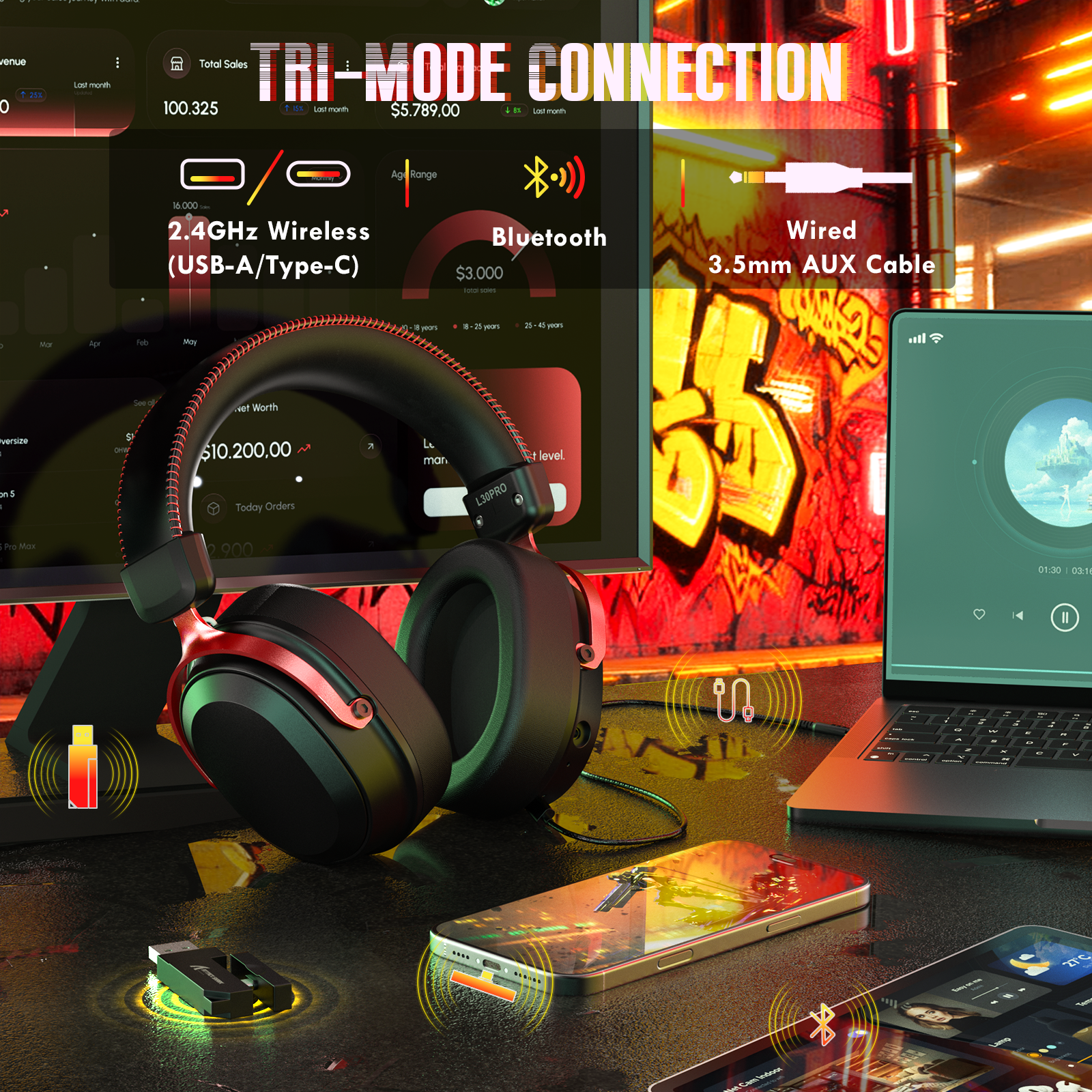
- The L30 Pro wireless gaming headset supports tri-mode connectivity: 2.4GHz wireless (USB-A & Type-C) for PC, laptops, smartphones, and tablets; Bluetooth for phones, tablets, laptops, and Nintendo Switch (Bluetooth mode); plus a 3.5mm wired connection for PC. One headset for gaming, streaming, and everyday entertainment.
-
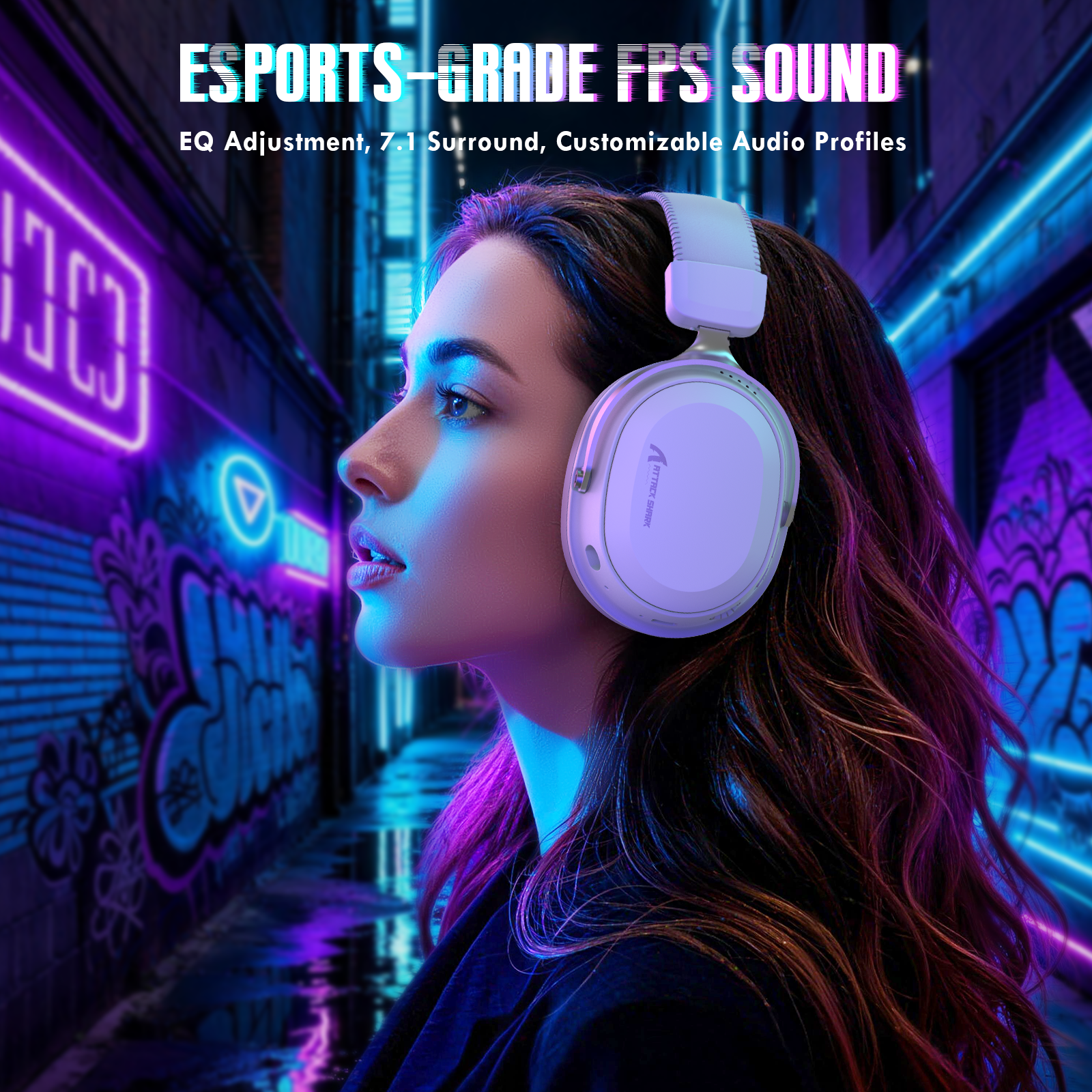
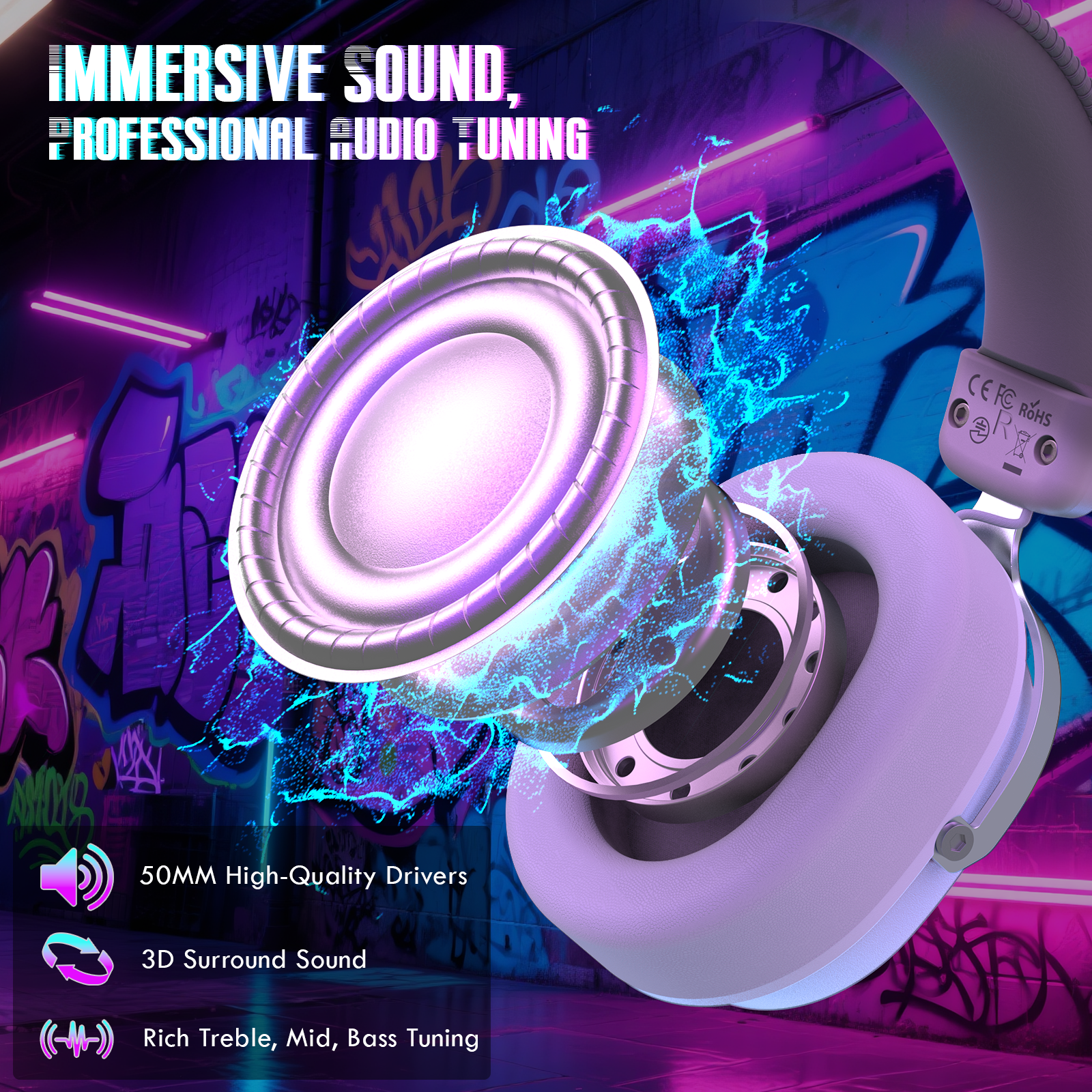
50mm Drivers & 7.1 Surround & EQ
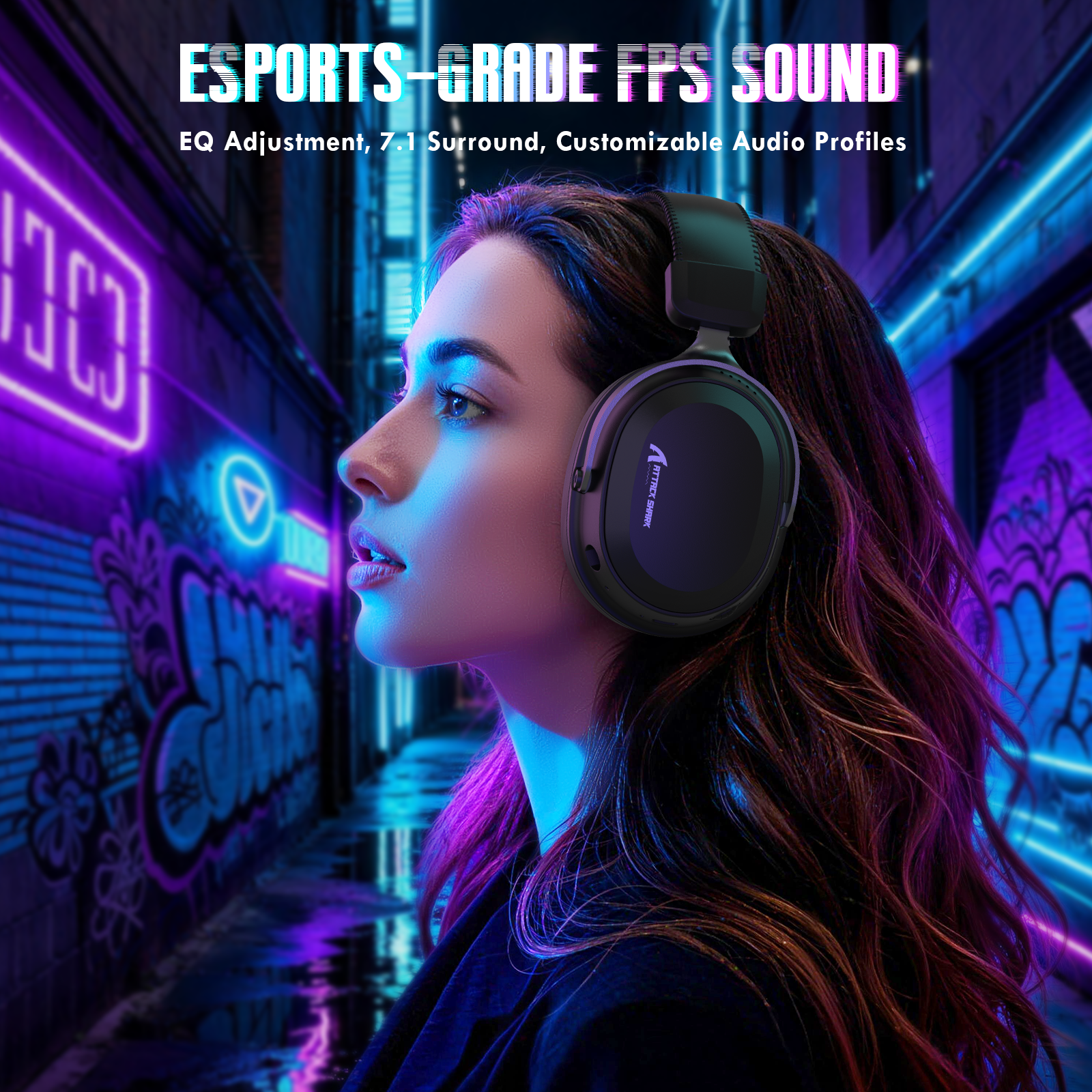
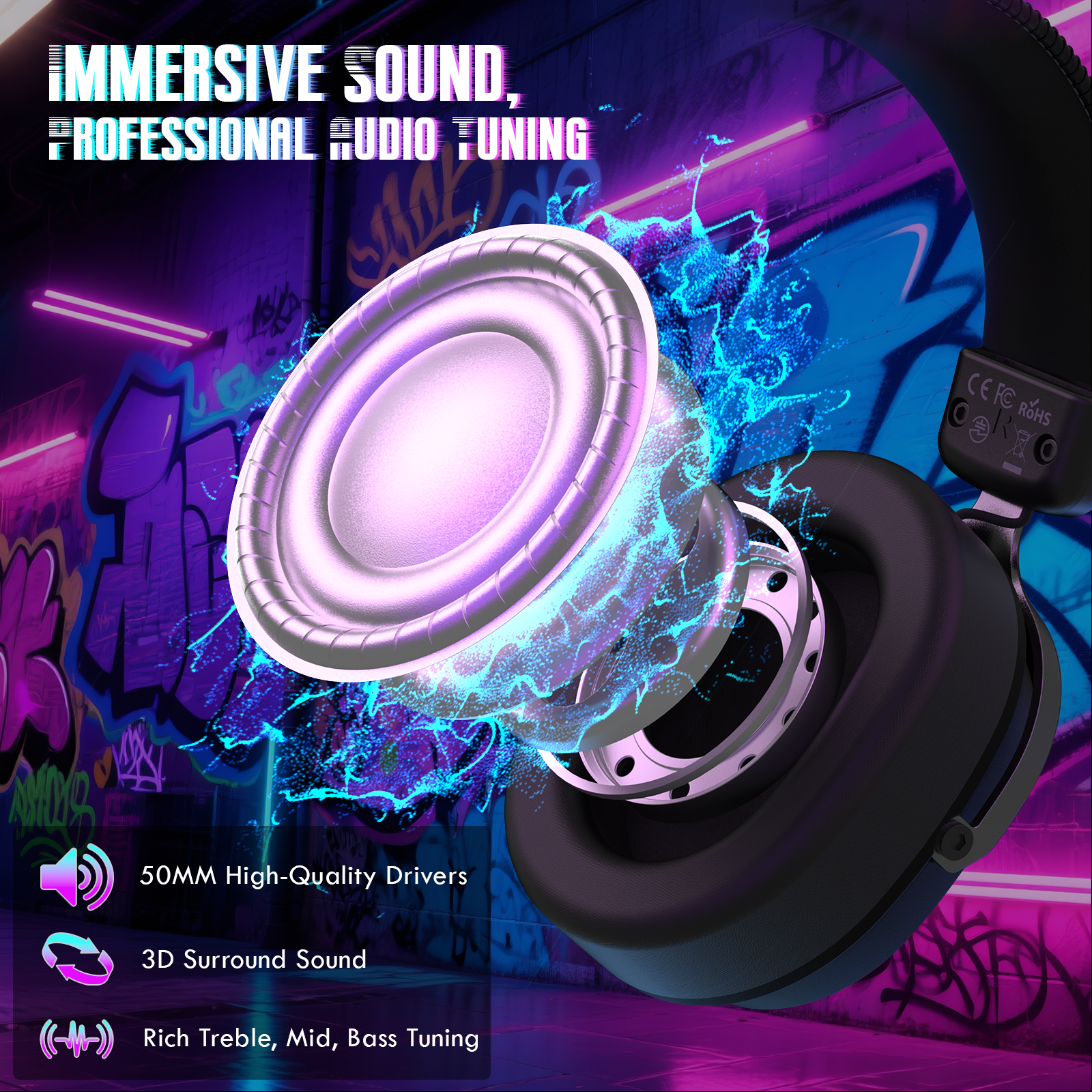
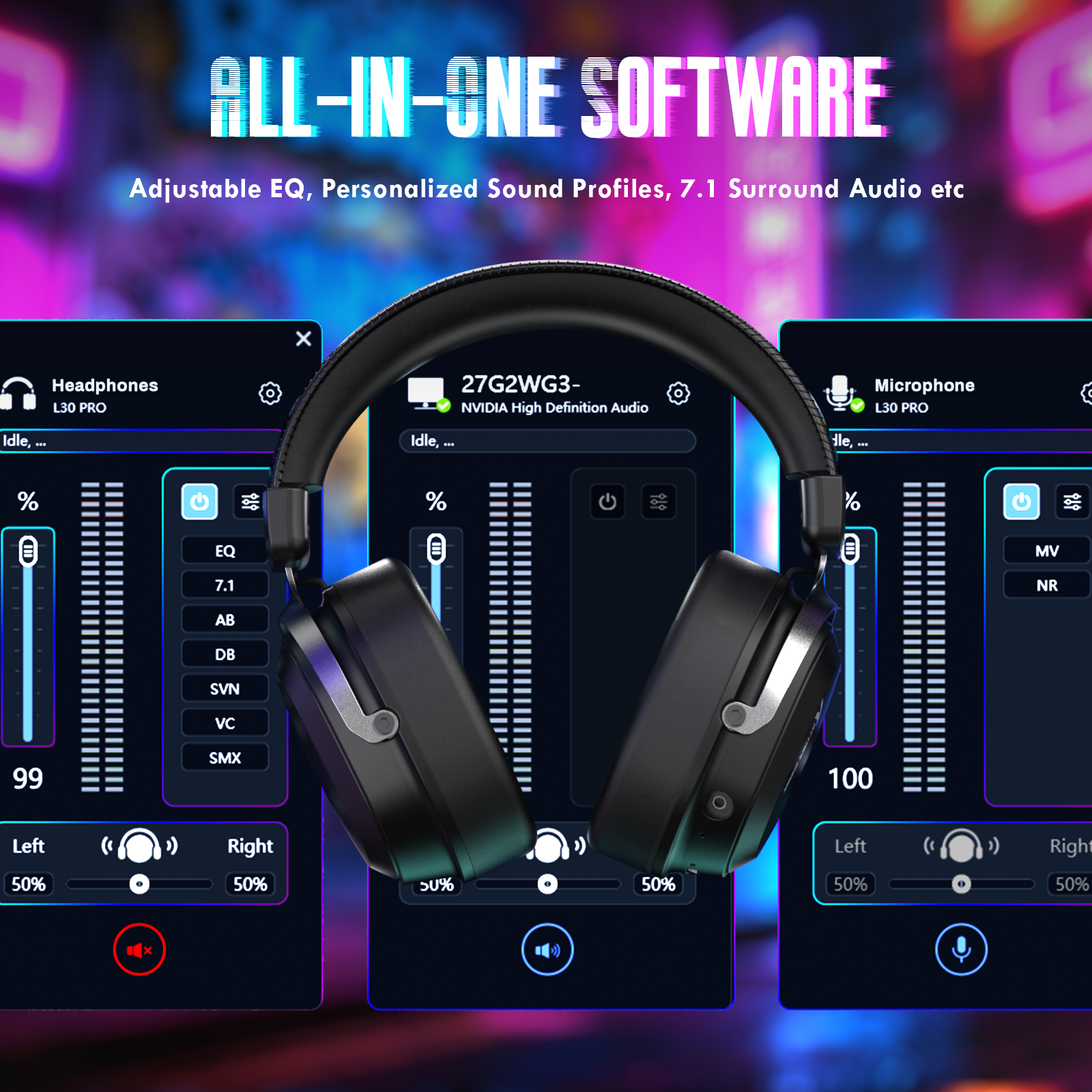
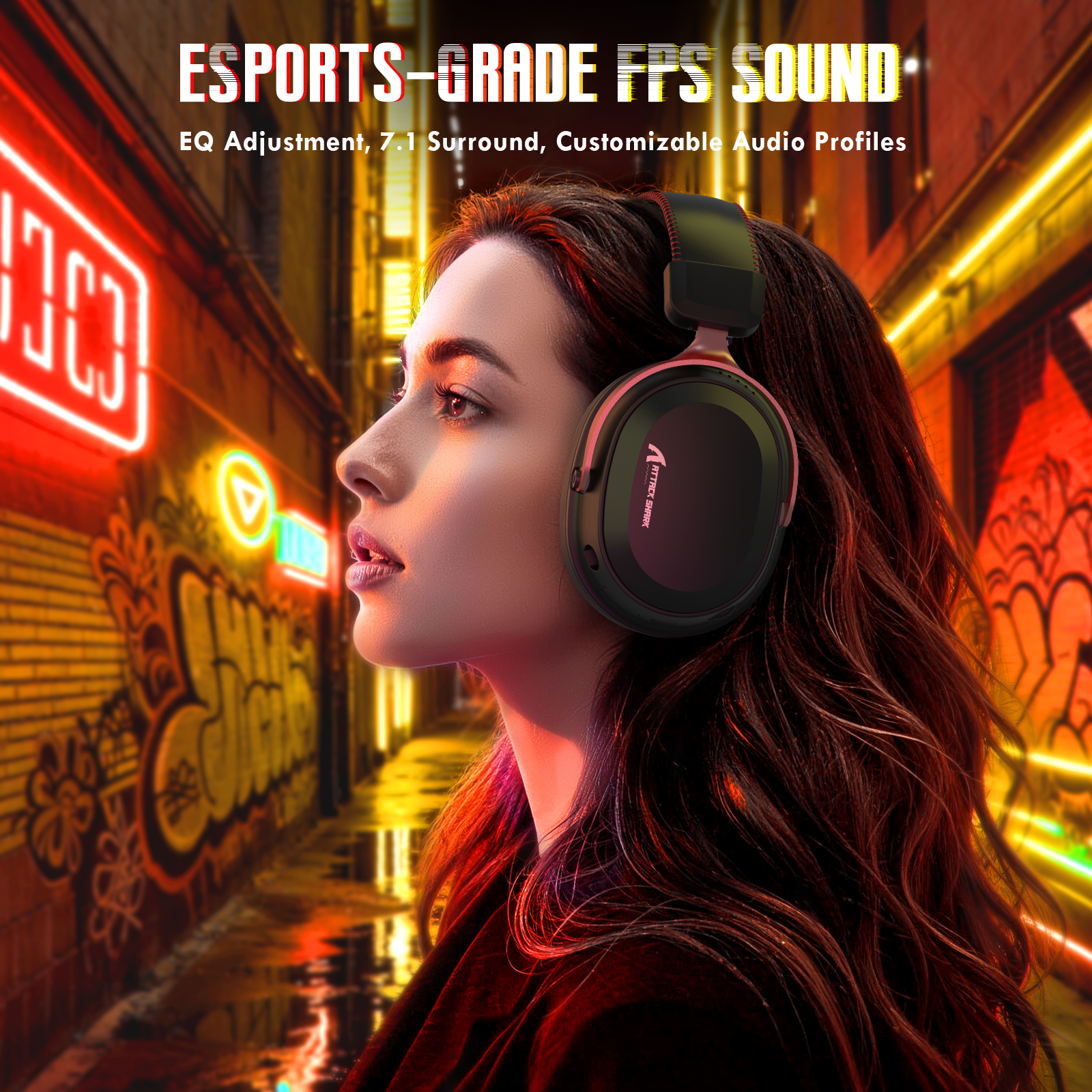
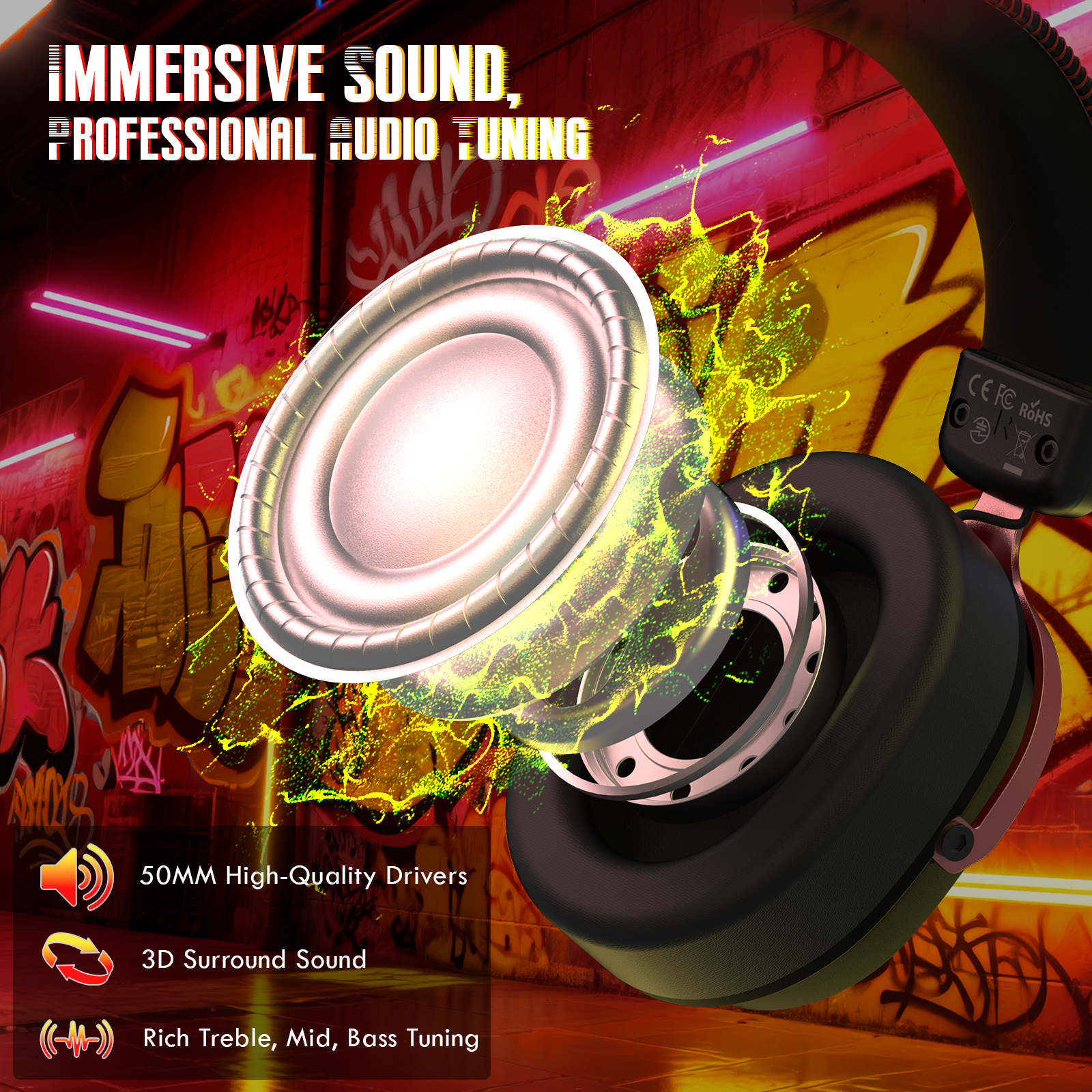
- Equipped with powerful 50mm magnetic drivers, this gaming headphones delivers deep bass, clear mids and crisp highs. Hardware-driven 7.1 virtual surround sound enhances spatial awareness, allowing precise detection of footsteps, gunfire and enemy direction ideal for FPS, esports and competitive gaming. Multiple EQ modes let you customise audio for gaming, music or movies for immersive, game-ready sound.
-
Dual Microphones for Gaming & Calls
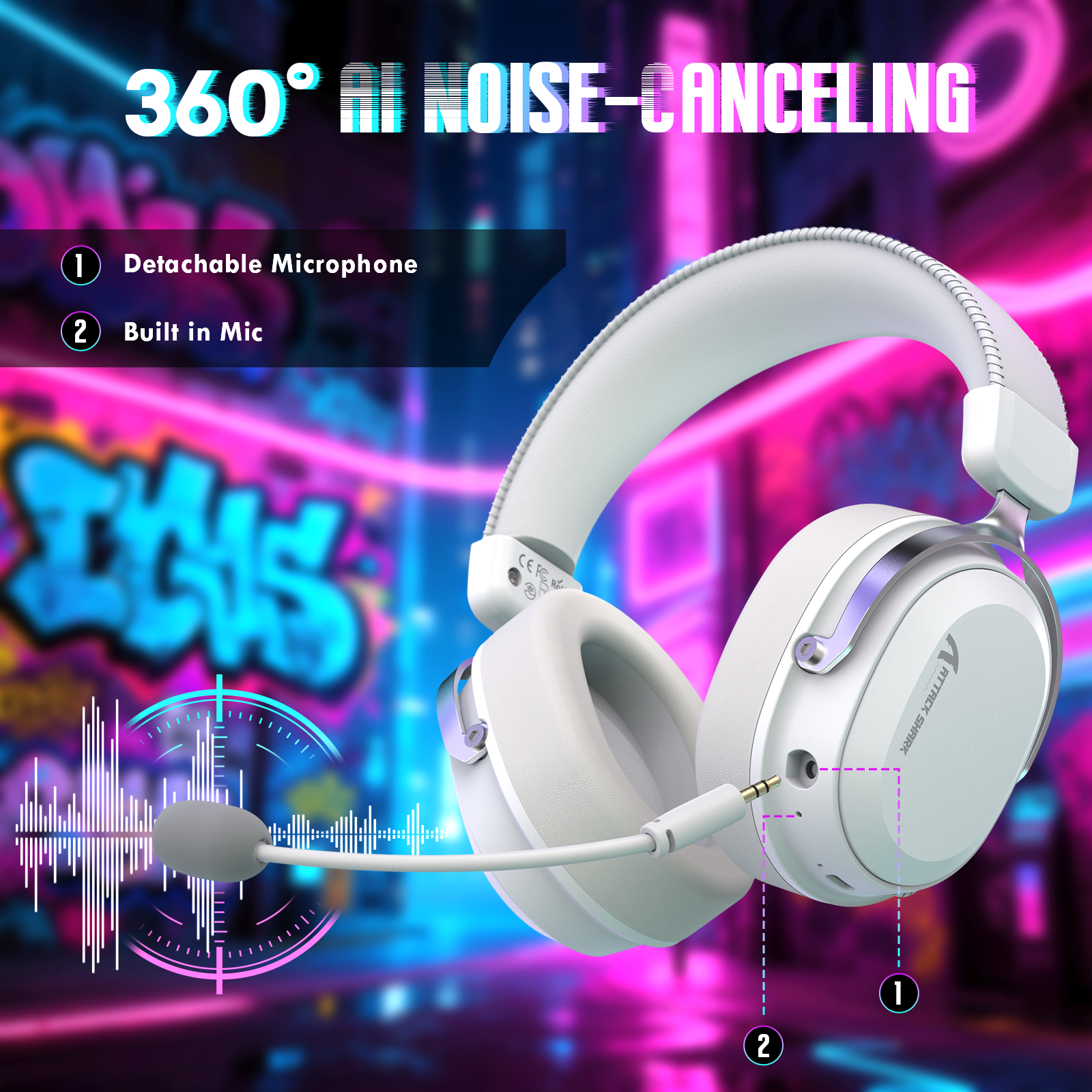
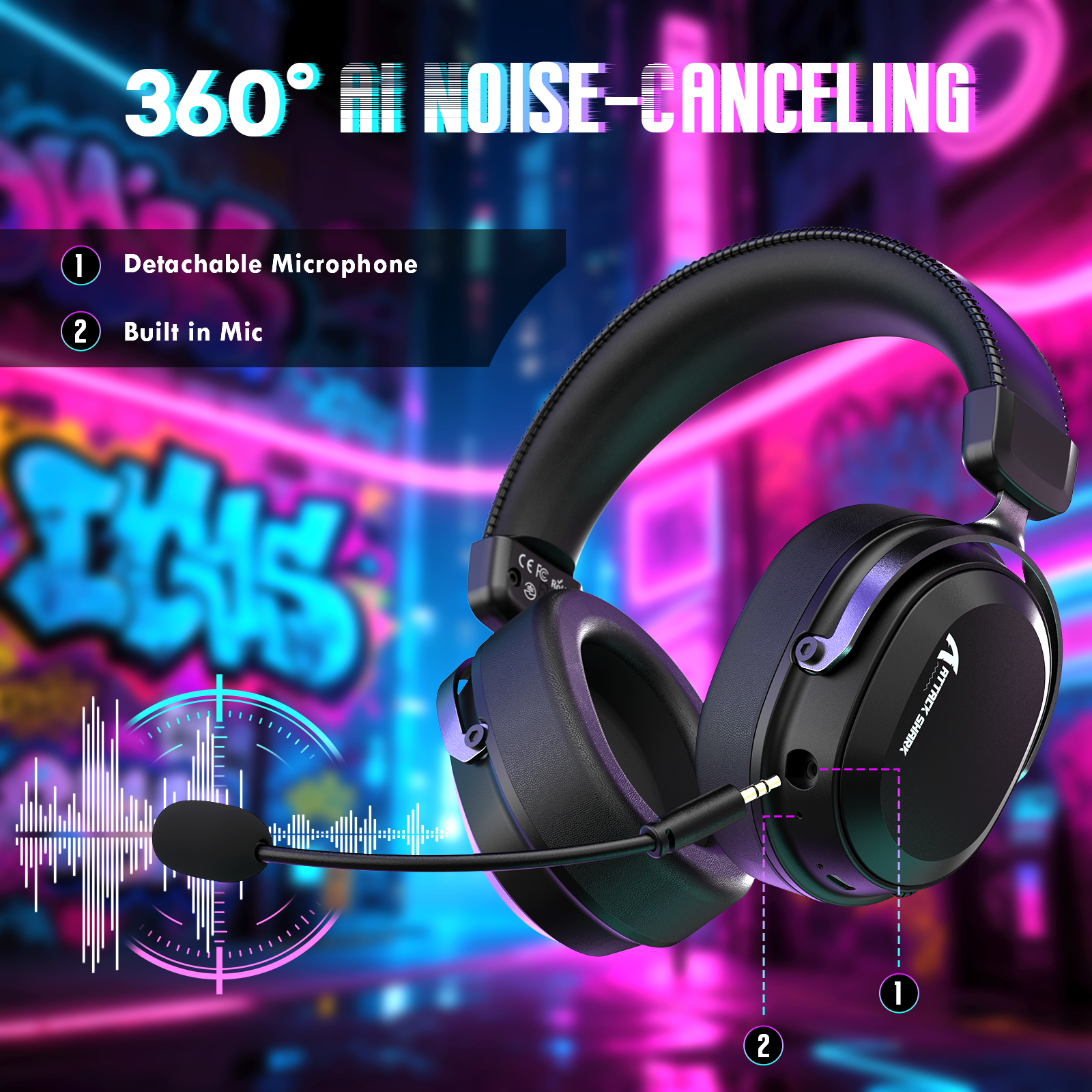
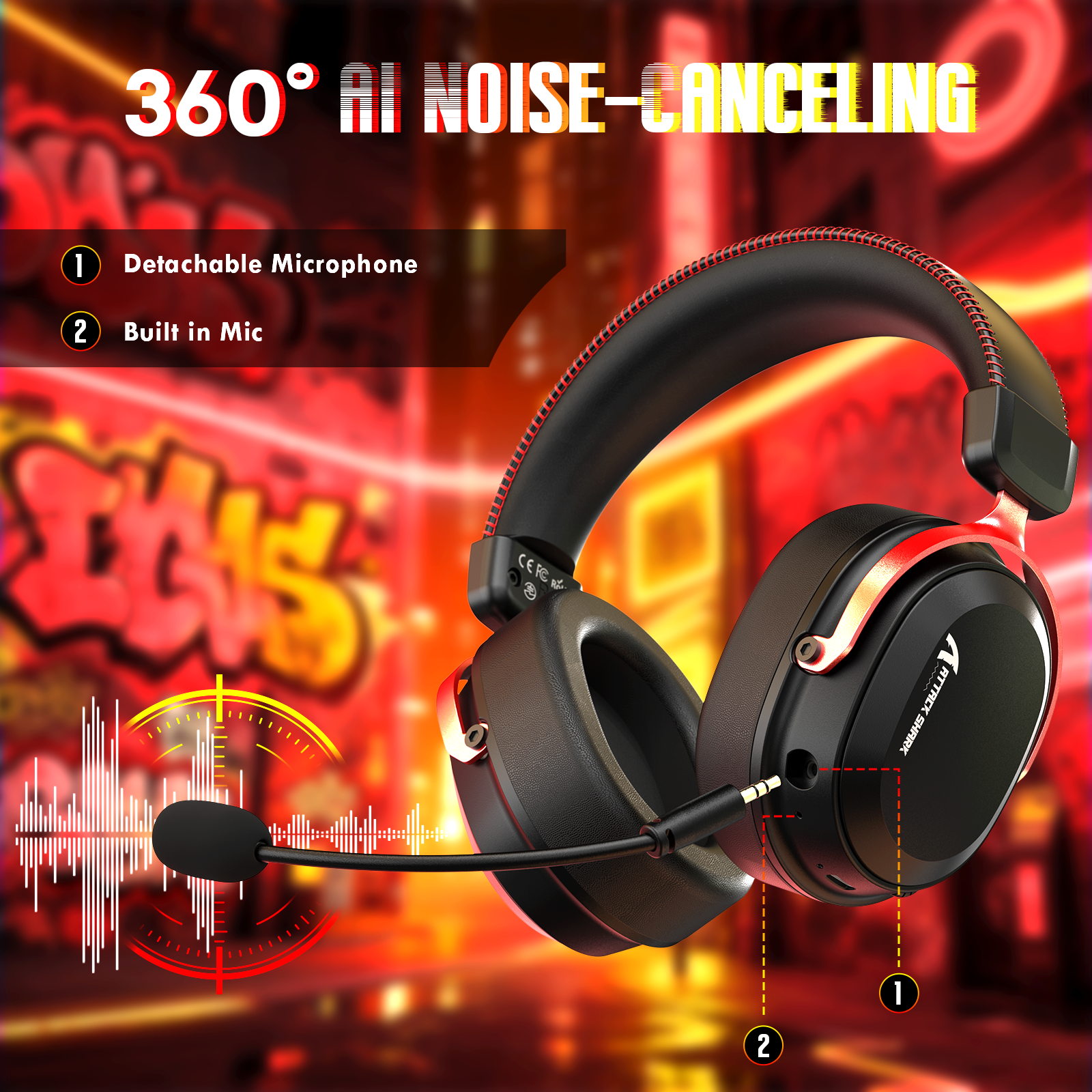
- This Bluetooth gaming headset features a detachable 360° AI noise-cancelling microphone for clear team communication and in-game voice chat. The built-in microphone is designed for everyday calls and mobile use. The detachable mic can be easily removed for travel, casual listening, or multi-device use.
-
Lightweight Comfort & Adjustable Over-Ear Design
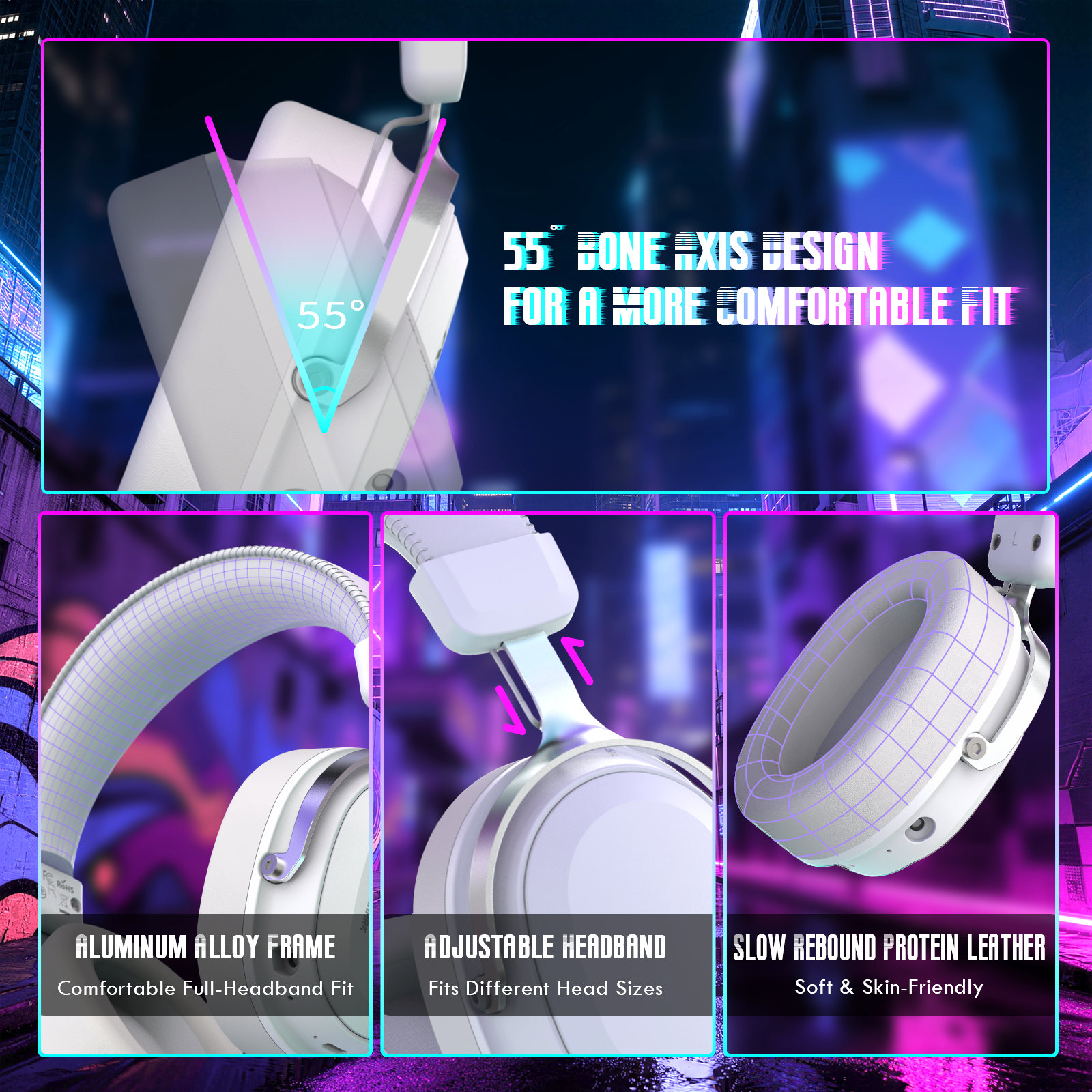
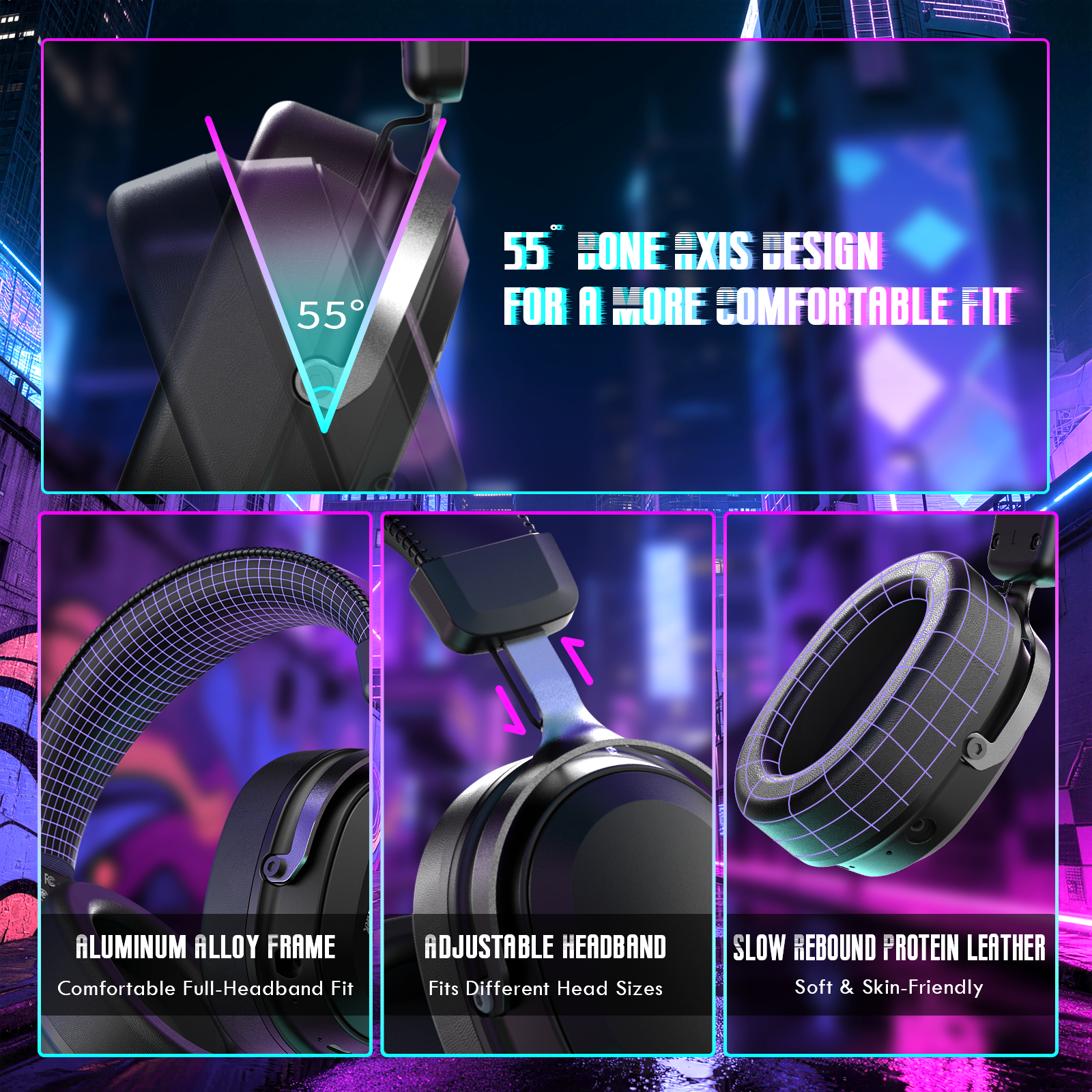
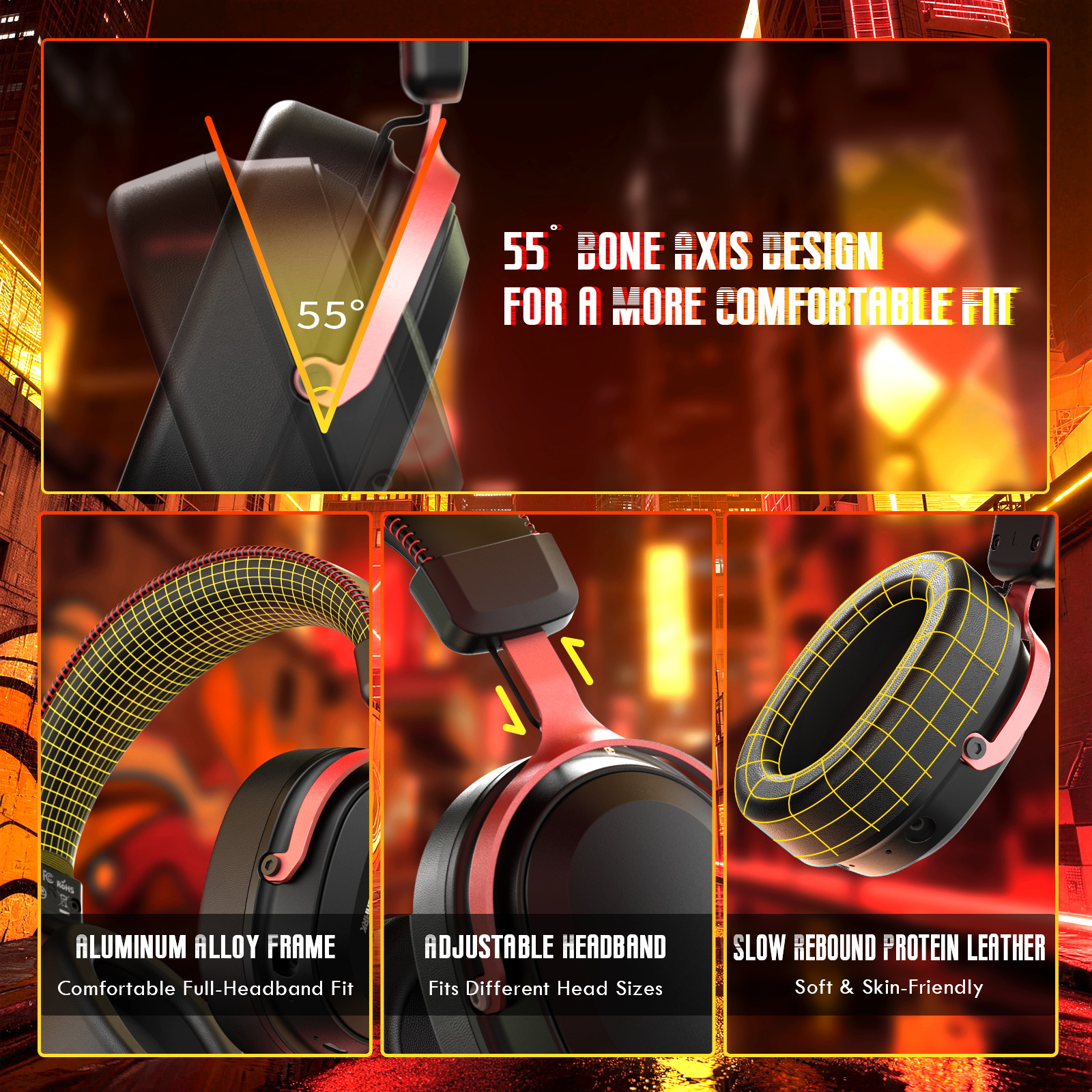
- Designed for long gaming sessions, the aluminium alloy frame with anodised finish offers durability without extra weight. Over-ear earcups with breathable protein leather and space-grade memory foam provide excellent noise isolation and pressure-free comfort. The adjustable headband ensures a secure fit for different head sizes, ideal for gaming, working or music.
-
Smart Audio Software & Long-Lasting Battery
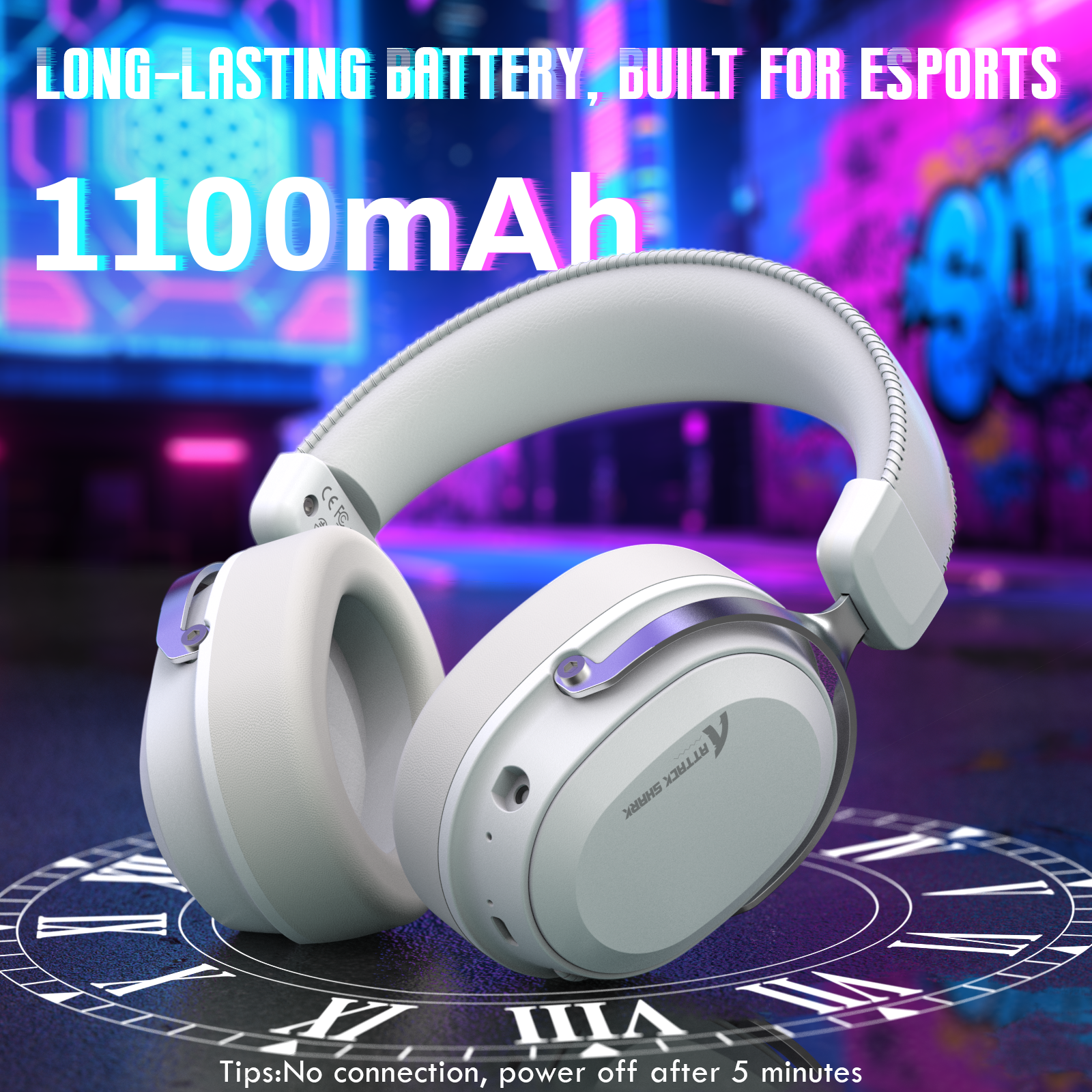
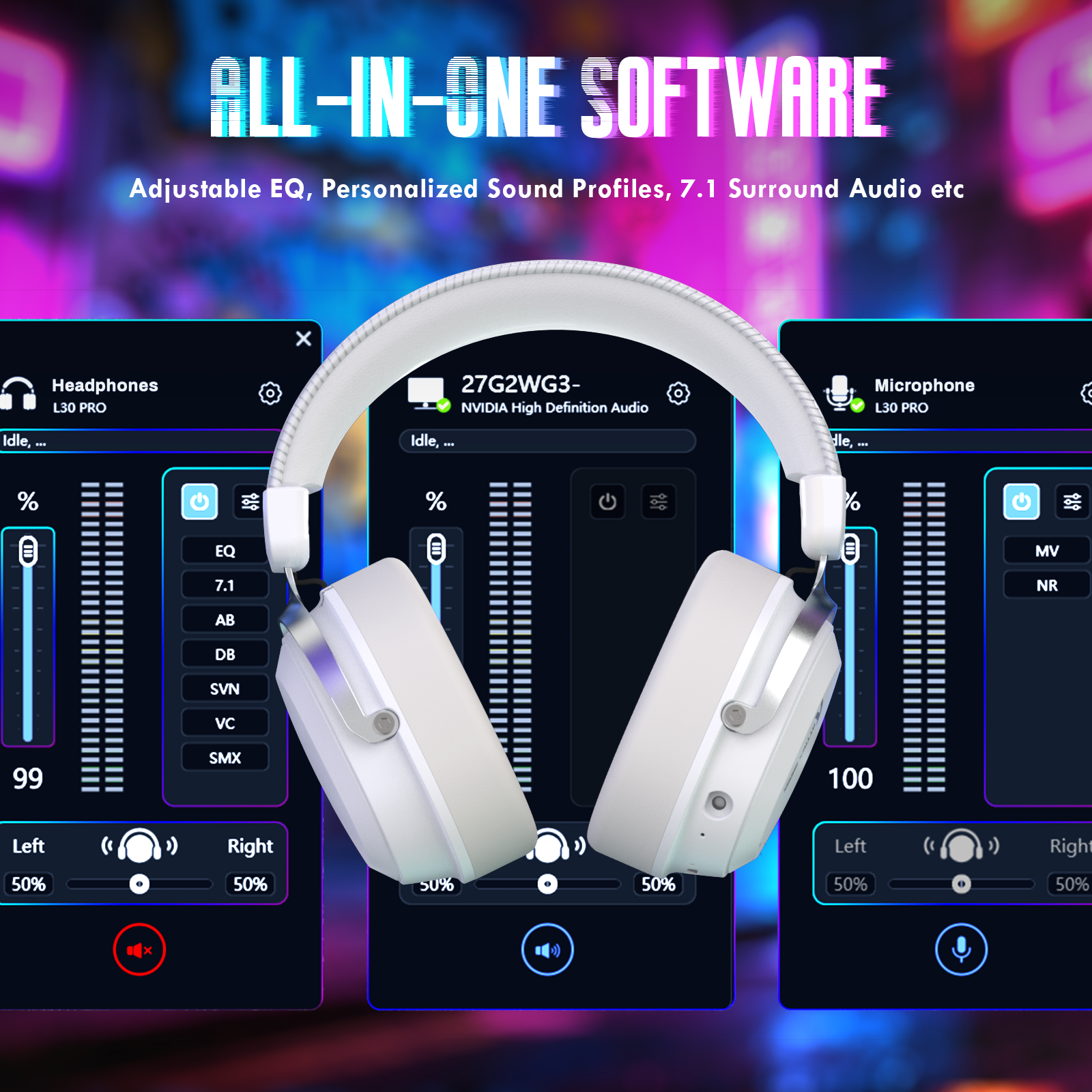
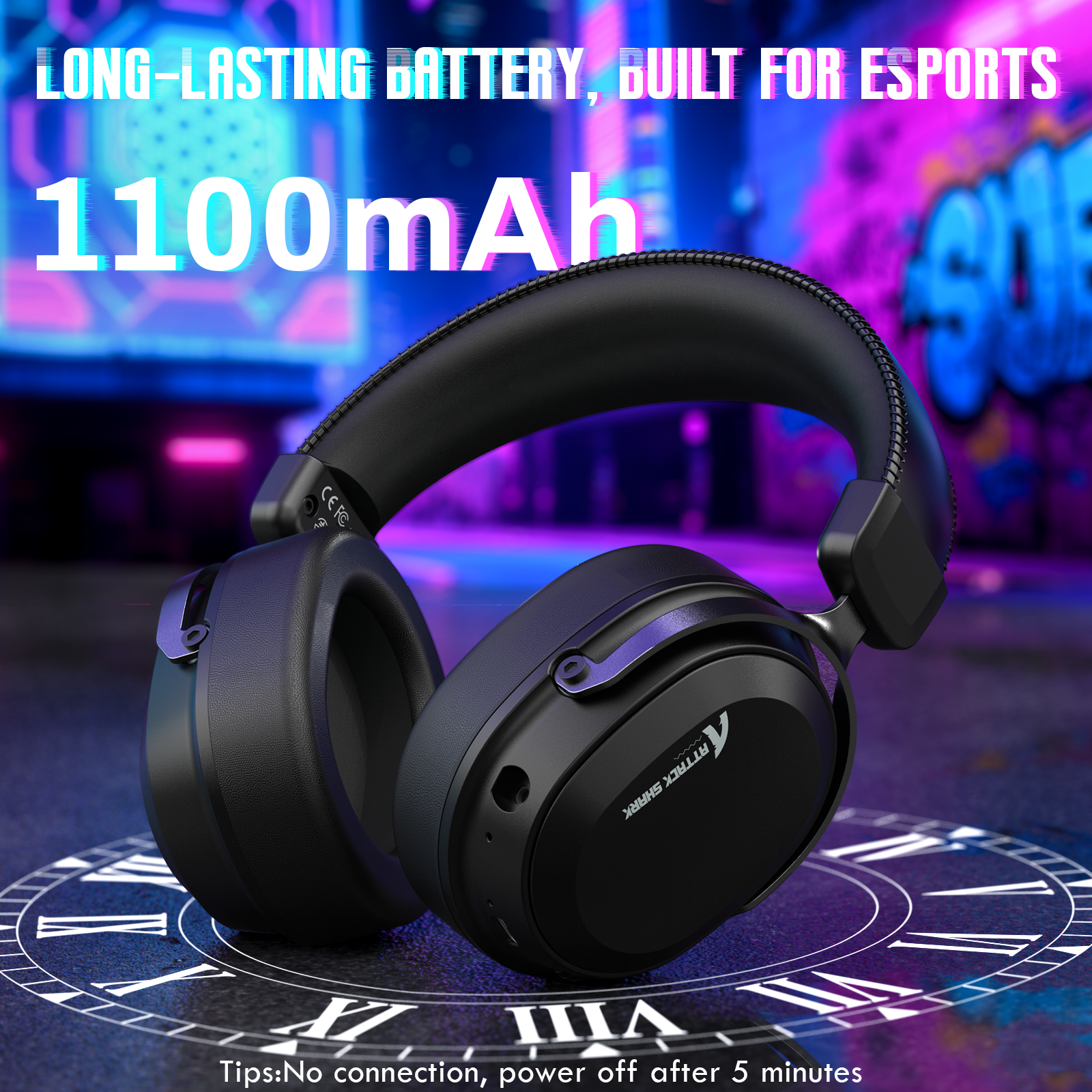
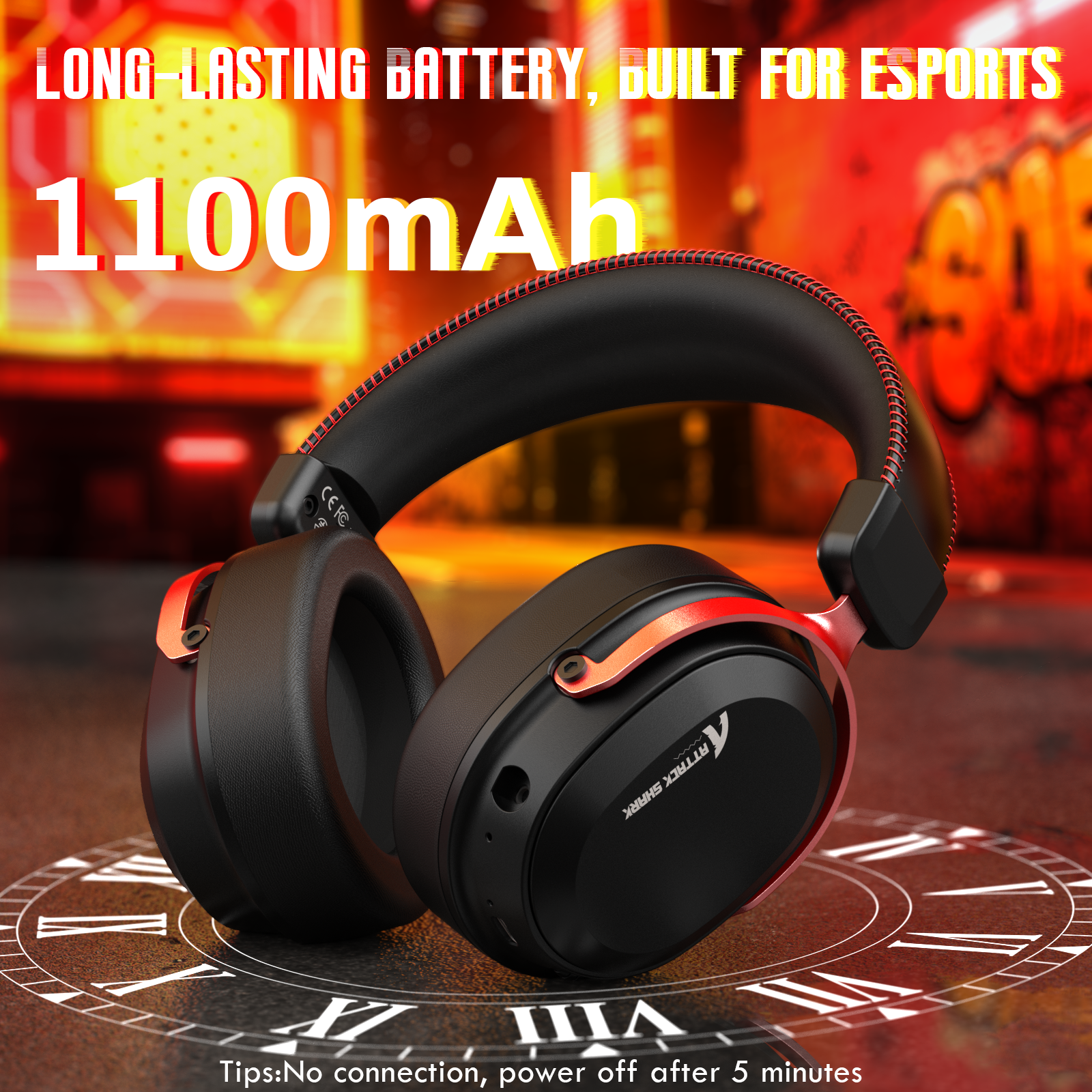
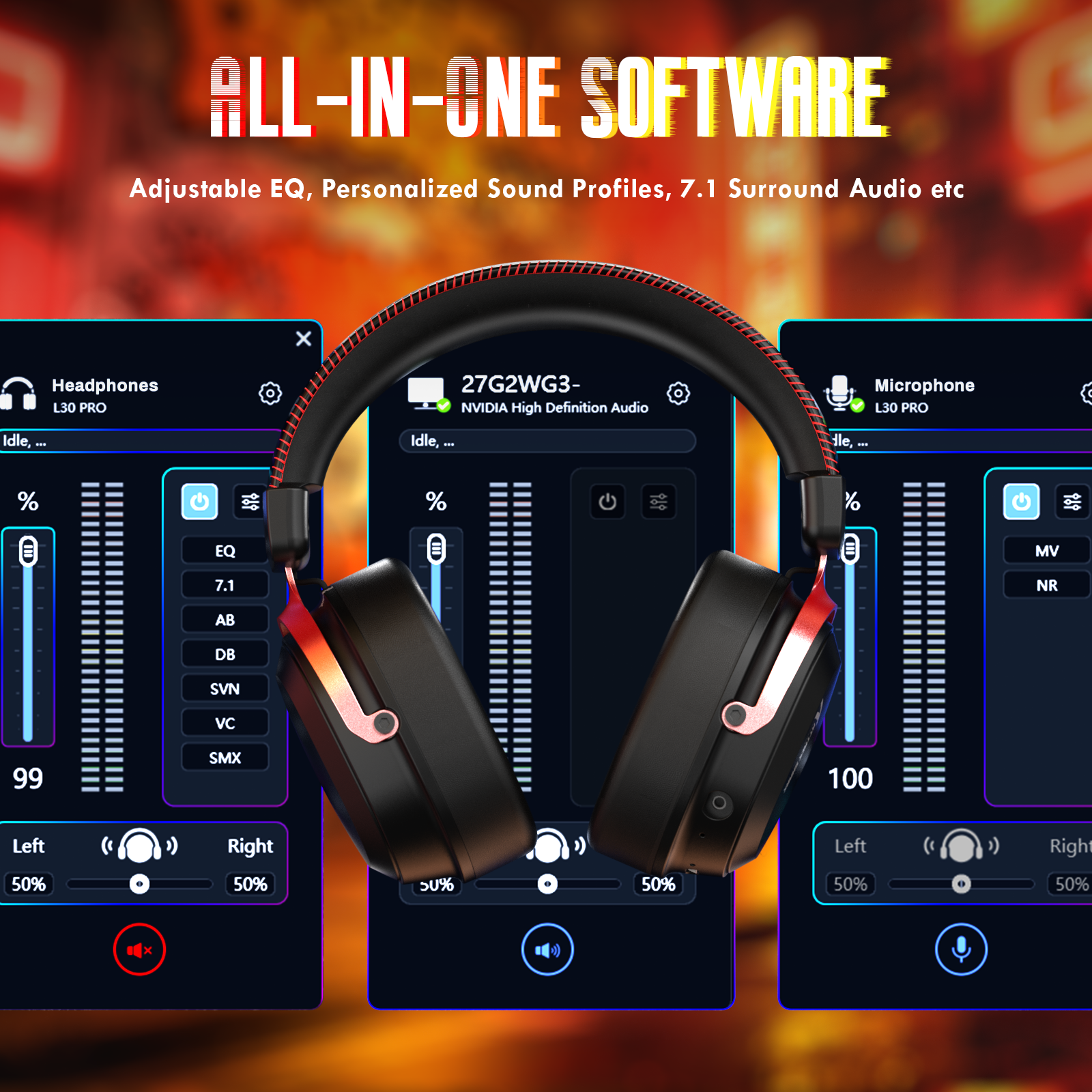
- This over-ear gaming headset supports intelligent driver software with advanced EQ tuning, scene presets and 7.1 surround sound control (software available in 2.4GHz mode only). Powered by a high-capacity 1100mAh battery, it delivers extended wireless playtime for marathon gaming sessions. Automatic power-off after 5 minutes of inactivity helps save battery efficiently.
FAQ
How do I install the L30 PRO software?
Plug in the L30 PRO receiver first, then install the driver software, restart your computer and turn the headset on. Units from the ongoing version update need the new software. If you are unsure which batch you have, install the older version first to check compatibility. Follow the L30PRO Driver Installation Guide in the Downloads section for each step.
Does the L30 PRO microphone detach?
The L30 PRO has a detachable 360° AI noise-canceling microphone for team chat and in-game voice. A second, built-in microphone handles everyday calls on the go. Remove the detachable mic when you travel or just listen to music, and the built-in one still covers your calls.
What battery does the L30 PRO use?
The L30 PRO runs on a 1100mAh battery for extended wireless play. It switches itself off after 5 minutes without use, which saves charge between games. Smart power-saving protection also guards the battery while it charges. Charge it after a long session so it is ready for the next one over 2.4GHz or Bluetooth.
How does the L30 PRO connect to my devices?
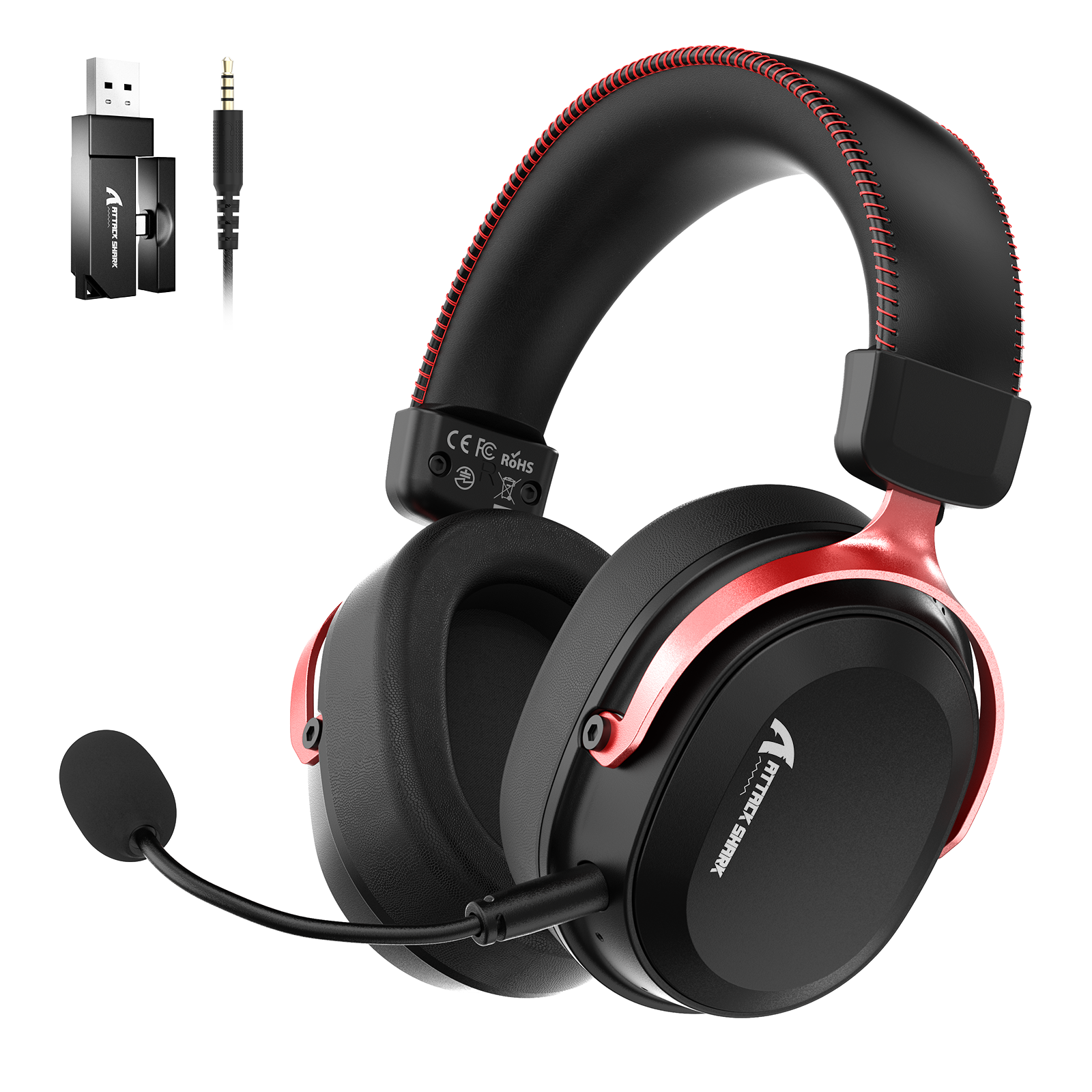
The L30 PRO connects through a dual-port 2.4GHz receiver with USB-A and Type-C plugs, over Bluetooth, or with a 3.5mm cable. Use the receiver for PC, laptop, phone or tablet play, Bluetooth for a Nintendo Switch, and the 3.5mm cable for a wired PC setup. The L30 PRO stays connected up to 10 meters away. Choose the L30 PRO if you switch between a PC, a phone and a Nintendo Switch, because the one headset pairs with each of them.
How do I turn on 7.1 surround on the L30 PRO?
Turn on 7.1 virtual surround in the L30 PRO driver software while the headset is connected over 2.4GHz. The same software sets the EQ modes and scene presets. With surround on, the 50mm drivers help you place footsteps, gunfire and enemy direction in FPS games.
I wrote a review and lost it :( too bad thats 10 minutes of my life gone. But i recommend this headset as it has great performance value.No mute button not a problem for me just set a keybind .
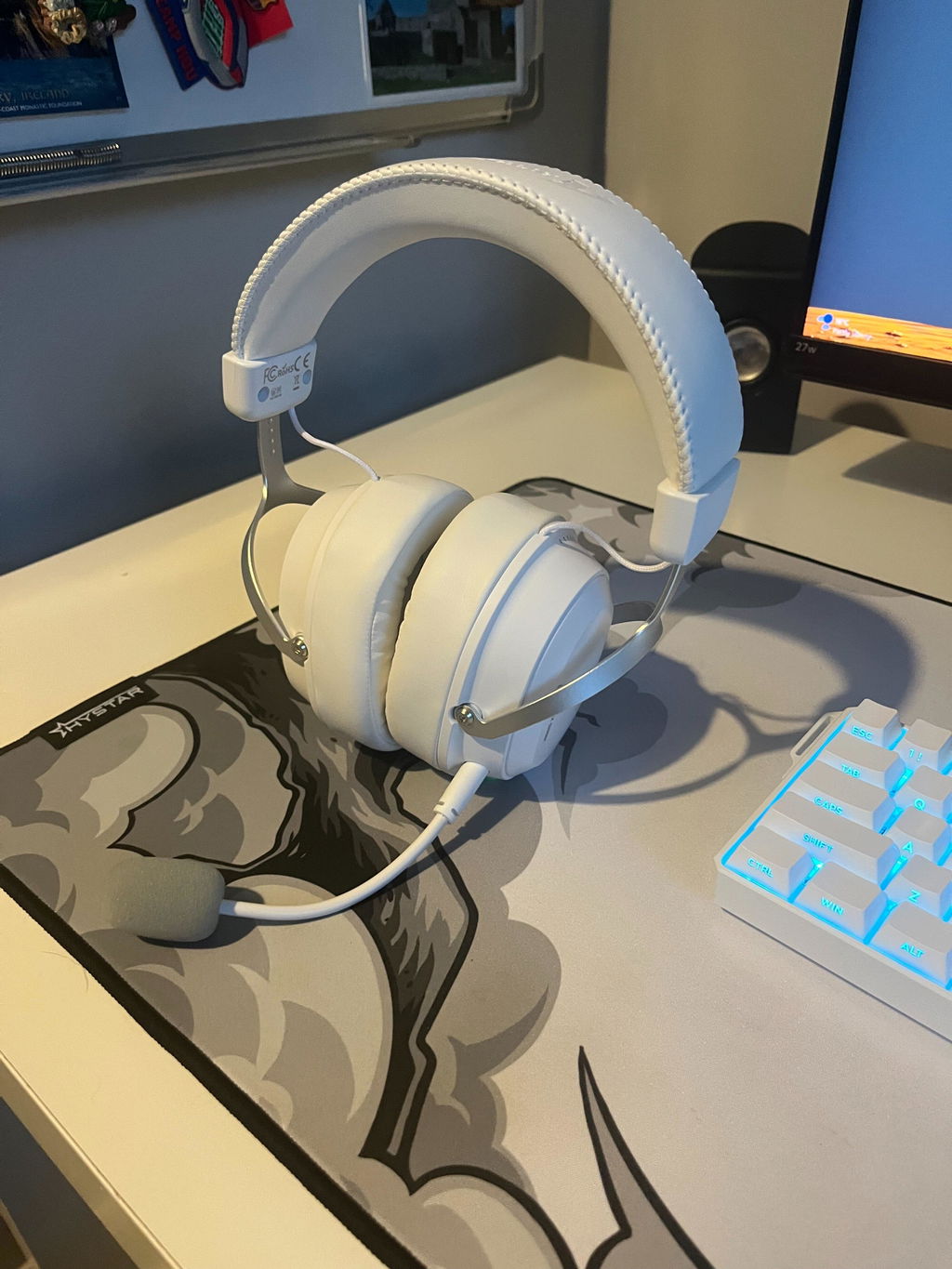
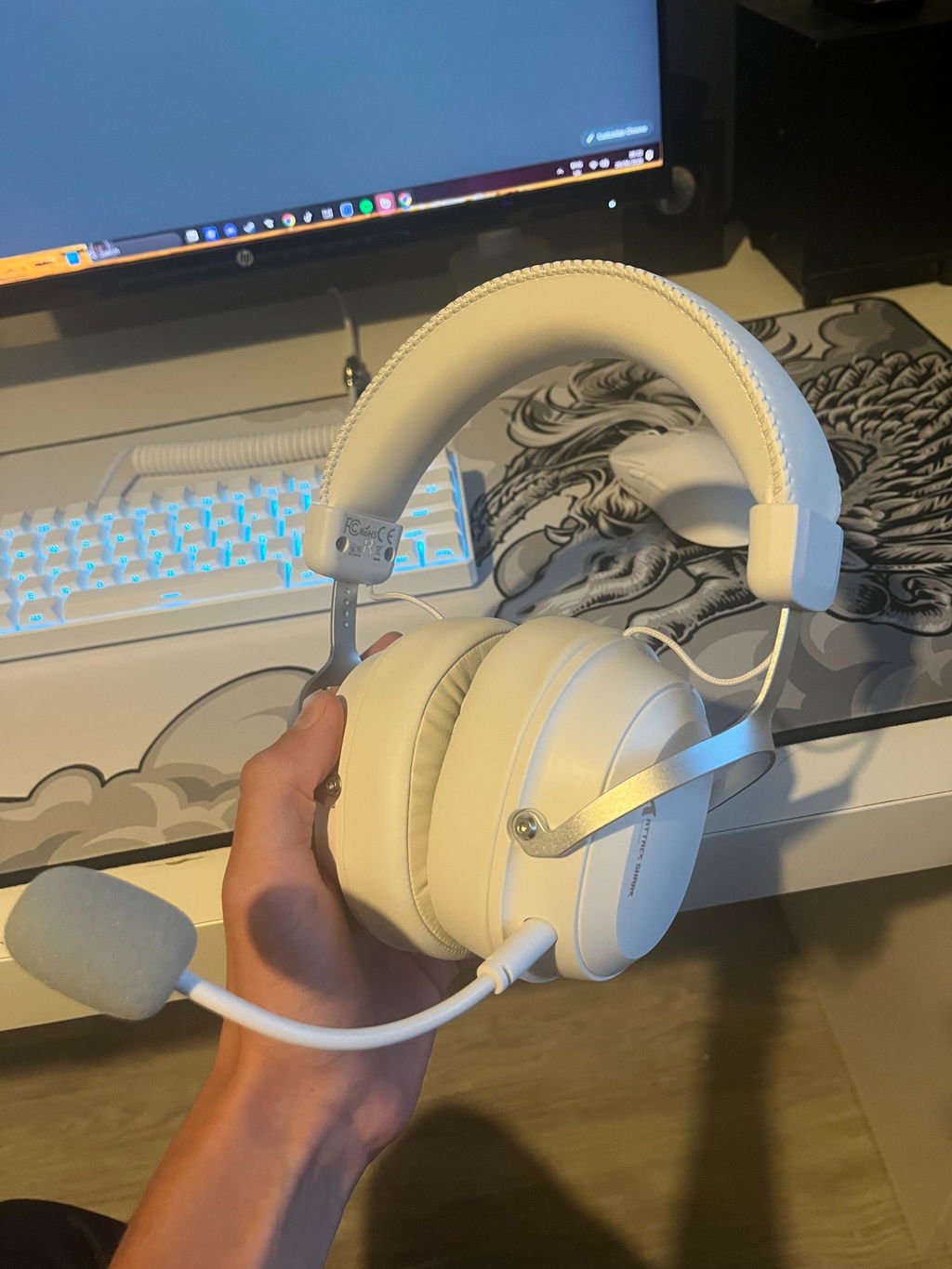
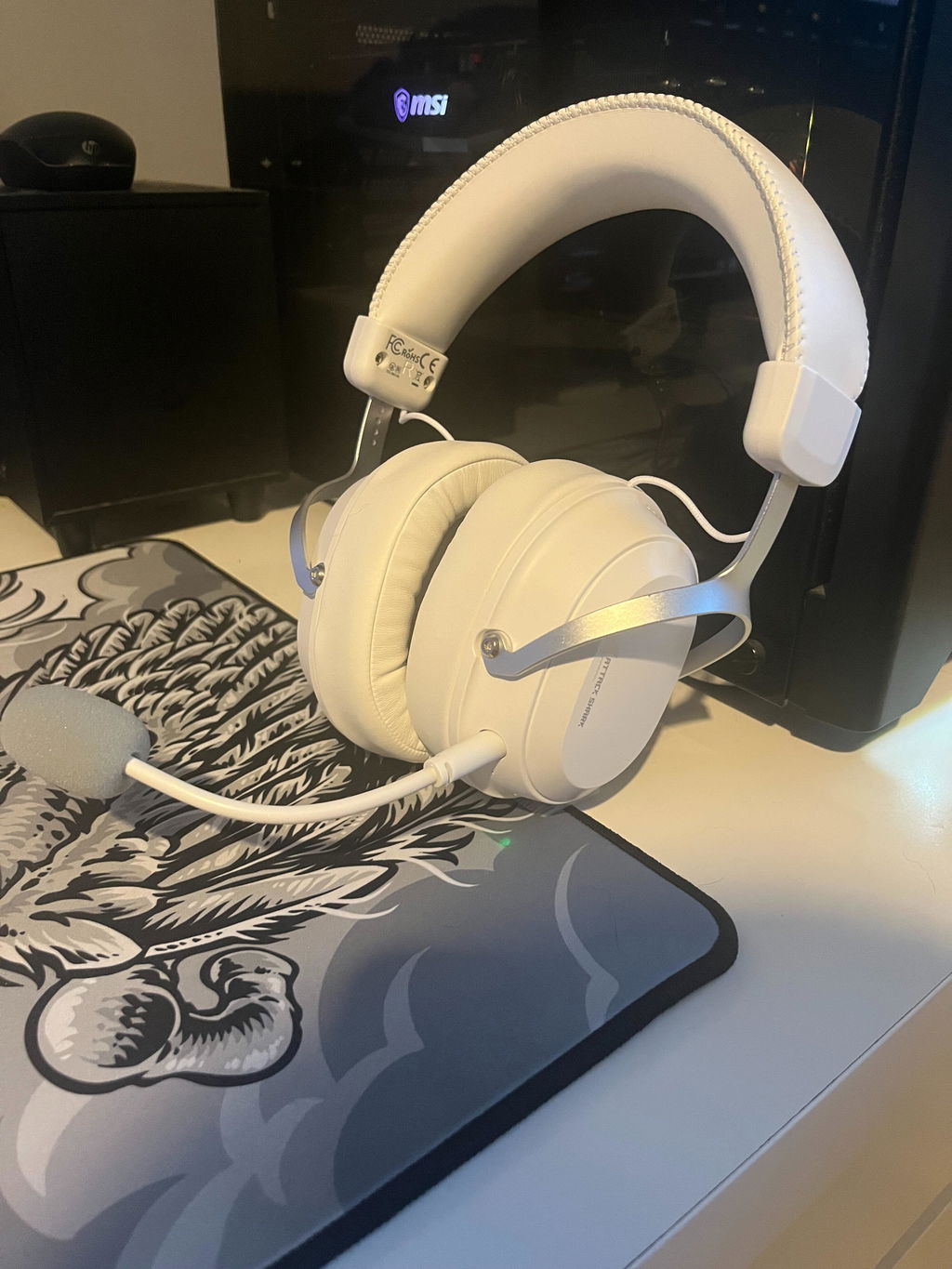
I'm very impressed with the overall comfort and build quality of these versatile, multifunctional wireless gaming headset.To show their versatility I'm actually using these with a practice amp for practicing bass guitar, they work excellent for this purpose.The headset has excellent comfort with a solid build quality including lightweight aluminum adjustable features and very well padded over ear pads.The sound quality is very good , I'd definitely consider these to be good value and a solid head set comfortable even for prolonged use and with 7.1 surround sound capabilities and Bluetooth or wired options its a solid piece of equipment for gaming or music.

These headphones really surprised me. They fit perfectly and are so comfortable on the ears, which is a huge plus for me. Listening to music with them is a whole different experience; the sound precision is at a level I haven't heard in any other headphones before. Even the build quality feels premium and exceptional. 🎧
The only downside is that I still haven't found the PC software they promised, and I’m planning to contact customer support to get a download link. This is important because the microphone is currently a bit disappointing; my friends say I sound very quiet even though the mic is right near my mouth. I'm waiting to see if the software fixes this issue, because other than that, they are honestly great.
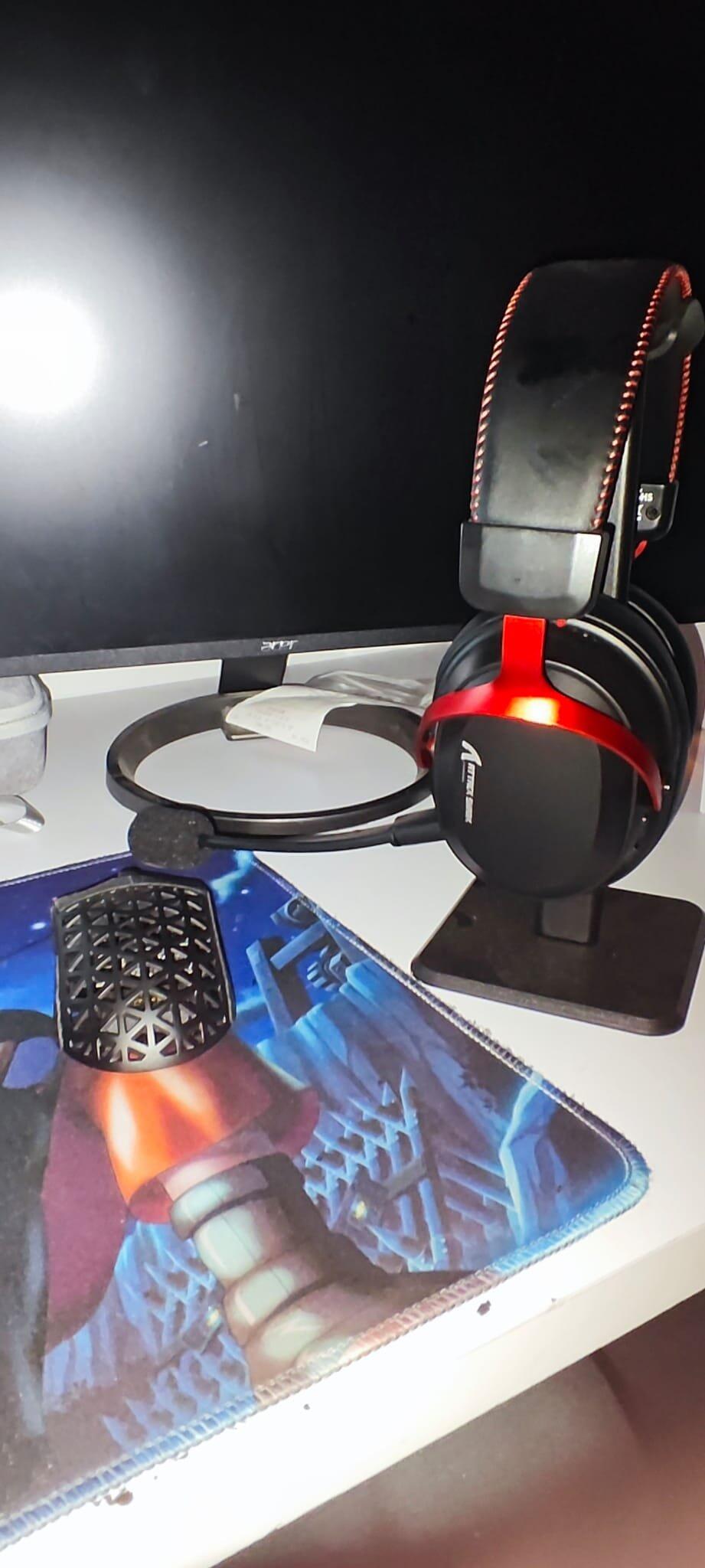
For headphones with gaming labelling, these are surprisingly good. They feel well made, the material quality is decent, and the attention to detail, such as the red stitching, is excellent. They also look great with the metallic red accents.They’re comfy on, with dense padding on both the ear pads and headband. The fit is good on my big head, and the ear pads seal over the ears well. The on-ear controls are straightforward, with two buttons and a volume dial, and they get more than loud enough for my use.It’s worth noting that while the ear cups tilt to adapt to head shape, they don’t rotate DJ-style or fold up for compact storage in a bag.In terms of audio, the restraint I mentioned in the review title is what stood out most. Rather than being overly bass-heavy and boomy, they sound refined. Vocals and in-game elements are crisp and clear, mids are present, and the bass comes through with controlled weight rather than being loose or lairy. The soundstage is wide and immersive rather than narrow or overly focused. In CS2, sound placement was spot on, and using the included dongle, any latency was minimal, if noticeable at all. Your mileage may vary here depending on the connected hardware as much as the listener.The included dongle works with my desktop via USB-A or USB-C, and with an Android device over USB-C. While it technically supports USB-C, the physical design means it doesn’t fit well in recessed rear I/O ports, but it works fine in case-mounted ports or on laptops where there’s more clearance around the connector.These aren’t audiophile-grade headphones, but they sound good in both gaming and music use, are comfortable to wear, and the connectivity is excellent.They’re better than I was expecting, especially at the current £35–£40 price point.


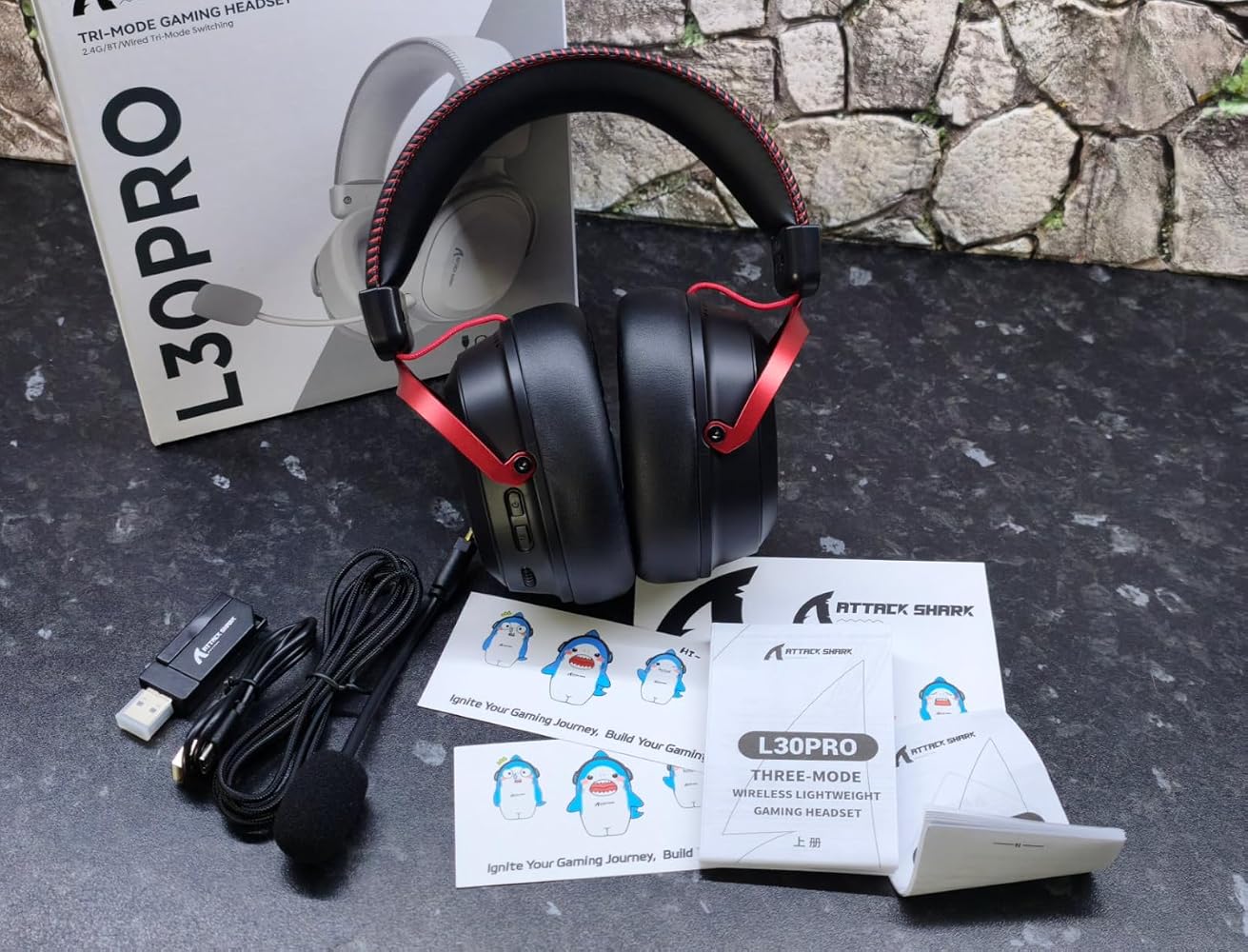
I ordered these for my grandson to use when he stays over at the weekend.They have a cool look with contrast stitch work and don’t cost a fortune.Connectivity is very flexible. He tends to use them wired but he can choose to use them wirelessly and they worked straight away.The red colour looks sharp and they don’t look cheap. He was genuinely excited when he opened them.Battery life is very good and sound can be personalised and different modes set up.He can fine tune the audio and downloading the software is straightforward.He can tell where footsteps in his game are coming from and noise cancelling is very good - his friends can’t hear my TV in the background.It’s a great headset. It sounds great without spending too much. It’s mostly plastic but feels very lightweight, comfortable and soft, and I think they’ll survive a drop or two.It arrives with clear instructions, cable, dongles and a 6 month warranty which speaks to reliability and quality.I hope you find my experiences helpful.
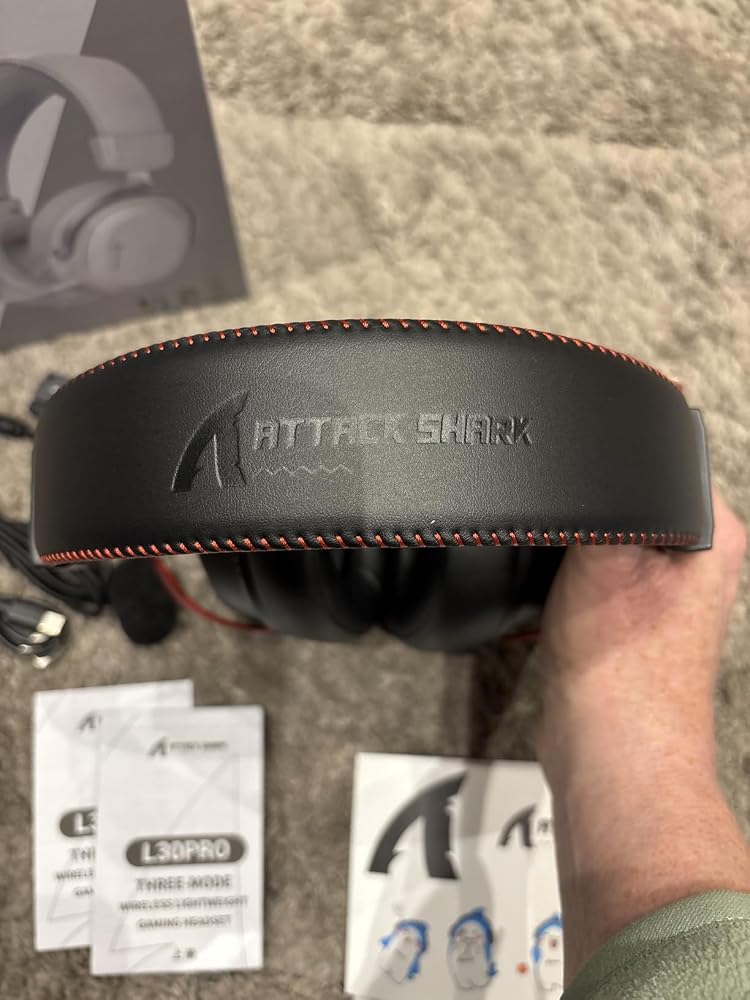
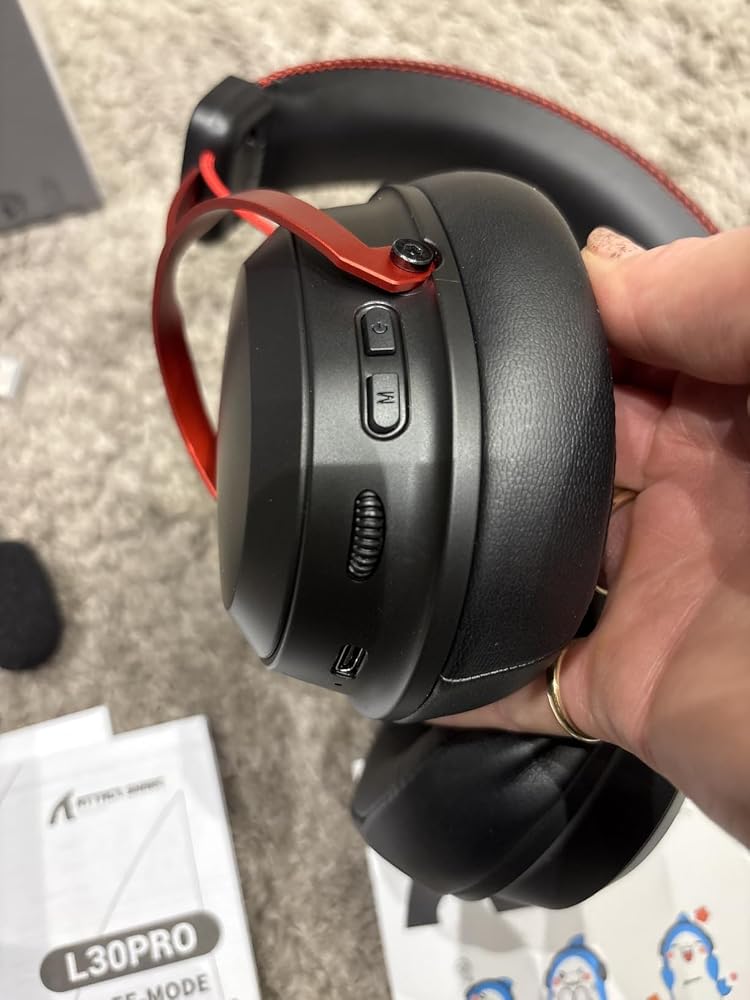


Excellent value budget headphones. The sound is pretty good for the price and much better than i was expecting.Connectivity is excellent via Bluetooth but can also be wired which is really handy. They are well padded which helps when worn for a few hours. The mic has an excellent noise cancelling feature for any background noises when gaming/chatting. The mic can also be removed to save damage when travelling or as it’s a pain when using for audio only purposes. All controls are via the app to adjust volume, equaliser settings. Value wise I would say about right for the quality of sound and build (time of review £43).


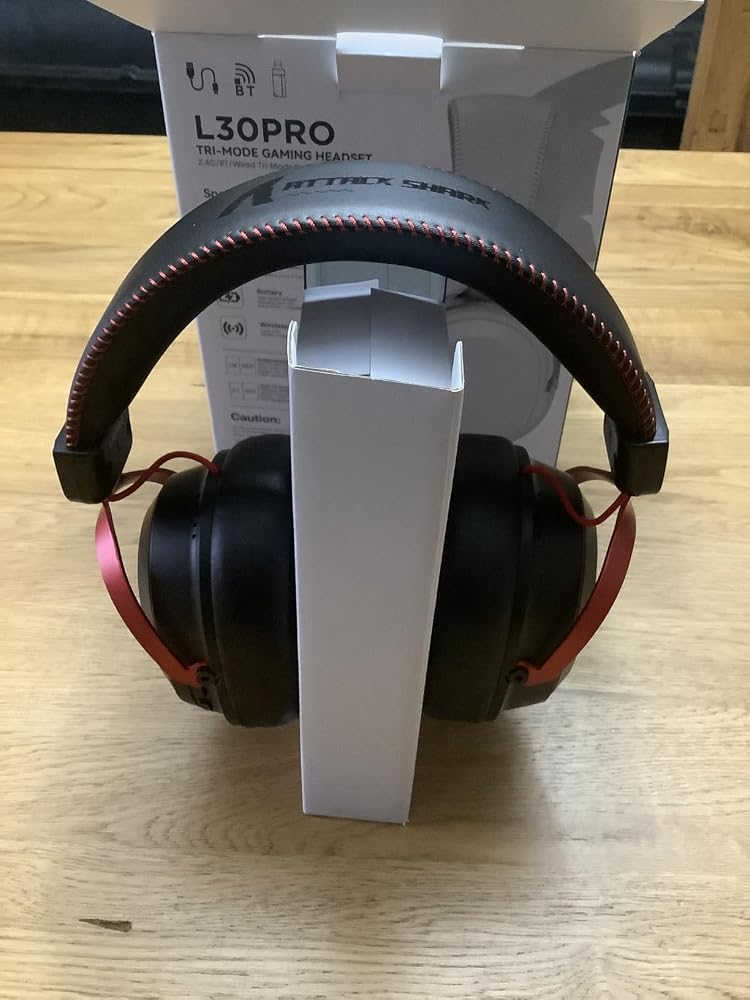

very good for the price works perfectly
The headset is good but the only problem is my software, it doesn't work. Do you think you can make a online version for people to do it instead of downloading the whole software? Thank you.
Comfy but the sound quality isnt good
theyre super nice but my only issue was that when id use the cord that connects the headset to my controller— my mic echos my ingame audio, im not sure if the headphones are broken or they just do that:( if anyone could help that would be great. (yes I tried turning down my volume and microphone level but it doesnt work) note: im on ps5 & prefer to use wired since im not a fan of the weird noise cancellation and the sound of wireless/bluetooth
Bought this headset looking for price and get impressed by the quality of sound. Bass is perfect btw.
I've just bought this headset today but it has a one problem, software is missing, u can download sotfware but can't run it. PLEASE make a new sotfware as soon as u can cuz I can't disable 7.1 surround sound!
The microphone picks up my voice very quietly. When playing games it is very hard to understand where the players are coming from. The software does not work. It is comfortable tho.
7.1 NOT WORKING ON OLDER UNIT I BOUGHT RECENTLY I DOWNLOADED OLDER VERSION DRIVER IT WORKED BUT NO 7.1
THEN I TRIED THE NEW VER DRIVER NOT DETCTING ANYTHING
asddawdasd
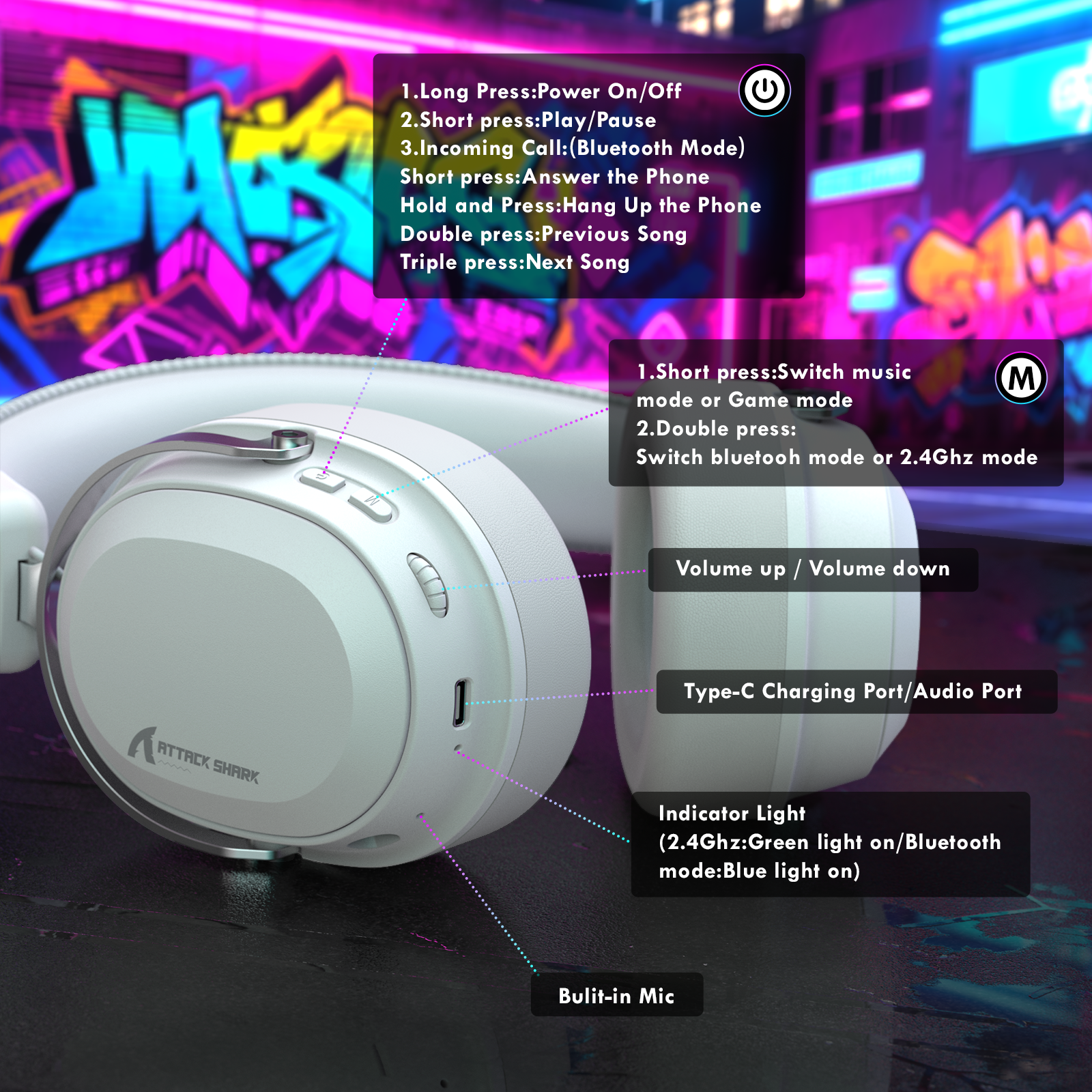
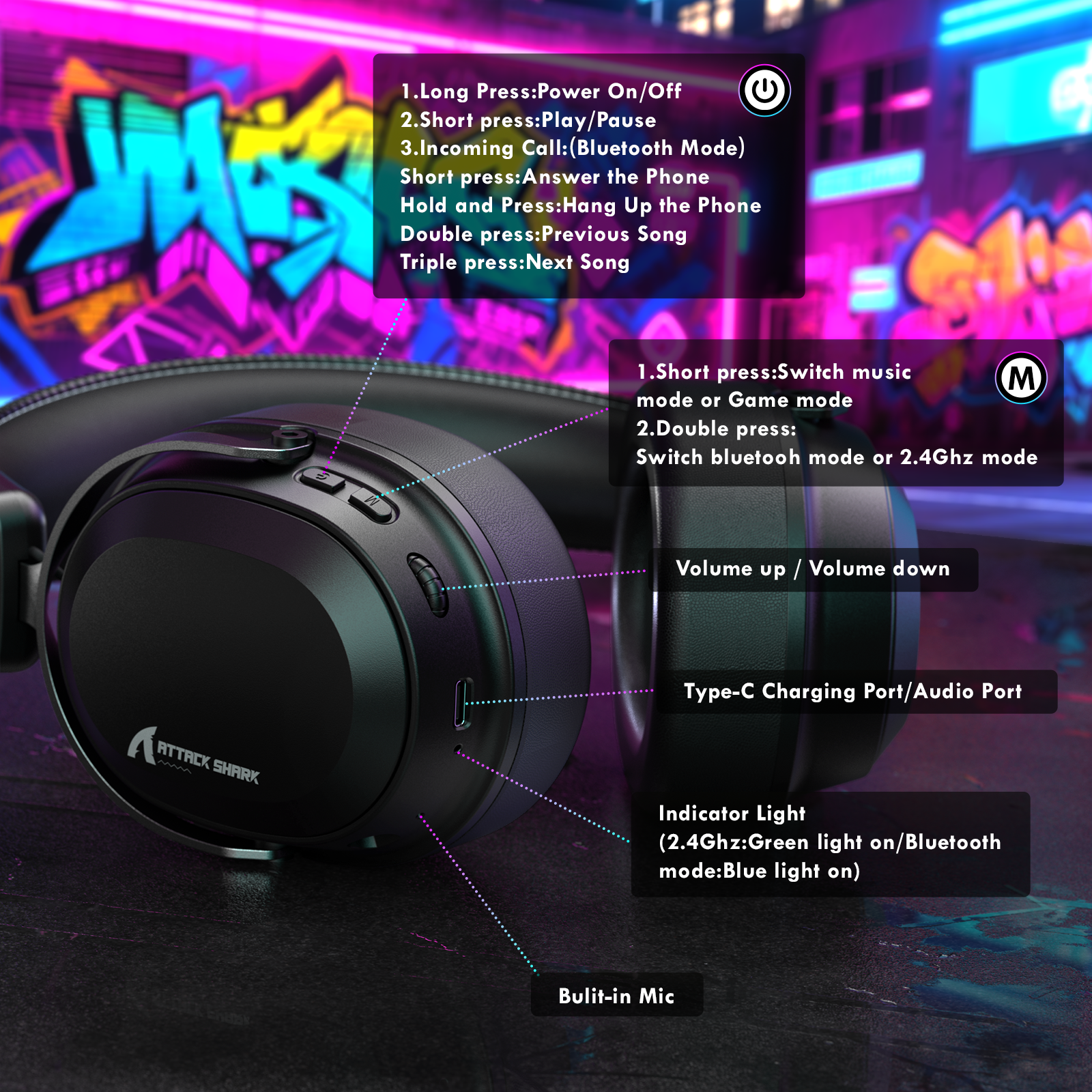
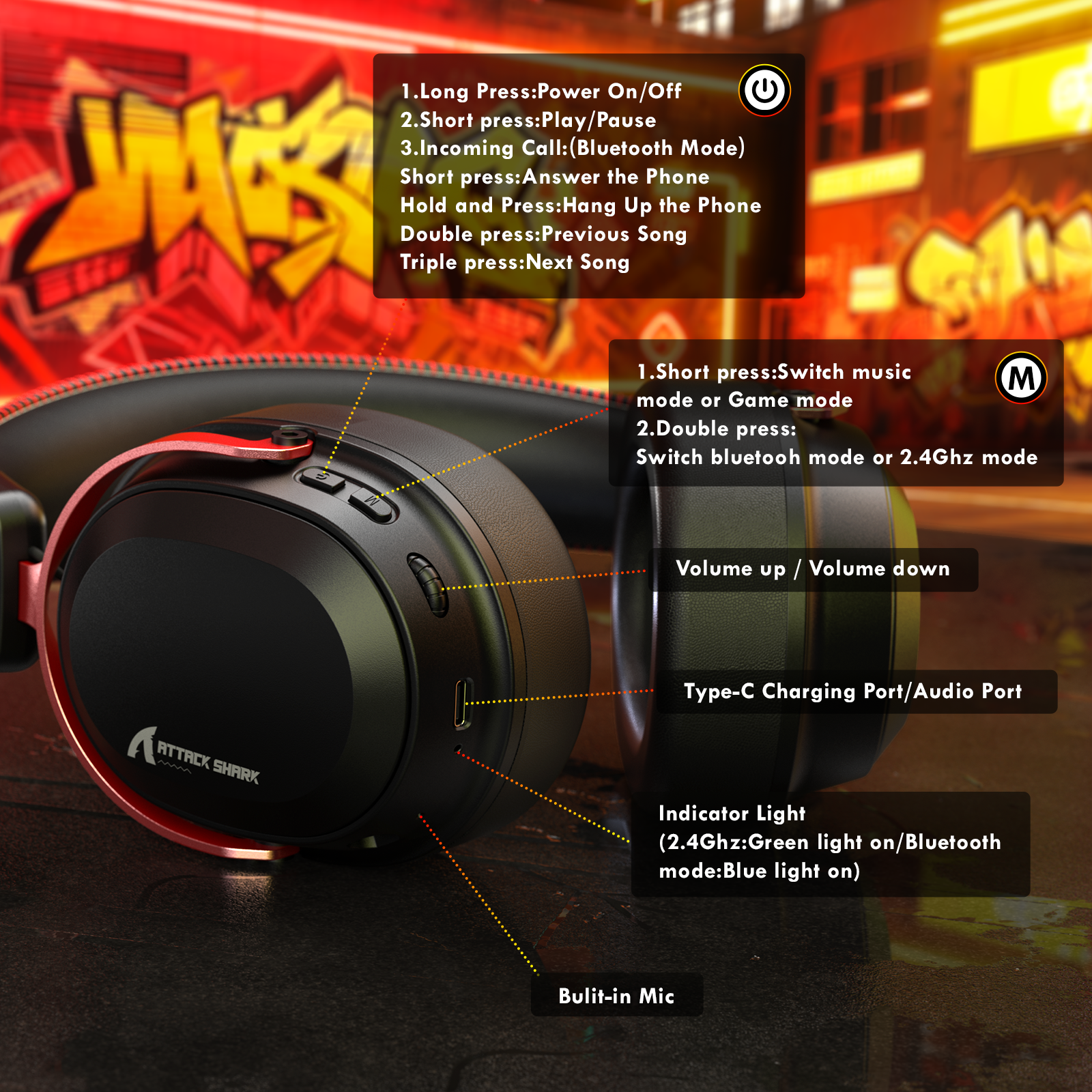
I have tried a lot of Attack Shark gaming accessories, so far I have been impressed with the quality and price.This L30pro wireless gaming headset is usable in three modes, either by Bluetooth, 2.4ghz (adapter supplied) or wired. I used these in both Bluetooth and 2.4ghz mode.In wired mode you just connect up the 3.5mm supplied cable and plug it in and it just works, 2.4ghz is the default wireless mode and you will need to use the adapter for this mode, Bluetooth mode is reached by double tapping the M button. It quickly connected with my Bluetooth and I tested it with music and gaming modes.Music sound quality is better than expected, it has good all round range and especially base, gaming sound quality is fine, thenp headphones encase your ears well and stop lots of external noise coming in so you can easily hear footsteps.Controls on the left headphone are easy to use, two buttons and a volume control wheel.If the 2.4ghz adapter is plugged into a PC then you will be able to download software that allows you to alter the EQ sound. This is currently unavailable by Attack Shark as its in testing.There is no mute button on the headphones, but as the microphone is removable you can just remove it so you can be heard.I found that wearing the headphones even for sometime was very comfortable.Well made and good quality and better than expected for music.
Got this today and what I can say about this headset, they are very comfortable even if I shake my head like crazy they won`t fall, basic sound for movies, music is very nice BUT, when I entered into CS2 match I through they are broken, sound was completley diffrent, I tried to find official software for l30PRO but didnt found them, so I just used other soft and sound is diffrent I still need time to get used to, fells like I switched from "Small drum sound" to "Solid Bass drum sound".
Anyway for this price is pretty solid headset
I much prefer to use open-backed headphones when gaming as they give a far better soundscape than closed backs, but if you really must contain it all in your head, then these are not a bad budget offering from Attack Shark.Build quality is great for a sub-40 quid gaming headset, and they feel like they would last. The metal yokes and the stitched headband all feel premium.Comfort-wise, they have deep pads so your ears don't touch the drivers, and that's something I appreciate.Sound: They are far too central for me, and it all sounded congested, but I then put on a pair of my favourite closed-back headphones, and they were not much different. I guess I have been spoiling myself.Bass: Gunshots sound solid, but it's a bit muffled.Mids: these are V-shaped, so the mids are not really revealing; they are recessedHighs: not bad, but nothing special.Imaging: Pretty basic, and that's where the closed backs just don't do so well. They have a very narrow soundstage, and so you don't really hear things placed in the distance; they just sound left or right.You get great connectivity, though, both Bluetooth and 2.4 ghz as well as a USB-C to 3.5mm cable, and for me, that was the best option, as the sound quality seemed to be better.For a budget set of gaming cans, these are fine, and they would please any novice or someone who does not fancy spending a lot. They will handle a few knocks due to the robust build quality.
I've used some other Attack Shark products (mice & keyboards), and been pretty impressed; their products aren't massively expensive but are extremely good quality and do what they do very well. These L30Pro headphones follow this tradition; they're exceptionally good headphones for the price here. The integrated mic. usually means they're a gaming headset intended for PCs & consoles, but they also have Bluetooth and 2.4g wireless functions...AND a 3.5mm braided cable, so they'll connect to nearly anything. They're supplied with a USB-A dongle, and a USB-C dongle that fits inside the -A dongle (neat !) along with an unusual 3.5mm jack-to-USB-C which I'd never seen before, but worked fine. On my PC, I need a wired connection to use a Soundblaster GC7 external sound-card, and connecting these up was simply a case of connecting the cable, and games and YouTube immediately sounded very slightly better than my usual Logitech ProX headphones. I also tried both dongles, and they're very seamless to connect up - you plug in the dongle to the relevant port (including USB-C on my phone) turn on the headphones, and they pair up automatically.You can also connect them via normal Bluetooth from a laptop or phone, which requires double-clicking the mode switch under the power button, then pairing them via the usual Bluetooth way. Once you figure out the double-tap part, this was similarly seamless.Overall sound quality is heavily dependent on your source, and using something like a gaming PC with a sound card was great no matter how it was connected up. My phone didn't sound quite as great, but then things like podcasts or Instagram Reels are very variable in their sound quality. At the time of testing there was supposed to be a PC driver/utility but it wasn't available for download from Attack Shark's website, so I couldn't try this out. They also feature a "game" mode and a "music" mode, although I couldn't really tell the difference here, and a volume rocker under the left earphone.Overall build quality is similarly not too bad; my Logitechs are slightly bigger and heavier, but, they're also more than double the price. Unless you have a physically really big head, your ears will fit inside the cups rather than "on" them, which is both comfortable and better for isolating the audio. The L30Pros are quite light if a little stiff right out of the box but this will ease up over time.In all, for the price here, these are really superb value for money and absolutely worth considering; again, I was pretty impressed here.
These are great headphones. They charge really quickly and last many hours.Setting them up is very easy. You have a few different ways you can do this and I preferred to use the usb dongle that is included. This registered them to my PC instantly and I only had to pick them out of the list to use them in an application. What I especially liked was that the dongle can be “split” with a smaller dongle being produced which will plug into a mobile phone (or something with a USB-C port). This is a great feature. You can also use Bluetooth if you prefer. I didn’t but I’m sure it would work fine.The controls while you wear the headphones are all on the left earphone, which means you aren’t trying to remember which side to fiddle with for a control. They are fairly straightforward anyway, with a rotating dial changing the volume and 2 separate switches you tap to control your inputs.One swaps between Music mode and Game mode, but there is nothing which tells you what these are and what the differences are; I guess it changes the sound spectrum. The other switch gives you control over phone calls and track selection. This can be useful if you are connected to your phone when using them.I thought the sound quality was really good, though I don’t have a well tuned ear. I think I would prefer if you could crank up the sound a bit louder, but it’s not a big problem. I also thought that the quality of sound when recording was excellent. I only used the detachable microphone as that it what I will use.The range from the dongle was pretty good; more than 10m with a wall in the way, though this lessened quite a lot with more walls. I don’t think this is a problem though as I will use them almost exclusively in the same room as it.I found them very comfortable to wear even for 4 or 5 hours though they may end up feeling on the heavy side for some after this sort of time.Added to all this, they look really good too!At £38.68 I think they are great value for money and I really like them.
The ATTACK SHARK L30PRO wireless gaming headset is a feature-packed option that brings solid performance and versatility at a sensible price. The red design is bold and eye-catching, and the overall build feels sturdy yet comfortable enough for longer gaming sessions thanks to the padded ear cups and adjustable headband.One of the standout features is the **tri-mode connectivity**. You can switch between wireless modes depending on your setup — whether that’s a USB dongle for PC, Bluetooth for phones and tablets, or wired if you want zero latency. This makes it useful not just for gaming but for everyday listening and media too.The **7.1 surround sound** and **50 mm drivers** deliver an immersive audio experience. Games feel more engaging, with clearer directional cues and deeper soundstage than standard stereo headsets. The multiple EQ modes let you adjust the sound profile to suit different games or genres, whether you’re focused on competitive shooters, RPGs, or music.Battery life is impressive as well. The 1100 mAh battery easily lasts through several long sessions before needing to be recharged, and switching to wired mode means you’re not stuck if the battery does run low. The detachable noise-cancelling mic is a nice touch too — it captures voices clearly during chat and can be removed when you just want to listen to music or cut down on desk clutter.Comfort and fit are good overall, with the headset feeling snug without being tight, and the ear pads stay comfortable even through extended use. Controls are easy to access on the ear cup, making volume and mode adjustments quick and intuitive.Overall, the ATTACK SHARK L30PRO offers a strong mix of performance, flexibility and comfort. For gamers who want wireless convenience, immersive audio and multiple connectivity options without paying top-tier prices, it represents good value for money and a versatile choice for both gaming and general multimedia use.