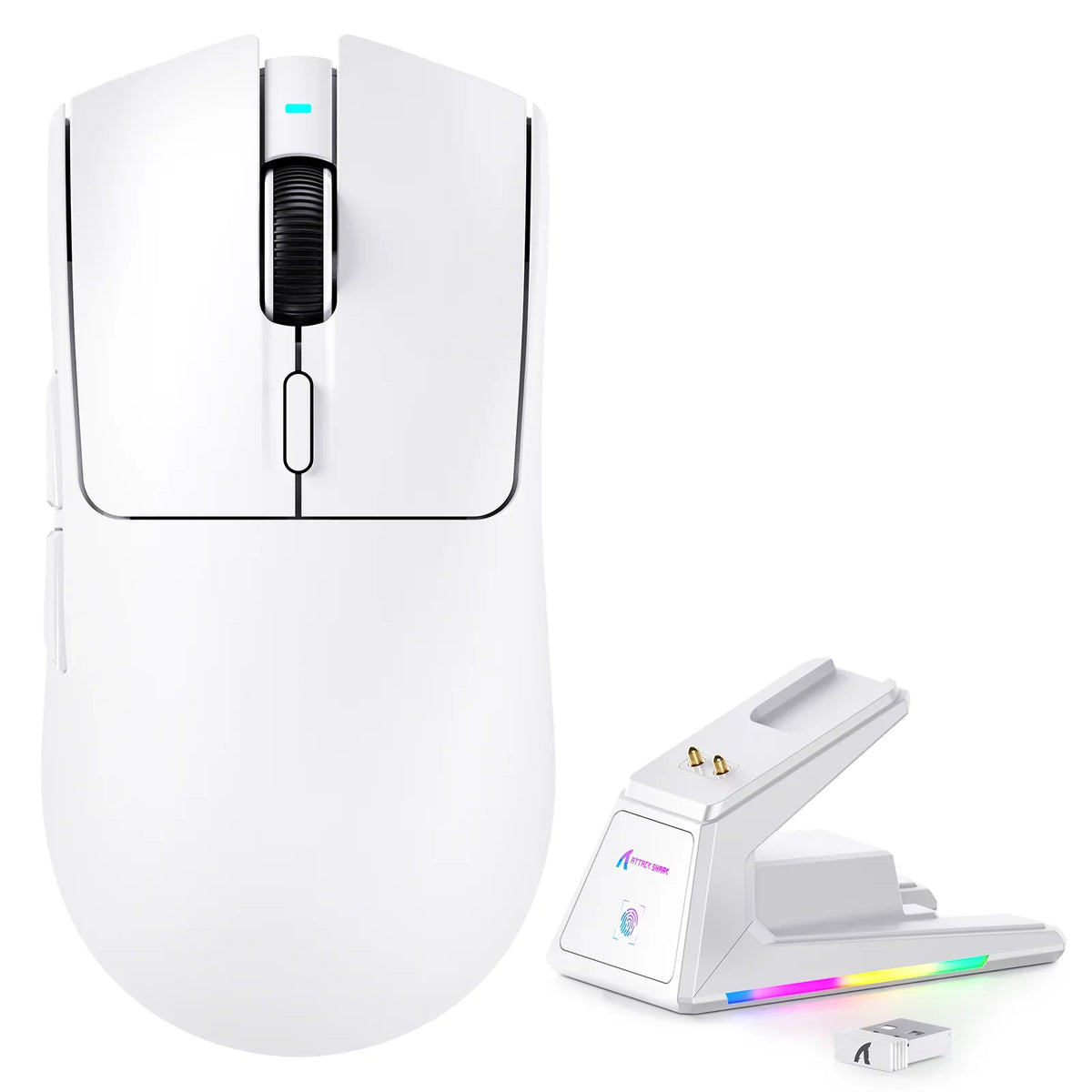
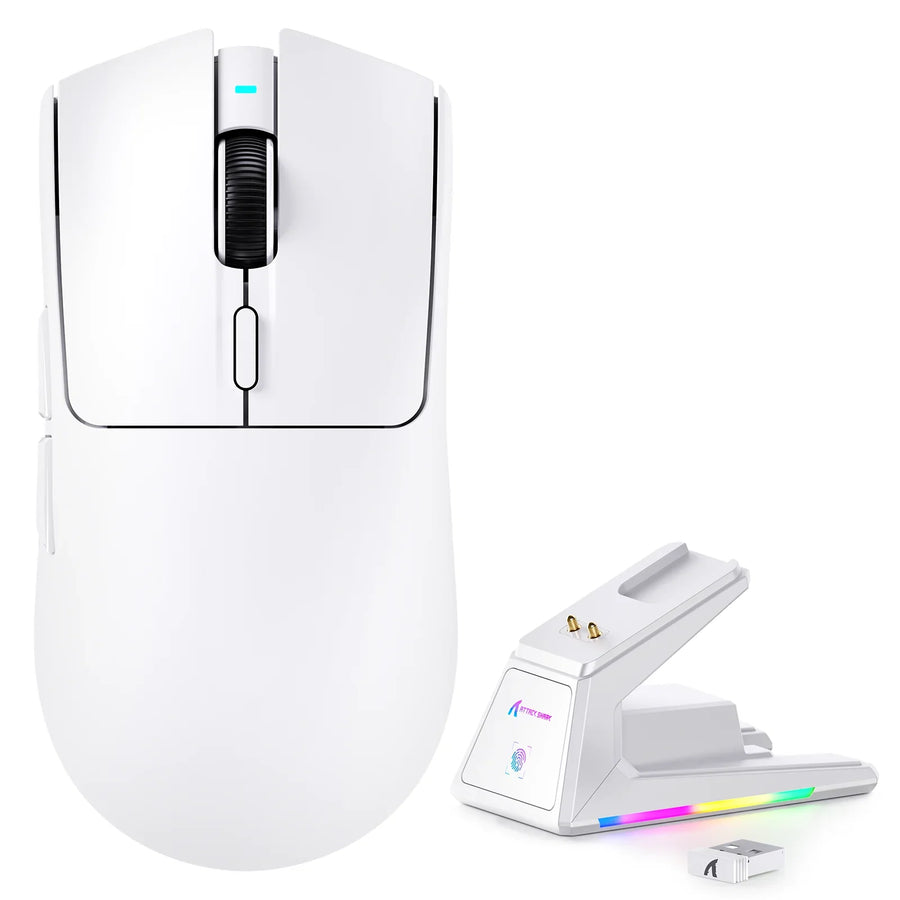
If you're hunting for the best cheap gaming mouse that can handle fast flick shots, the strongest evidence isn't a single spec on the box. Treat an exact sensor model and its published conditions as a useful first filter, but only repeatable, documented behavior from the finished mouse tells you whether it actually tracks clean flicks. When that finished-mouse testing is missing, the honest conclusion is "listed capability confirmed, real-world performance unverified" rather than a verdict either way.
That distinction matters because budget mice now ship with sensor chips that were flagship parts a few years ago. A high inches-per-second (IPS) or DPI number on a listing can look identical to a premium mouse's spec sheet, yet the complete product, including its firmware and lens assembly, is what a flick shot actually depends on.
What Fast-Flick Tracking Evidence Should a Budget Mouse Have?
Strong evidence for fast-flick reliability comes in three tiers, and each one supports a different strength of conclusion. The tier you have determines how confident you can be before you buy.
The evidence hierarchy for a fast-flick purchase
- Exact sensor and model identification. Knowing the precise chip (for example, PAW3395 versus PAW3950) and the listing's stated IPS, acceleration, and polling figures is necessary documentation, but it only tells you what the chip is rated to do.
- Independent testing with stated conditions. Results that specify firmware version, surface, connection mode, and test method carry more weight than any single number on a retail page, because they describe the finished mouse rather than the chip alone.
- A repeatable personal test. Running your own controlled check on the exact unit you own can justify keeping or returning it, but it's a personal observation, not a lab benchmark you can generalize to every unit of that model.
What a budget listing can and cannot establish
A typical budget listing states the sensor name plus IPS, acceleration, and polling rate. That's enough to shortlist the mouse for comparison against similarly documented options. It is not enough to conclude the mouse resists spinout or tracks every flick cleanly, because none of those figures describe how the assembled mouse behaves during your actual motion. Treat the listing as a useful filter and hold the performance conclusion until you have either independent test data or your own repeatable result.
How Optical Sensors Turn Surface Images Into Movement
An optical sensor doesn't measure speed directly. It captures rapid successive images of the surface underneath the mouse and compares them to estimate how far and in which direction the mouse moved.
From surface images to cursor movement
The sensor illuminates the surface, captures thousands of tiny image frames per second, and runs image-comparison math to calculate relative X and Y displacement between frames. That displacement, not an absolute position, is what gets reported to the mouse's electronics and passed on to your computer. This image-processing approach is documented in PixArt's optical sensor specifications, which describe how the chip converts surface images into motion data. The takeaway for shoppers: the chip's rated capability is a starting point, not a finished-product result.

Why the same sensor label is not the whole mouse
- Lens and mounting geometry. How the lens sits above the surface affects the quality of each captured image, and two mice using the same chip can be assembled differently.
- Firmware and connection mode. The firmware configures how raw sensor data gets filtered and reported, and wireless, Bluetooth, or wired connections can behave differently even with an identical chip.
- Surface texture and lift behavior. A glassy or overly textured mat can change image quality, and how the mouse handles being lifted and repositioned is a separate behavior from horizontal tracking.
How to Test a Mouse for Spinout and Tracking Errors
The most useful spinout test is a repeatable one: keep every variable fixed except the motion itself, then log exactly what happens during your fastest real flicks. A single strange cursor jump is an observation, not a diagnosis.
Run a repeatable fast-flick check
- Standardize your setup first: same mouse pad or desk surface, same connection mode (wired, 2.4GHz, or Bluetooth), same firmware/DPI profile, and the same game or cursor environment you'll actually use.
- Perform several normal broad swipes, then several deliberate fast flicks across a comparable path, keeping your grip and lift habits consistent between attempts. For general setup and button checks before this step, our mouse testing guide walks through the basics.
- Log exactly what happens and when: does the cursor skip, stop short, jump sideways, or overshoot the intended path, and does it happen on every fast flick or only occasionally?
Interpret the result without overdiagnosing it
- A repeatable, speed-dependent failure that shows up on every fast flick but not on slow swipes warrants a closer look at the mouse's tracking-speed rating and, if possible, its firmware settings.
- A single unexplained failure is worth noting but isn't enough on its own to diagnose a sensor problem.
- A symptom that disappears after one setup change (a new surface, a different connection mode) points to that variable first, not the sensor chip.
- Cursor movement while lifting the mouse is a separate lift-off behavior and deserves its own controlled check rather than being folded into a horizontal spinout diagnosis.
If the failure repeats consistently under an otherwise unchanged setup, that's the point to consider a return or exchange rather than continuing to test variables one by one.
Which Sensor Specifications Are Useful—and Which Are Not Proof
Each spec on a listing describes one property of the chip, and none of them alone proves how the finished mouse will track a fast flick. Reading them correctly means matching each field to what it actually measures.
Specification comparison table
| Specification | What it tells you | What it cannot prove |
|---|---|---|
| Exact sensor model | Identifies the specific chip used (for example, PAW3395 or PAW3950) | The complete implementation, firmware, or lens quality of the finished mouse |
| IPS (inches per second) | The chip's rated maximum tracking speed before it can lose position | A universal safe speed for every flick shot or gaming style |
| Acceleration (G) | A separate rating for how fast the sensor can track sudden speed changes | Substitute proof for the IPS rating; the two describe different motion properties |
| DPI/CPI | The cursor-movement resolution setting you choose | Tracking accuracy, spinout resistance, or overall speed |
| Polling rate (Hz) | How often the mouse reports position data to the computer | Whether the sensor itself is tracking correctly; a high polling rate can still report a tracking error faster |
| Firmware and test conditions | Context needed to interpret any performance result | Nothing on its own; it's context, not a spec |
PixArt's own sensor comparison data lists tracking speed, acceleration, and resolution as separate published fields for each chip, which is exactly why they shouldn't be collapsed into one "quality score."
When the largest number should not decide
If your own repeatable test comes back clean across normal and fast motions, chasing a bigger IPS or polling number adds little practical value. If your test instead shows a repeatable, speed-dependent symptom, the exact firmware and test conditions behind any independent result become more important than the headline figures on the box.
How to Make a Purchase Decision When Evidence Is Incomplete
Apply the same rule to real listings: record the exact sensor and figures, then keep the conclusion limited to what's documented until finished-mouse testing exists.
Apply the evidence rule to three current listings
| Product | Listed sensor and figures | Evidence-bounded conclusion |
|---|---|---|
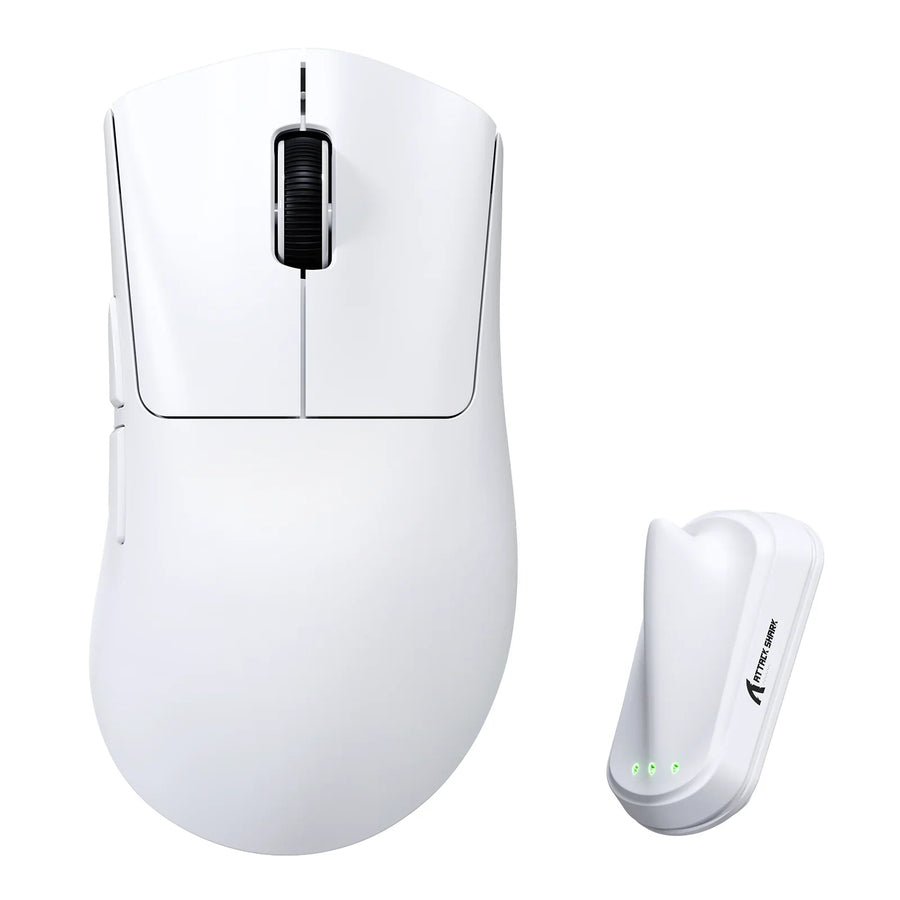
| ATTACK SHARK X1 | PAW3395PRO, 700 IPS, 60G, up to 1,000Hz polling | Specification-supported shortlist candidate; no supplied independent spinout test |
| ATTACK SHARK R2 | PAW3950, 750 IPS, 50G, up to 42,000 DPI, up to 8,000Hz polling | Specification-supported shortlist candidate; no supplied independent spinout test |
| ATTACK SHARK V5 | PAW3950MAX, 750 IPS, 60G, up to 42,000 DPI, up to 8,000Hz polling | Specification-supported shortlist candidate; no supplied independent spinout test |
Each of our listings documents an exact sensor model along with headline tracking-speed, acceleration, DPI, and polling figures, which is enough to build a real shortlist. None of the three has a supplied independent spinout test attached, so we're not presenting any of them as a verified winner, only as specification-supported options worth your own controlled check.
What to do when the evidence stops
Treat a documented listing as a shortlist entry, not proof of fast-flick performance. If an independent test with matching firmware, connection mode, and surface exists for the exact model and revision you're considering, that's stronger evidence than the listing alone. If you buy before that evidence exists, run the controlled fast-flick check soon after unboxing so a repeatable, unresolved symptom can inform a return decision while you're still inside the return window.
FAQs
Does cursor movement during lifting indicate sensor spinout?
No. Cursor drift during mouse lifting is a separate tracking-boundary issue rather than horizontal spinout. Research into lift-off distance settings explains that optical tracking terminates at a set clearance height above the pad, which involves a completely different mechanism from losing tracking during a rapid flick. Isolate this behavior by repeating a vertical lift motion alone before attempting a horizontal flick check.
Does a higher DPI setting prevent mouse spinout?
No. DPI measures cursor sensitivity and resolution, not the physical tracking velocity or acceleration tolerance of the sensor. A high DPI number simply increases the on-screen distance traveled per physical inch moved, while spinout depends on the sensor's physical tracking limits and surface illumination. To reduce spinout risk, evaluate published IPS ratings and verified motion testing rather than pushing DPI higher.
Can an 8,000Hz polling rate fix sensor tracking errors?
No. Polling rate controls how frequently the mouse reports position coordinates to your computer, not how accurately the optical sensor captures surface frames. If the sensor loses tracking during a rapid motion, an 8,000Hz polling connection merely reports that tracking error more rapidly to the system. Fix tracking stability first through proper surface pairing and firmware configuration before adjusting polling frequency.
Shopping Conclusion
Buy based on the strength of the evidence, not the size of the headline number. An exact sensor model with reproducible, stated-condition testing supports a stronger fast-flick conclusion than any listing alone. When that testing isn't available, choose the candidate whose documented figures match your intended setup and test it immediately.
Our gaming mice comparison page lets you line up documented specs side by side while you narrow that shortlist. Running your own controlled check right after purchase ensures you can use the return window if a repeatable symptom shows up.