Usually, you can close Hall Effect keyboard software after setup and still use the keyboard for everyday typing and gaming. The key exception is configured behavior such as rapid trigger or actuation. Those features continue working without the visible utility only when the exact keyboard stores and applies the setting on-device. Save the profile, close the utility, disconnect and reconnect the keyboard, then test the feature you actually need. That test is more useful than assuming a profile saved in the interface will persist.

Can You Close Hall Effect Keyboard Software After Setup?
A Hall Effect keyboard driver is typically needed to configure or change model-supported features, not for every ordinary key press. Closing the software window is not the same as uninstalling it or confirming that every related background process has stopped, so treat keyboard behavior and software behavior as separate questions.
For a single-PC setup with stable settings, the practical answer is often yes: configure the keyboard, close the utility, reconnect it, and use it. Rapid trigger, actuation, profiles, macros, and RGB remain model- and feature-dependent. Updates, resets, new profiles, calibration, and troubleshooting may still require the utility.

A successful save inside the app is only the first step. The reliable check is to close the utility, unplug the keyboard, reconnect it, and test the exact rapid-trigger or actuation behavior. If that behavior disappears, the setting may depend on computer-side software or may not have been stored on the keyboard.
What Hall Effect Keyboard Software Controls
Hall Effect keyboard software is the configuration interface for the controls supported by a particular model. It can change a setting without proving that the keyboard can run that setting independently after the utility closes.
What the tool may change
- Actuation points, where supported, so a key responds at a selected position.
- Rapid trigger behavior and related sensitivity controls.
- Profiles, key assignments, macros, or other remapping features.
- Lighting and RGB behavior.
- Calibration, resets, and firmware updates.
What determines whether the change keeps working
- Whether the keyboard has documented model support and downloads for the feature and its storage behavior.
- Whether the setting is stored in onboard memory or remains part of a computer-side profile.
- Whether the feature needs a live process while you use it.
- Whether a firmware update, reset, profile switch, or move to another computer changes the result.
A manufacturer example shows the same distinction: rapid trigger can be activated through a keyboard driver, but that setup instruction does not establish that the setting persists after the utility closes. The exact manual should identify the supported controls and any storage limits. A feature appearing in the interface means the tool can expose or edit it. It does not, by itself, mean the feature will remain active after the software closes.
Which Hall Effect Keyboard Settings Stay Saved?
Hall Effect keyboard onboard memory is the strongest signal for day-to-day use with minimal software, but it is not proof that every setting is stored. Look for documentation that names the saved control or profile, then confirm it with a disconnect and reconnect test.
Settings That Can Run From the Keyboard
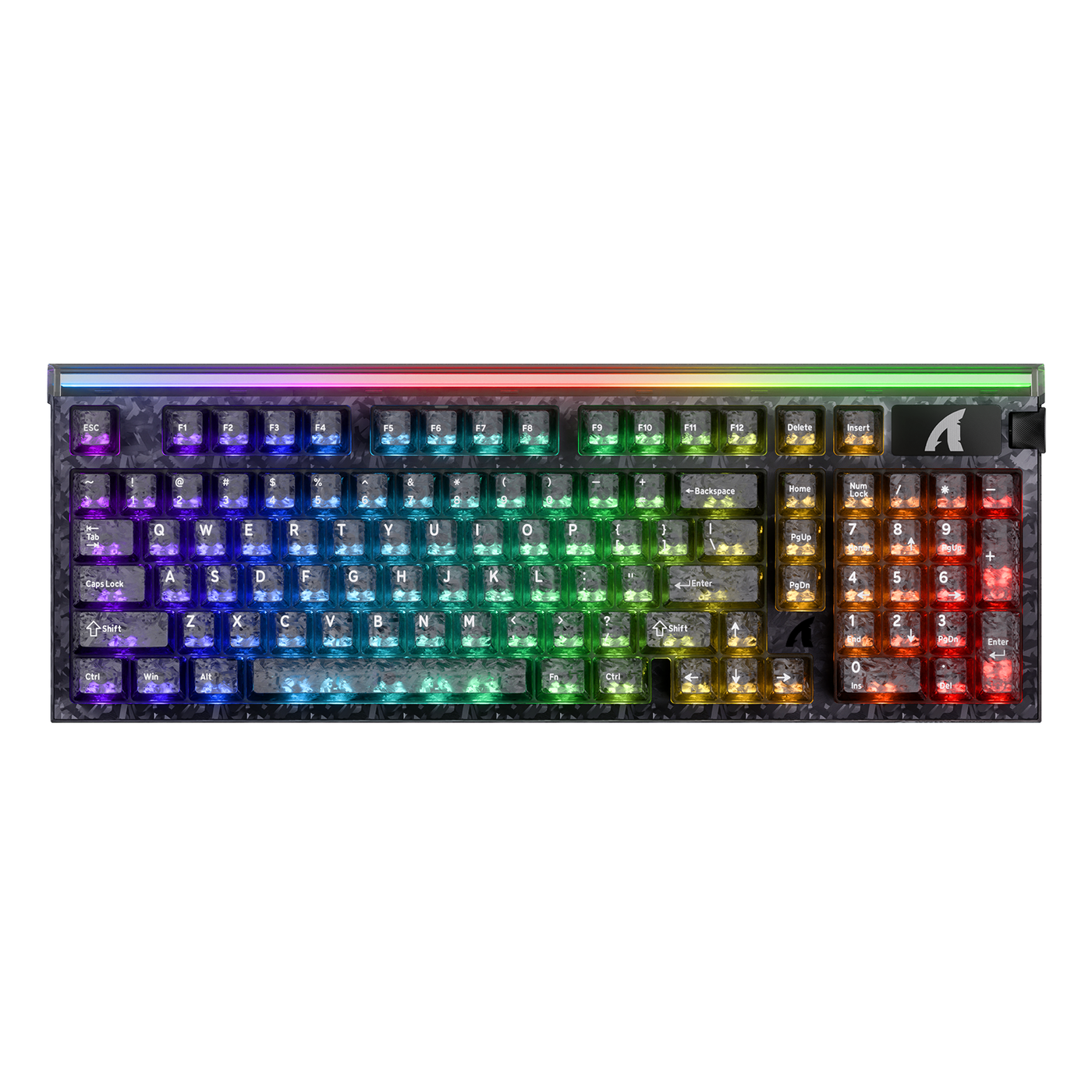
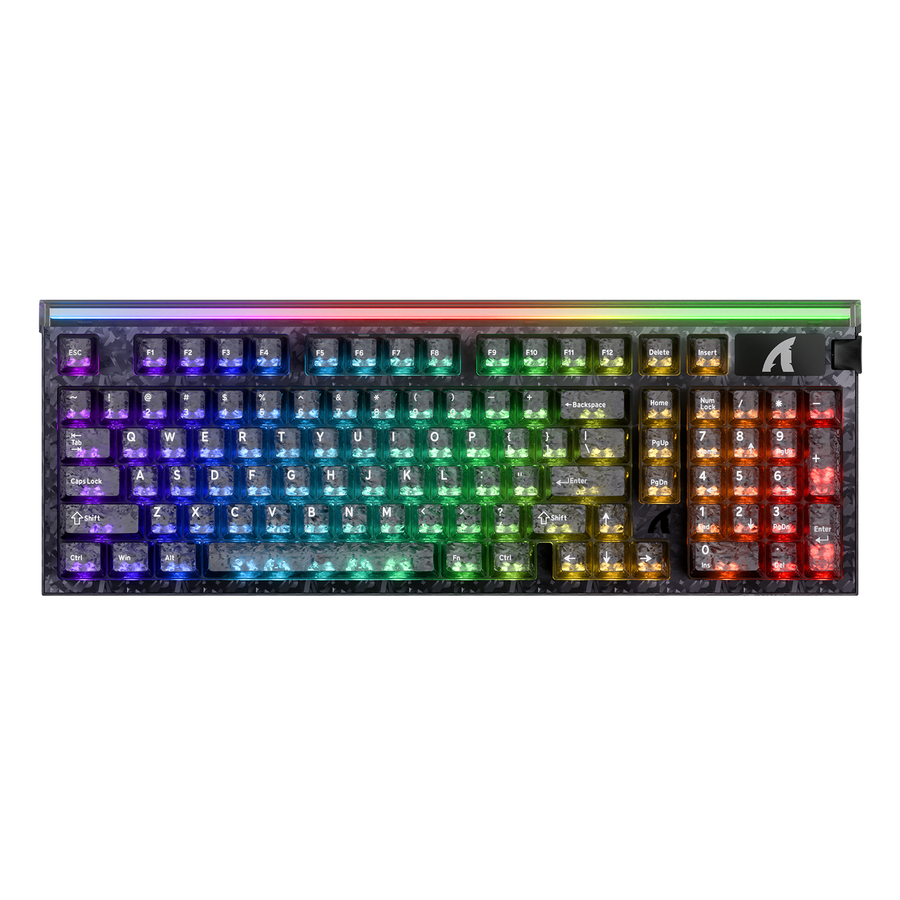
Settings explicitly identified as stored on-device may continue working after you close the software or move the keyboard to another computer. The supplied X68 HE and R82 HE product information lists onboard-memory support alongside their configurable Hall Effect features, but it does not establish that every feature is saved in the same way.
- Start with the exact documented controls, such as rapid trigger or actuation, rather than assuming the entire software profile is permanent.
- Treat profiles, macros, and lighting separately when the manual gives them separate storage rules.
- Use the X65 HE product details as a product reference for adjustable actuation and rapid-trigger features, not as proof of a particular onboard-memory scope.
- For a model that explicitly lists onboard memory, such as the X68 HE onboard-memory details, confirm which controls that memory covers before relying on it.
Changes That May Need the Software Again
Computer-side changes and maintenance tasks are the most likely reasons to reopen the utility. Plan to use the software again when you need to:
- Edit or create a profile, change actuation, or adjust rapid trigger.
- Apply a firmware update, reset the keyboard, or recover from a configuration problem.
- Change a setting that the manual does not identify as stored on-device.
- Use a runtime-dependent feature that is not applied by the keyboard itself.
The R82 HE onboard-memory details provide another concrete product example with adjustable actuation, rapid trigger, and listed web-driver and software resources. Those facts describe the available product and support path, not the storage scope of every control. Save the desired setting, close the software, reconnect the keyboard, and test the exact feature before treating it as independent of the app.
Onboard Memory or Web Driver: What Changes the Software Tradeoff?
Onboard memory and the access method answer different questions. Memory concerns where a supported setting runs after configuration. An installed app or a web driver concerns how you access the configuration tool.
A browser-based keyboard configuration path can reduce installation friction. That link supports the browser-access point only. It does not establish persistence, safety, or zero background activity.
| Setup type | What it changes | What to verify |
|---|---|---|
| Onboard memory | May let documented settings run from the keyboard after the tool closes. | Which controls and profiles are stored, what resets them, and whether they survive reconnection. |
| Installed app | Provides a local interface for setup, profiles, updates, or recovery. | Startup behavior, running processes, offline access, permissions, and whether a feature needs the app open. |
| Web-based tool | Opens configuration through a browser instead of relying only on a desktop installation. | Supported browser and operating system, browser permissions, firmware and recovery steps, and whether settings run on-device. |
The distinction matters when comparing a web driver for Hall Effect keyboard setup with a traditional desktop utility. A browser session may still need permissions or need to be reopened for changes. Conversely, an installed app may be unnecessary during daily use when the keyboard stores the settings you need. The access method is not a substitute for documentation about storage.
The supplied R98 HE information lists a qmk.top web driver, but the provided product facts do not establish onboard memory for that model. This illustrates the decision rule: a web-driver label tells you how configuration is accessed, not whether rapid trigger, actuation, or profiles will remain active after reconnection.
Is Software Dependence a Dealbreaker for Your Setup?
Software dependence is usually an acceptable tradeoff for a single-PC gamer who configures rapid trigger or actuation once and rarely changes it, provided the exact setting is documented as stored on-device and passes the reconnect test. It becomes a meaningful limitation for a multi-PC or privacy-conscious buyer when storage scope, runtime requirements, permissions, or recovery steps remain unclear.
Use this four-step purchase check:
- Identify the runtime requirement. Decide whether you need ordinary key input only or a specific feature such as rapid trigger, actuation, profiles, macros, or RGB to work after the tool closes.
- Verify the stored controls. Find explicit model documentation for onboard memory and the exact settings it covers. Treat an onboard-memory label as a starting point, not as proof that the whole profile persists.
- Inspect the software path. Use the exact model entry in the manufacturer's official driver, firmware, and manual resources. Review the listed app or web tool, operating-system and browser requirements, permissions, update process, and recovery instructions.
- Confirm the ownership fallback. Check support and returns, then perform the save, close, reconnect, and feature test before making the keyboard part of your daily setup.
For Attack Shark specifically, the company's official security update reports an isolated malware incident involving G3PROSoftware.exe. That notice should be kept within its stated scope. It is not a blanket conclusion that every current Attack Shark download is unsafe, and a manufacturer-hosted page or web driver is not automatic proof that software is safe.
If the exact model clearly documents the settings you need, offers a workable support path, and passes reconnection, you can reasonably accept a setup tool that is used mainly for configuration. If the documentation cannot answer where the setting runs or whether it survives reconnection, treat that uncertainty as part of the purchase decision. Once that tradeoff fits your setup, you can compare HE keyboard options and inspect the exact model's support path before adding one to your cart.
The short answer is simple: ordinary keyboard input usually does not require an always-visible utility, but software-free Hall Effect features depend on documented on-device storage and the exact model. Save the setting, reconnect the keyboard, and test the feature before trusting it for daily use.
FAQs
These questions cover installation, background activity, saved settings, web tools, and the checks that matter before purchase.
Is Hall Effect keyboard software safe to install?
Treat safety as a model- and file-specific trust decision. Use the manufacturer's official support path, match the download to the exact keyboard, and review the available permissions and security information. A Hall Effect label, a manufacturer-hosted file, or a web driver alone does not establish that a download is safe.
Does Hall Effect keyboard software keep running in the background after I close the window?
Closing the window does not necessarily confirm that every process has stopped. The result depends on the model and software type, so inspect startup entries and running processes on your own computer if background activity matters. Separately, reconnect the keyboard to learn whether its configured feature still works without the visible tool.
Will rapid trigger and actuation settings stay saved when the software is closed?
Only expect that behavior when the exact model documents those controls as stored on-device. Save the profile, close the software, disconnect and reconnect the keyboard, then test both rapid trigger and actuation. If either setting resets, it may require the software or a different storage workflow.
Is a web driver better than an installed keyboard app if I care about privacy?
Neither access method is automatically better. A web driver can reduce installation friction, but it may still request browser permissions and does not prove on-device persistence or safety. Choose the option with clearer storage, access, update, and recovery documentation for your model.
What should I check before buying a Hall Effect keyboard if I do not want background software?
Check the exact driver or web-tool path, whether onboard memory is documented, which settings survive reconnection, the browser or operating-system requirements, and the support and recovery options. If those details are missing, assume software dependence may be part of ownership rather than assuming the keyboard will run every configured feature independently.