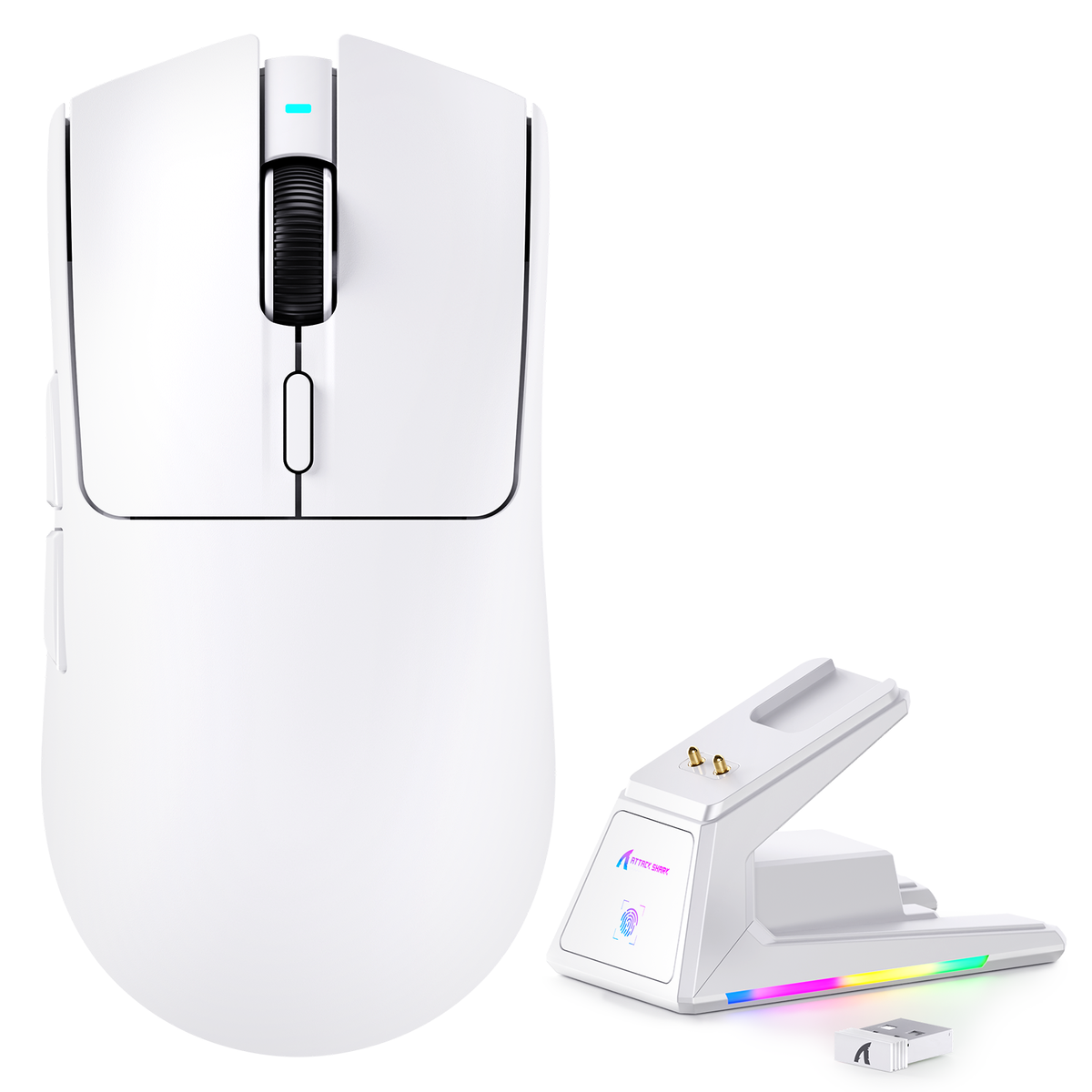
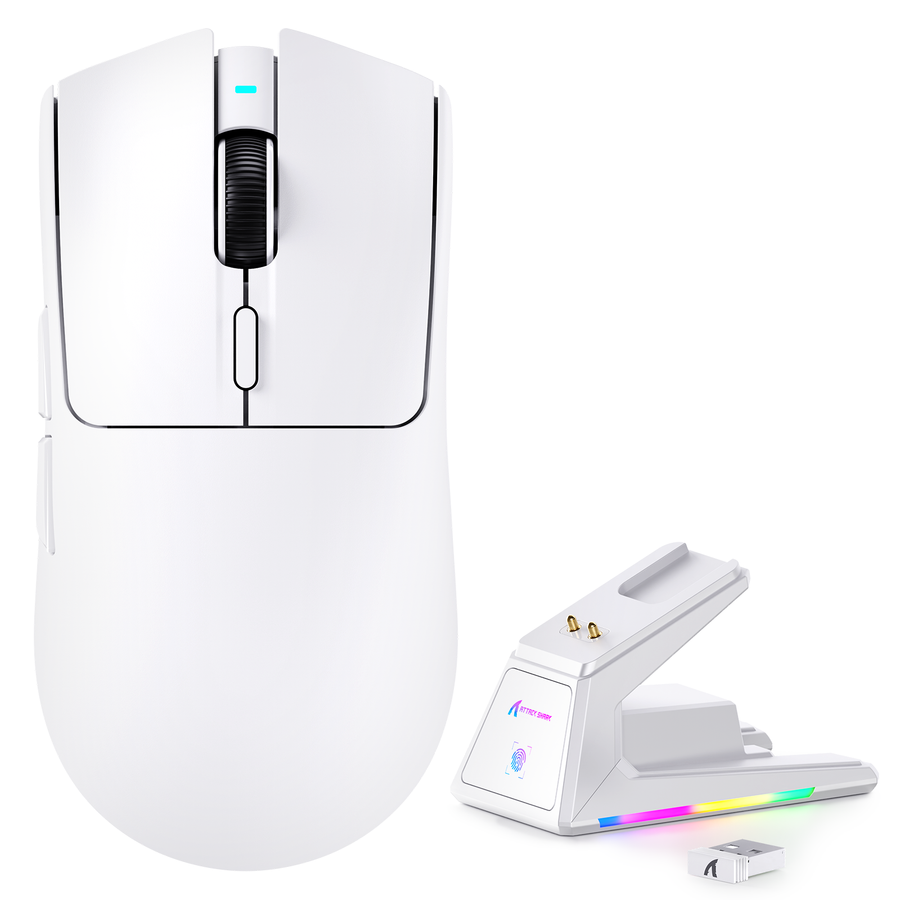
No. A gaming mouse charging dock is optional, not required. Choose one when a compatible dock makes returning the mouse to a fixed, clear desk spot easier than plugging in a cable. Otherwise, cable charging is enough.

A Charging Dock Is Optional, Not Required
Your charging routine is the deciding factor. A dock earns its spot when the mouse returns to the same desk location and the dock is easier to use than a cable.

Start with a simple habit check: does the mouse land in the same spot on your desk after every session? If yes, a dock can turn charging into a one-step motion instead of a task you have to remember. If your desk changes often, or the mouse travels with you, a gaming mouse charging dock is a nice-to-have rather than a must-have.
Dock vs. Cable Charging: What Changes Day to Day?
The practical difference is where the charging hardware lives and how much setup flexibility you keep.
| Factor | Dock charging | Cable charging | Best fit |
|---|---|---|---|
| Daily interaction | Set the mouse down, no plugging | Plug in a connector each time | Dock for a fixed routine, cable for flexibility |
| Desk space | Needs a dedicated spot | Uses existing cable routing | Cable for compact desks |
| Charging connection | Depends on contacts or a puck | Direct USB connection | Cable for simpler setup |
| Compatibility | Model-specific pairing required | Works if the port and cable match | Cable is generally more forgiving |
| Fallback use | Needs the dock to be reachable | Cable is the fallback itself | Cable wins for backup use |
| Cost consideration | Added accessory, sometimes bundled | Usually included with the mouse | Cable is the lower-commitment option |
If you have a permanent, organized desk, a compatible dock can remove a small daily chore. If your desk is compact or your setup changes often, cable charging usually asks less of you: no extra hardware, no fixed placement, and one less thing to compare before buying.
Check Compatibility Before You Commit to a Dock
Before buying a standalone dock, check the exact mouse-and-dock documentation for the pairing and its charging contacts or magnetic puck arrangement. Wireless capability alone does not confirm that a separate dock will fit.
Then identify a powered USB location near where the dock will sit. Do not substitute a dock designed for one wireless mouse for a different model without compatibility confirmation, even if both use similar wireless technology.
This check matters more on compact desks, where fitting a dock without crowding your mouse pad or keyboard can be its own puzzle. Our guide on keyboard case bezels and small desk setups walks through how to judge available surface area before adding another accessory.
Match the Setup to Your Desk and Charging Habit
The right charging method usually follows your desk, not the other way around. Four common setups point in different directions.
| Setup | Preferred path | Condition that could change it |
|---|---|---|
| Permanent desk with a fixed mouse spot | Dock | Only if the exact mouse-and-dock pairing is confirmed |
| Compact desk with limited surface area | Cable | Consider a dock only if it replaces clutter instead of adding to it |
| Flexible or shared setup, mouse moves often | Cable | A dock works only if it travels with you and stays compatible |
| Dock-equipped mouse with a documented wired mode | Either | Dock for routine, cable when the dock is inconvenient |
Keep the dock only if it leaves usable mouse clearance and does not add more clutter than the cable it replaces.
Keep a Wired Fallback Available
Even a dock-equipped mouse benefits from a cable you can reach. Route the charging cable somewhere accessible, not buried in a drawer, so it is ready the moment the dock is occupied, misplaced, or simply not where you need to be.
This only works if your exact mouse documents wired connectivity in the first place. The ATTACK SHARK X1, X6, and V3 PRO all list a wired mode alongside their charging docks, so switching to cable charging on any of these models keeps you playing without waiting on the dock. If your mouse does not list a wired mode, treat the dock as your only charging path and plan around its placement accordingly.
When a Dock-Equipped Mouse Makes Sense
These options fit readers who have confirmed a matching dock workflow and want to compare connection modes, mouse weight, or cable details. If your mouse is not documented as compatible with the dock, choose a cable-based setup instead.
| Product | Supported dock and workflow fact | Best-fit scene |
|---|---|---|
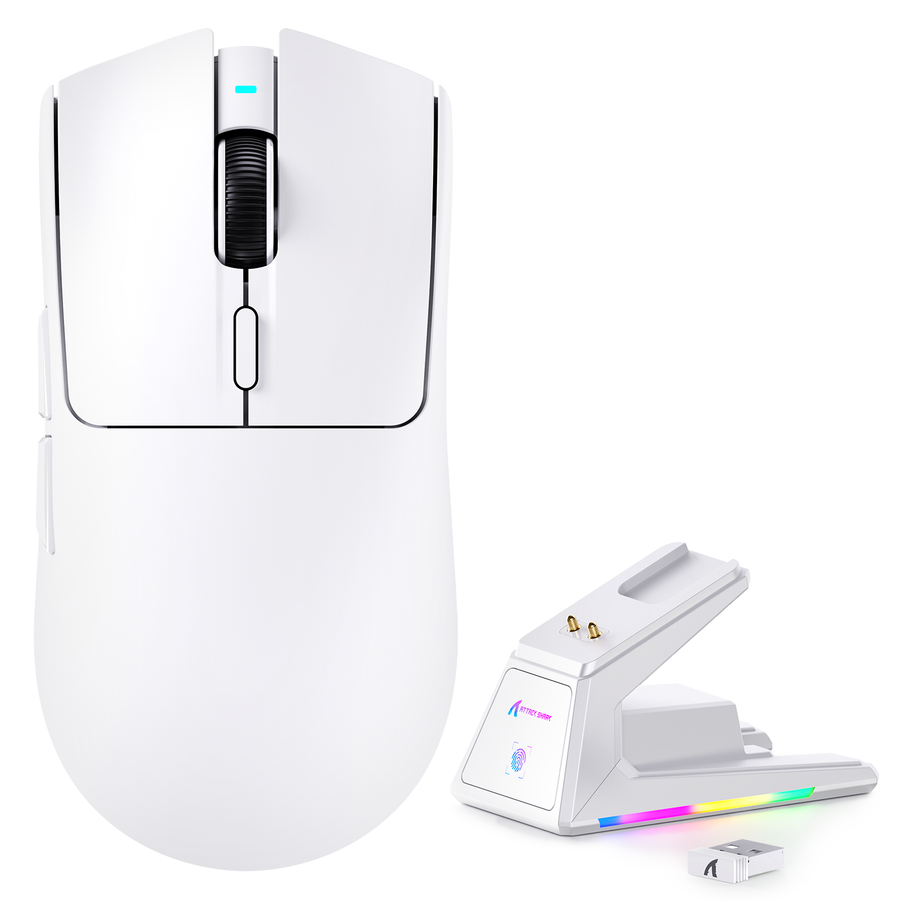
| ATTACK SHARK X1 Tri-mode Gaming Mouse | Magnetic charging dock with wired, 2.4GHz wireless, and Bluetooth connectivity | A fixed desk where dock placement and a cable option both matter |
| ATTACK SHARK X6 Three Modes Gaming Mouse | Magnetic charging dock with wired, 2.4G, and Bluetooth modes; mouse weight listed as 49g±3g | A fixed desk for readers prioritizing a stated lightweight mouse |
| ATTACK SHARK V3 PRO Ultra-Light Tri-Mode Gaming Mouse | RGB magnetic dock with wired, Bluetooth, and 2.4G modes; stated 1.5m cable and 62g±3g product weight | A fixed desk where the documented cable length suits the route |
Quick Checklist: Is a Charging Dock Right for You?
Run through these six checks before you add a dock to your desk:
- Does the mouse return to one fixed spot after most sessions?
- Is there enough clear desk space for the dock without crowding your mouse pad?
- Is there a powered USB location within reach of that spot?
- Does the exact mouse-and-dock pairing document compatible contacts or a puck?
- Can you keep a charging cable reachable as a backup?
- Is the convenience worth the added desk space and cost to you?
If the six checks pass, confirm the gaming mouse charging dock pairing before buying. If a key check fails, keep cable charging.
FAQ
Do charging docks charge gaming mice faster?
No universal speed advantage is established here. Charging behavior depends on the exact mouse, dock, and power source, so treat a dock as a placement convenience rather than an assumed speed upgrade.
Can I use a charging dock with any wireless gaming mouse?
No. Dock systems can depend on a specific mouse, charging contact layout, puck, or powered connection. Check the exact mouse-and-dock documentation before buying a separate dock.
Does a charging dock affect mouse weight?
The dock is a separate desk accessory, while in-hand weight is a specification of the mouse itself. Use the exact model's listed weight, such as the X6's 49g±3g or the V3 PRO's 62g±3g, rather than assuming the dock changes it.
Can I still use a cable with a dock-equipped mouse?
Only when the exact model documents wired connectivity. The ATTACK SHARK X1, X6, and V3 PRO all list wired modes, so those named examples keep a cable path available alongside their docks.