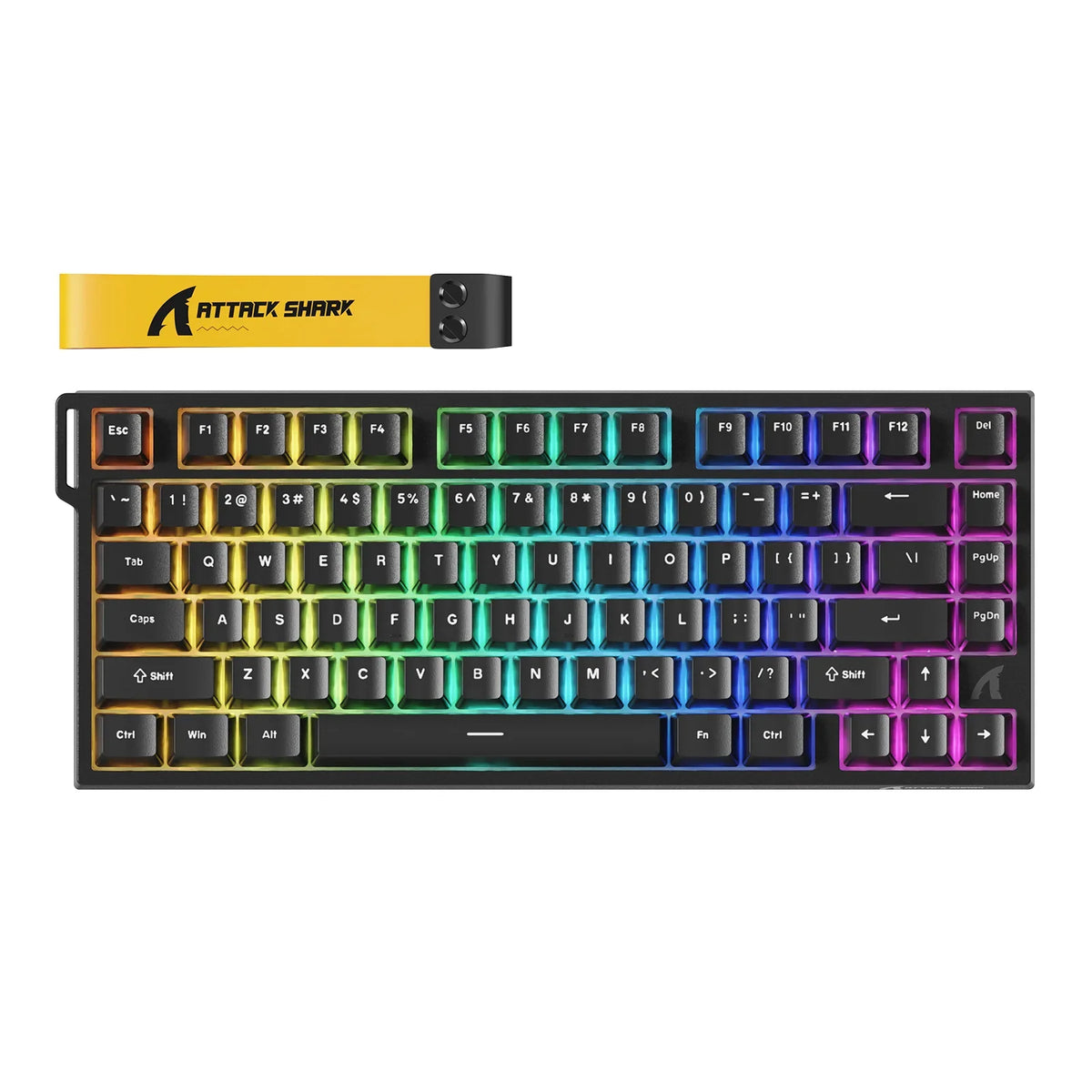
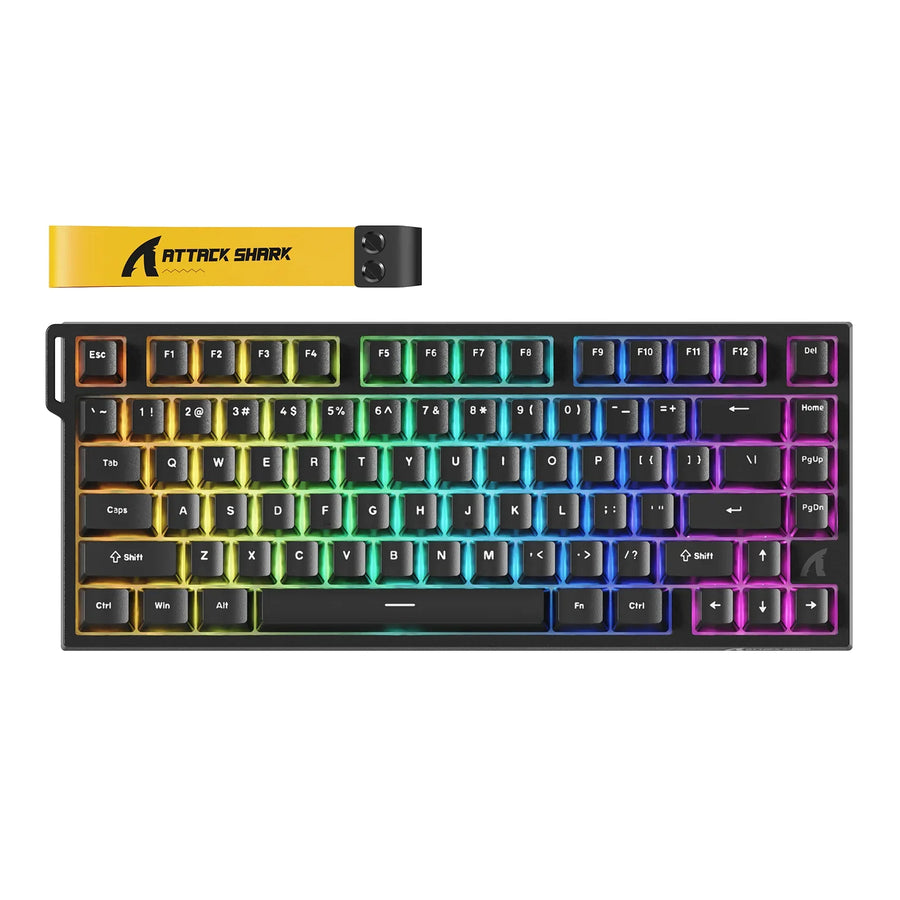
Start with Hall Effect keyboards if you want to change how your keys respond, such as where a press registers or whether Rapid Trigger is available, and you're willing to set that up on the exact model. Start with a traditional mechanical keyboard if a specific switch feel matters more to you and a fixed actuation point works for how you play.
Neither type is the faster or better gaming keyboard across the board. Your choice comes down to which matters more to you, input control or switch feel, and to what the specific model you're looking at actually supports.
Key Takeaways
- Hall Effect switches can offer adjustable actuation. Traditional mechanical switches have a fixed actuation point.
- Mechanical switches come in different feel types, such as linear, tactile, and clicky. Compare the actual switch, not just the "mechanical" label.
- A Hall Effect label alone doesn't confirm adjustable actuation, Rapid Trigger, or good software. Check the exact model's documentation.
Which Keyboard Type Should You Prioritize for Gaming?
Pick your category based on what you want to control and how much setup you'll accept. This is a choice based on your preferences, not a performance ranking.
Consider Hall Effect When Adjustable Input Behavior Matters
Look at Hall Effect first if you know you want to tune your keys. You might want a shallower or deeper actuation point, or Rapid Trigger for quick repeated inputs. Shortlist a model only if its specs or manual clearly list the control you want, and you're comfortable opening its software to set it up. If you don't plan to touch those settings, a magnetic board's main selling point mostly goes unused. When you're ready to compare options, our Hall Effect keyboards collection groups the magnetic models in one place, so you can check each listing against the checklist below.

Consider Mechanical When Preferred Switch Feel Matters More
Go mechanical first if you already know the feel you like under your fingers, or if you want a board that feels right without any setup. A fixed actuation point is fine when you don't need to change where a key registers. In that case, pick the switch before the keyboard. Narrow down the feel you prefer, then look for mechanical gaming keyboards that use that switch type.
What Changes in Switch Behavior, and How Does It Affect Your Choice?
The two technologies differ in two practical ways: whether the actuation point can move, and how much the switch feel varies. Both points shape the choice above.
Actuation Behavior Differs by Switch Technology
Actuation is the point in a keypress where the keyboard registers the input. An LTT Labs technical history compares fixed actuation versus adjustable actuation. It describes traditional mechanical switches as having fixed actuation points, while Hall Effect switches can offer adjustable actuation ranges. Hall Effect switches use a magnet and sensor to measure how far the key has traveled, instead of only detecting on or off. That position tracking is what makes adjustable actuation and Rapid Trigger possible.
For you as a buyer, "possible" is the key word. The comparison applies to the category as a whole. Any specific range or Rapid Trigger mode is a model detail, so check it on the product's own spec sheet. Don't assume a range quoted for the category will match the board you're considering.
Mechanical Switch Feel Varies by Switch Type
Mechanical keyboards don't all feel the same. The same LTT Labs article names linear, tactile, and clicky switch types, using Cherry's color system as the example: red for linear, brown for tactile, and blue for clicky. Linear switches move smoothly from top to bottom. Tactile switches have a noticeable bump. Clicky switches add an audible click.
Each keyboard ships with particular switches, so a given model won't necessarily offer all three. Find out which switch the exact board uses before you judge how it will feel. If you're still working out your preference, our guide on how to compare mechanical switch feels walks through the differences. You can also look at loose mechanical keyboard switches by type to see which feel categories you have to choose from.
What Should You Verify on the Exact Model Before Buying?
Check every feature you're paying for in that model's official specifications, manual, or software documentation. This step matters most for Hall Effect boards, because LTT Labs notes that software support for full analog functionality is often proprietary and varies from board to board. Before you add a model to your cart, go through these checks:
- Actuation adjustment: Look for a spec line that says the actuation point is adjustable, along with the stated range or steps. If it isn't listed, treat the board as fixed actuation for your decision.
- Rapid Trigger support: Make sure the model names Rapid Trigger, or an equivalent reset feature, by name. If you're buying mainly for this feature and it's missing, move to another model.
- Software and setup: Find the configuration software or web tool in the manual. Confirm it controls the settings you want and runs on your system. If the controls aren't documented, plan around the default behavior. Once you own a supported board, our Rapid Trigger setup walkthrough covers tuning actuation and reset sensitivity.
- Drivers and manuals: For our own keyboards, you can download the current software and user manuals from our driver download page before you buy. That way you can see the available controls ahead of time.
- Connection details: Check which connection modes the listing supports, such as wired or wireless, and whether any feature only works in a particular mode. If you plan to play wirelessly, confirm that your key settings still apply in that mode.
- Stated limitations: Read the manual's notes on features that need software running, settings that only some keys support, or firmware requirements. If a limitation affects a feature you planned to use, adjust your shortlist.
- Switch and keycap compatibility: If you plan to swap switches or keycaps, look for the model's own compatibility list. Hot-swap support or "mechanical" in a product name doesn't tell you which parts will fit.
FAQs
Is a Hall Effect keyboard faster than a mechanical keyboard for gaming?
The research behind this guide doesn't support a blanket speed or latency advantage for either category. What Hall Effect switches can add is control: an adjustable actuation point and Rapid Trigger behavior on models that support them. Whether that helps you depends on the model and on how you set it up.

Do Hall Effect keyboards need software to work?
Not every feature necessarily relies on software. However, full analog functionality often depends on the maker's proprietary software, and the quality of that software varies between boards. If configurable behavior is the reason you're buying, test or read up on the software as carefully as the hardware.
What does position sensing mean on a magnetic keyboard?
A Hall Effect switch measures how far the key has traveled, instead of only noticing whether it has been pressed. That continuous reading lets a supported board register a press at a depth you pick, or reset a key based on how it moves. A standard mechanical switch registers at its fixed contact point instead.
Are budget Hall Effect keyboards very different from premium ones?
They can differ in build, software, and support, so price tier alone won't tell you how well a board's features work. Our comparison of budget Hall Effect keyboards looks at where those differences show up and who each option suits.