Buy an 8K gaming mouse only if your PC keeps stable frame times when you move the mouse fast, and your display and games actually let you use a smaller input interval. If your setup can't clear that test, 4K or 1,000Hz is the smarter buy. This guide walks through the CPU, display, game, and battery checks that decide which polling rate is right for you, then points you to a mouse only after you know which mode you need.

The Short Answer: 8K Is Worth It Only If Your PC Can Sustain It
Whether an 8,000Hz gaming mouse is worth it depends on your hardware and habits, not the spec sheet alone. Run through the two lists below to see which route fits your setup.
Choose 8K when your setup can use the refinement
- Your monitor runs at a high refresh rate and your games hold a consistently high, stable frame rate.
- You play fast, aim-intensive competitive games where consistent input timing matters more than casual titles.
- Your PC stays stable at 8,000Hz during real gameplay, with no added stutter during quick mouse movement.
None of these conditions guarantees a visible improvement by itself. Together, they describe the setup where testing 8K is worth your time.
Stay at 4K, 1,000Hz, or lower when stability or visibility is limited
- Fast mouse movement causes frame-time spikes or stutter once you switch to 8K.
- Your display or the games you play don't create a situation where a smaller input interval would matter.
- The wireless charging routine or the price premium outweighs a benefit you can't confirm.
If any of these match your setup, drop to 4K or 1,000Hz. That keeps the setting stable and avoids paying for a refinement your own test does not show you can use.
What 8K Polling Changes—and What It Does Not
Polling rate is how often your mouse sends a position report to your PC, as explained in this 8K polling-rate guide. Raising it from 1,000Hz to 8,000Hz shortens the nominal gap between reports, but it does not by itself shorten the total time between your hand movement and what appears on screen.
The interval is calculated as 1,000 divided by the polling rate in Hz. The table below shows the resulting scheduling intervals.
| Polling rate | Nominal report interval | What it means |
|---|---|---|
| 1,000Hz | 1.000 ms | Standard baseline reporting interval used by most gaming mice |
| 4,000Hz | 0.250 ms | Captures most of the practical reduction from 1,000Hz |
| 8,000Hz | 0.125 ms | Smallest available refinement over 4,000Hz, a 0.125 ms step |
These are mouse-report scheduling intervals, not a measurement of total system latency. Your full response time also depends on your game engine, GPU rendering, and display refresh, so a shorter report interval is one input among several, not a guaranteed end-to-end speed gain. Our breakdown of 8K versus 1,000Hz polling covers this reporting stage in more detail if you want the full mechanism.
Nominal Mouse-Report Interval by Polling Rate
Nominal report intervals calculated as 1,000 ÷ polling rate; this is not total system latency or a guaranteed visible response improvement.
View chart data
| Category | Nominal interval (ms) |
|---|---|
| 1,000Hz | 1.0 |
| 4,000Hz | 0.25 |
| 8,000Hz | 0.125 |
Do You Have Enough CPU Headroom for 8K?
There is no universal CPU model or spec that guarantees smooth 8K performance. The reliable check is watching how your own PC handles the games you actually play, especially during fast mouse movement.
Test the workload you actually play
- Open the game and settings combination you use most, not a synthetic benchmark.
- Pick one scene or map and repeat the same fast-movement pattern, such as a quick 180-degree turn, at 8,000Hz, 4,000Hz, and 1,000Hz.
- Watch frame-time behavior during that movement instead of relying only on average FPS, since a stable average can still hide short spikes.
High report frequency can expose CPU or game-engine limits that average FPS alone won't reveal, according to a specification-based 8K polling-rate guide. That's why the same-scene comparison matters more than a single number.
The stable setting wins
If 8,000Hz introduces hitching or inconsistent frame delivery during that test, it isn't the better setting for your PC, even though the mouse supports it. A lower rate that stays smooth will usually feel better in practice than a higher rate that stutters. Keep the highest polling rate that passes this test, whether that turns out to be 8K, 4K, or 1K.
Will Your Monitor and Games Make 8K Matter?
Your display and the games you play decide whether the smaller 8K interval has any room to matter. This is a scenario check, not a hard requirement.
High-refresh competitive setups have the clearest reason to test 8K
A high-refresh display paired with a consistently high, stable frame rate gives the shorter report interval its best chance to be useful, a condition also discussed in this 8K polling-rate guide. Fast, aim-intensive movement in competitive shooters makes consistency more relevant than it would be during slower or less demanding play. Even here, 8K stays optional: 4,000Hz already covers most of the practical reduction from 1,000Hz, and the remaining step to 8,000Hz is a small 0.125 ms refinement rather than a guaranteed leap in feel.
144Hz, 165Hz, and casual play are not automatic disqualifiers
A 240Hz-or-faster monitor is not an established requirement for using an 8K mouse. But at 144Hz, 165Hz, or with inconsistent frame delivery, the practical benefit becomes harder to see. Casual or slower-paced games rarely create the conditions where a fine input-timing difference stands out. When your display or game type falls into this category, 1,000Hz or 4,000Hz is generally the safer value choice, unless your own stable test at 8K shows a clear, repeatable difference for you.
When Wireless Battery Cost Changes the Decision
Wireless battery life belongs in the same decision as CPU headroom and display fit, because charging cost is part of what you're paying for. A headline runtime figure only answers the 8K question if it was actually measured at 8,000Hz.
Manufacturer battery claims are typically listed under specific test conditions, and a long runtime at 1,000Hz says nothing about how long the same mouse lasts at 8,000Hz. Treat any unspecified figure as unknown for 8K use rather than assuming it carries over. If you can't confirm a rate-specific runtime, plan around more frequent charging, or keep a wired or lower-polling fallback mode ready for longer sessions. A mouse that offers wired, 2.4G, and Bluetooth modes gives you that fallback, but switching modes doesn't remove the tradeoff between maximum polling and battery convenience; it only gives you a way to manage it.
Choose the Polling Mode—and the Mouse—After Testing
Use this five-step sequence to turn your test results into a buying decision:
- Confirm your monitor's refresh rate and whether your target games hold a stable, high frame rate.
- Use the same-scene results from the CPU test to compare how 8,000Hz, 4,000Hz, and 1,000Hz behaved in your main game.
- Choose the highest rate that stayed stable and added real value. If 8K failed that test, choose 4K, 1,000Hz, or a lower mode instead.
- If you're buying wireless, check whether the battery figure is explicitly measured at your target polling rate.
- Buy or set the mouse to the selected mode only after its supported weight, connectivity, and battery fit your priorities.
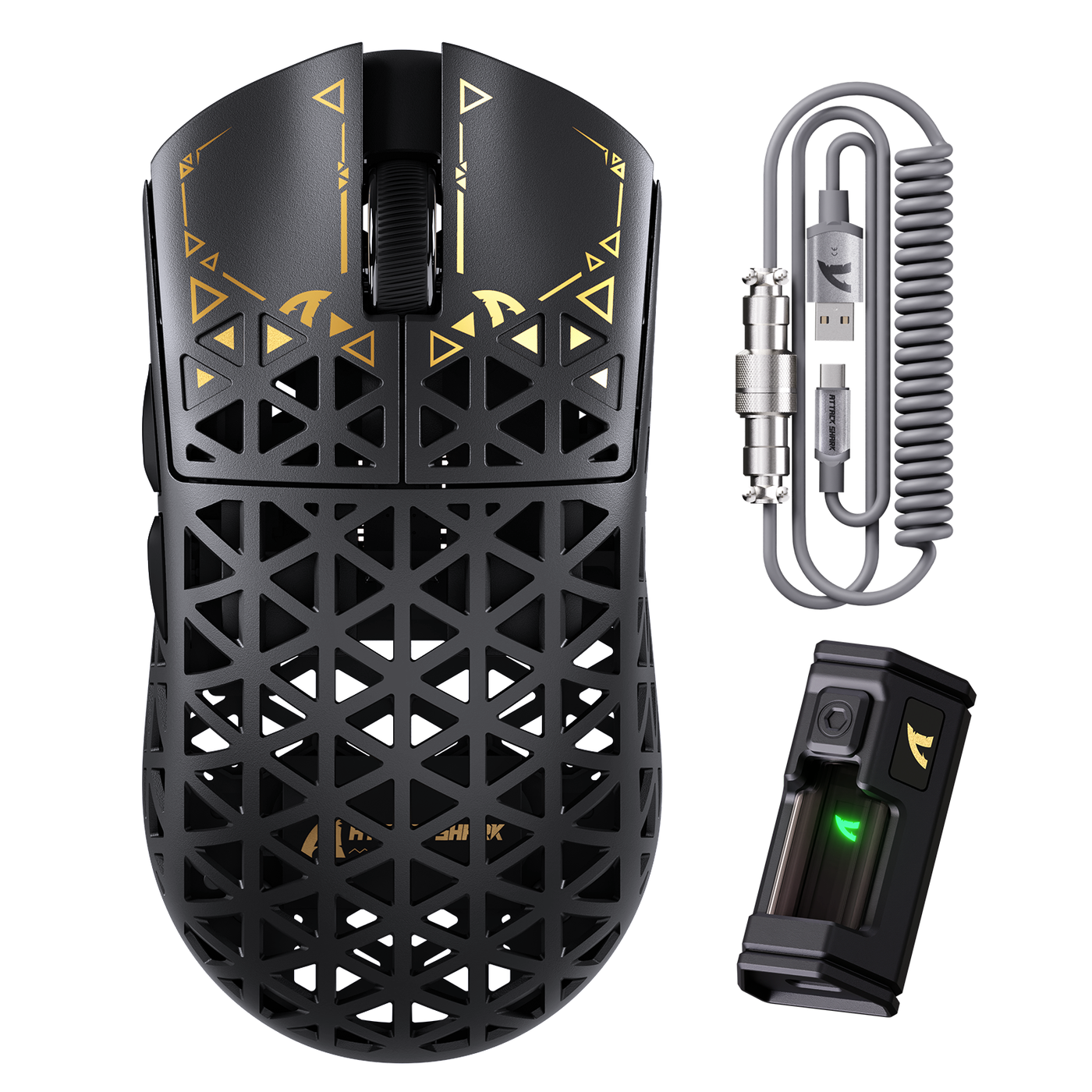
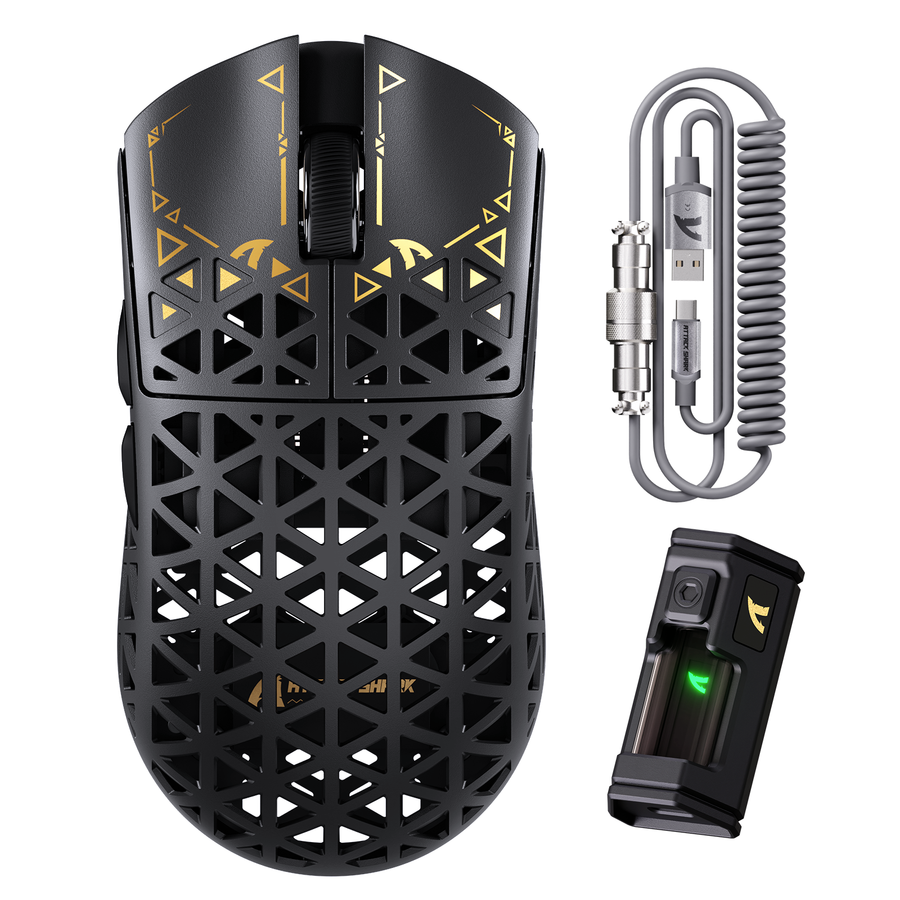
Once you've picked a stable 8K setup, the right mouse depends on which tradeoff matters most to you. If you want maximum connectivity flexibility with a listed lightweight design, the R11 ULTRA 8K mouse supports up to 8,000Hz polling across wired, 2.4G, and Bluetooth 5.2 connections at a listed 49g±3g. If low weight is your priority, the lighter R2 8K mouse comes in at a listed 45g±2g with an 8K wireless receiver, though its charging dock is sold separately. For the lowest listed weight in this lineup, the R5 ULTRA 8K option is listed at 39g±3g with wired, wireless, and Bluetooth modes; its listed 200-hour battery figure isn't specified at 8,000Hz, so treat that runtime as unconfirmed for full 8K use.
We built these three around the same PAW3950-family sensor and 8,000Hz ceiling so the choice comes down to weight and connectivity fit, not polling capability. If your test pointed you toward 4K or 1,000Hz instead, any of these mice still runs comfortably at those rates, so you're not locked out of the lower setting later.
FAQs
Does 8K polling increase CPU usage?
Higher polling can add processing work, but there's no supported universal CPU percentage or processor cutoff that applies to every setup. The reliable check is testing frame-time stability during fast mouse movement at 8K, 4K, and 1K in the games you actually play, then keeping whichever rate stays stable.
Do I need a 240Hz-or-faster monitor for an 8K mouse?
No. A 240Hz-or-faster monitor isn't an established requirement. A high-refresh display with a stable, high frame rate makes the smaller report interval more likely to matter, but your display and game combination still determines whether you'll notice any difference at all.
Is 8K polling noticeable in casual gaming?
Often the benefit is limited in casual or slower-paced play, since the game pace and frame delivery may not expose the smaller interval. Unless your own stable test shows a clear, repeatable improvement, 1,000Hz or 4,000Hz is usually the better value choice for casual sessions.