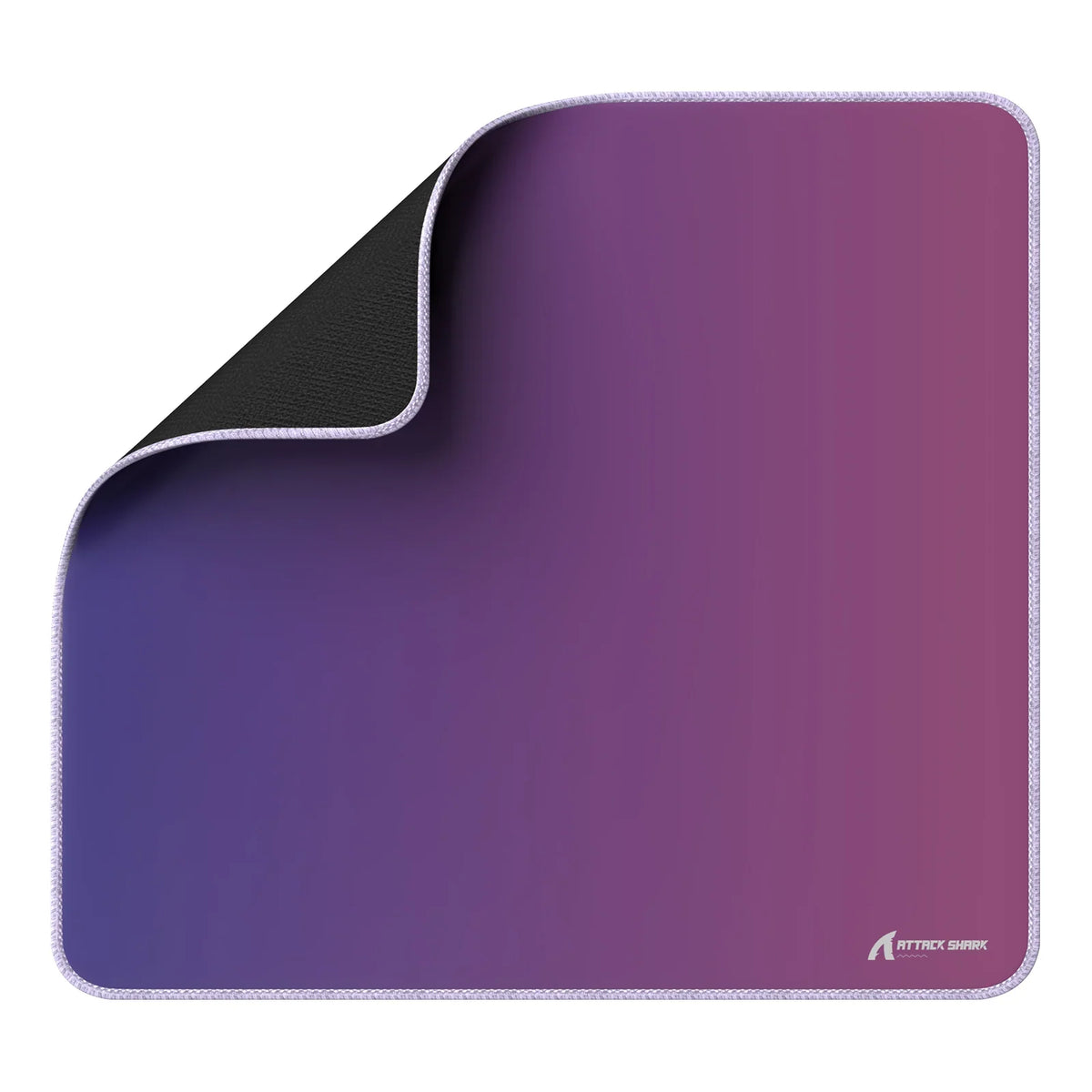
For low-sensitivity gaming, start with a pad of about 17.7 × 15.75 inches (450 × 400 mm). That's a common standard gaming size, but it's only a starting point. Whether it's big enough depends on how far your mouse actually travels and how much desk is left once your keyboard is in place.
So measure two things before you buy: your side-to-side and front-to-back sweep at your usual settings, and the clear width and depth of your desk. If the pad covers your sweep in both directions and fits that space, you've found your low sensitivity mousepad size.
A 17.7 × 15.75-inch pad is a useful starting point
A medium pad gives you concrete numbers to test against your setup. Tom's Hardware lists the standard gaming mouse pad dimensions as about 17.7 × 15.75 inches (450 × 400 mm), and calls this size a "medium."
That gives you a real width and depth to compare, which is more useful than a product name. Words like "gaming size," "large," or "XL" don't mean the same thing from one listing to the next. Two numbers do. When you shop, look for the width and the depth on the spec sheet and compare each one on its own.
Keep in mind what this reference is. It describes a standard pad. It isn't a proven minimum for low-sensitivity play, and it won't fit every arm aimer's movement. Some players make full swipes that stay well inside 17.7 inches. Others run out of room partway through a turn. The only way to tell which group you're in is to measure your own sweep.

Think of 17.7 × 15.75 inches as your baseline. If your measured movement fits inside it, a medium pad works. If your sweep runs past it in either direction, you need a wider or deeper surface, and the next two sections show you how to check.
Measure the mouse sweep you actually use
Your own sweep tells you more than any size label. In general, settings that make the cursor move less per inch need more physical room. Business Insider notes that lower DPI requires more desk space for gaming. That explains why low-sens players often feel cramped, but it can't tell you a pad size. A tape measure can.
Use this quick method. It's a practical check, not a lab test:
- Keep your usual DPI and in-game sensitivity. Don't change them just to measure.
- Load into a game or practice range and do the widest movements you use in real matches, like a full turn or a fast flick between targets.
- Mark where the mouse starts and stops with painter's tape or a sticky note. Repeat a few times and keep the widest mark.
- Measure the left-to-right distance. That's your width span.
- Do the same for vertical aim and resets. Measure the front-to-back distance. That's your depth span.
Add the mouse's own footprint, since the sensor sits in the middle of the mouse, not at its edge. Measure to the outer edge of the mouse at each end. Write down both spans, such as "width: X inches, depth: Y inches." You'll compare them with your desk in the next step.
Check the desk footprint with your keyboard in place
The pad has to fit both your sweep and your desk, so measure the desk after the keyboard is placed. Here's how:
- Put your keyboard exactly where you play with it, including any angle you normally use.
- Measure the clear desk width from the keyboard's edge to the edge of the desk or the next obstacle, like a monitor base or speaker.
- Measure the clear depth from the front edge of the desk to the back or the nearest obstacle.
- Compare width to width and depth to depth. Your mouse sweep spans must fit within the pad's dimensions, and the pad's own width and depth must also fit completely within the clear desk width and depth beside your keyboard.
- If your mouse sweep exceeds the pad, you need a pad with a larger usable footprint in that dimension. If the pad itself exceeds your clear desk space, do not buy a bigger pad; instead, shift your keyboard, angle it, or clear nearby gear before rechecking the fit.
Don't judge fit by total area alone. A pad can have plenty of square inches and still be too narrow for your horizontal swipes. Some players solve this by sharing one large pad between mouse and keyboard. If so, measure only the part left open after the keyboard is placed.
If width is the tight spot, adjusting keyboard tilt and rotation can free up room for wide flicks. Measure again afterward to confirm. Once you know the width and depth you need, compare them with the listed dimensions as you browse our mousepad options.
FAQs
Does in-game sensitivity matter as much as DPI?
Both affect how far your hand travels. What counts for pad size is the combined result, which is why measuring at your real settings works better than going by either number alone.
Do pad edges matter on a large pad?
They can when your arm rests on the pad during big sweeps. Wide arm movements put more of your arm on the surface. For more detail, see our guide to low-profile stitching for large sweeps and our article on soft-touch edges for wrists.
Should I measure again if I change my settings?
Yes. Any change to DPI or sensitivity changes how far your mouse moves. Redo the sweep measurement, then check it against your pad and desk before deciding you need a new size.
Is a bigger pad always better for low sensitivity?
Not if it doesn't fit your desk. A pad that hangs off the edge or runs under your keyboard can leave you with less usable room than a smaller pad that sits flat in the clear space.