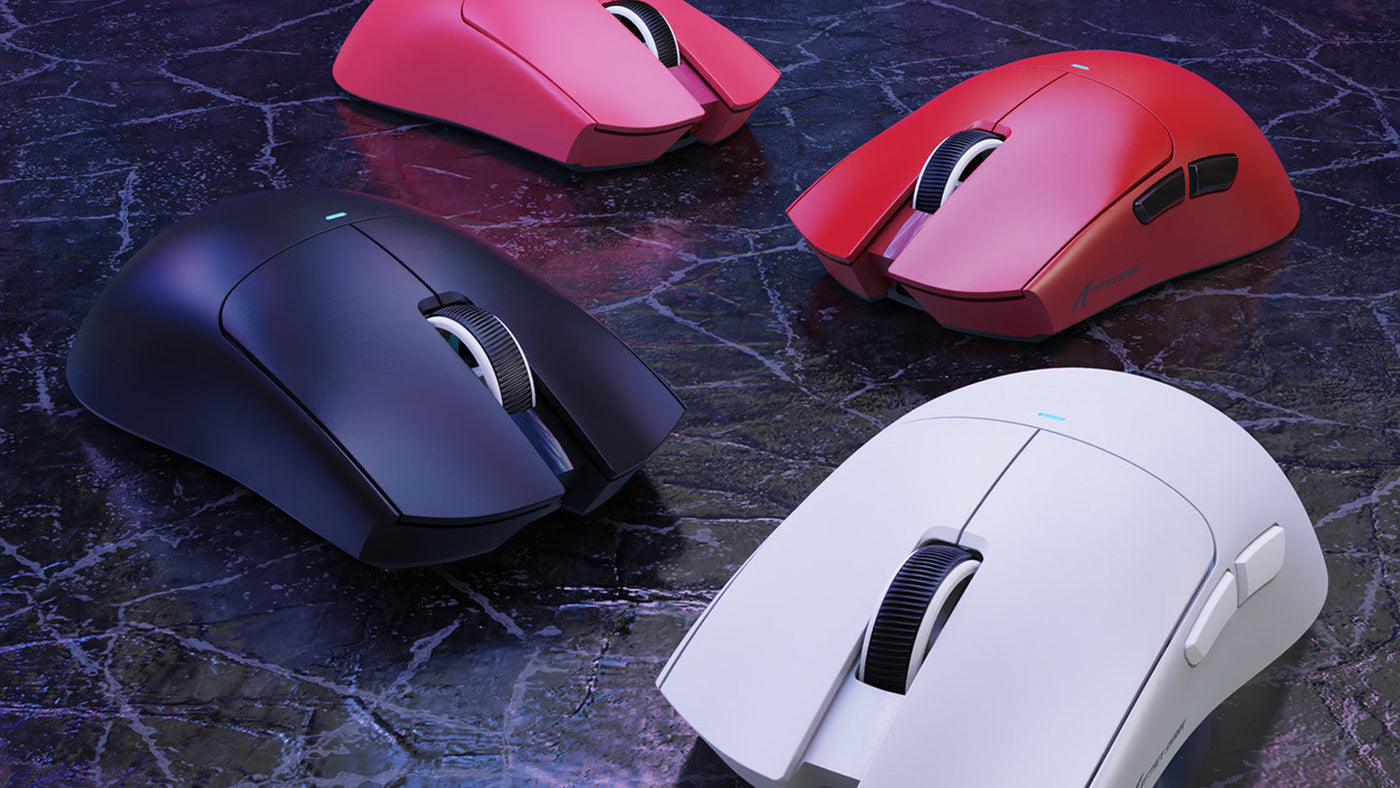
In the highly competitive world of Counter-Strike 2 (CS2), the difference between a round-winning headshot and a devastating loss often comes down to milliseconds. Professional players invest significant time into selecting the best gaming mice and mechanical keyboards to ensure their hardware never limits their skill. While talent is paramount, having reliable gear provides the consistency needed to perform on the global stage. This guide explores the specific peripheral trends and technical choices made by the world’s elite CS2 athletes.

What Makes CS2 Different From Other FPS Games?
Unlike fast-paced "hero shooters" or "battle royales" that prioritize vertical movement and ability spam, CS2 is a tactical shooter built on the foundation of precision and positioning. The game mechanics dictate that players must remain stationary to achieve maximum accuracy, making the relationship between the player and their peripherals unique.
The Importance of Precision Over Speed
In CS2, movement speed is relatively slow, but the "time-to-kill" is incredibly fast. This means that crosshair placement and minute adjustments are more important than wide, erratic "flicks." Consequently, pros often look for top gaming mice that offer a stable glide and a sensor that can track micro-movements without any smoothing or acceleration.
Sub-Tick Architecture and Input Latency
With the introduction of the sub-tick system in CS2, the game captures inputs more frequently than previous versions. This change has made input latency a critical factor. Players now seek out the best keyboards for gaming that feature ultra-low debounce times and high polling rates to ensure that every "counter-strafe" is registered the instant the key is pressed.
Reliance on Tactical Utility
The use of smokes, flashes, and molotovs requires specific lineups that must be executed perfectly every time. Many pros use their peripherals to bind these utilities to specific buttons. A reliable mouse with tactile side buttons allows for faster utility deployment without compromising the player's ability to move or aim simultaneously.

Which Mouse Features Do Pro Players Prioritize?
When selecting a mouse for CS2, professional players look past flashy RGB lighting and focus on three core pillars: sensor reliability, shape, and click latency. Because a match can last over an hour, the peripheral must act as a seamless extension of the hand.
Flawless Optical Sensors
The heart of the best gaming mice is the sensor. Pros require a "flawless" sensor, meaning it has zero hardware acceleration, zero jitter, and no angle snapping. Popular choices often feature sensors like the PixArt 3395 or proprietary versions. These sensors ensure that the physical distance the mouse moves on the pad translates exactly to the distance the crosshair moves on the screen.
Ergonomics vs. Symmetrical Shapes
Mouse shape is perhaps the most subjective yet critical factor. Many CS2 veterans prefer ergonomic (asymmetrical) shapes that fill the palm, providing stability for long-range duels. However, a growing number of younger pros are switching to symmetrical shapes that allow for a "claw" or "fingertip" grip. These top gaming mice offer more freedom for vertical adjustments and are often easier to manipulate during intense close-quarters combat.
Mechanical and Optical Switches
The "feel" of the click is vital for timing shots with the AWP or tapping with the AK-47. Traditional mechanical switches are valued for their tactile feedback, but optical switches are becoming the standard among top gaming mice. Optical switches use a light beam to register a click, which eliminates the need for a "debounce delay" and prevents the dreaded "double-clicking" issue that can ruin a professional's career.
Why Are Superlight Mice So Popular In CS2?
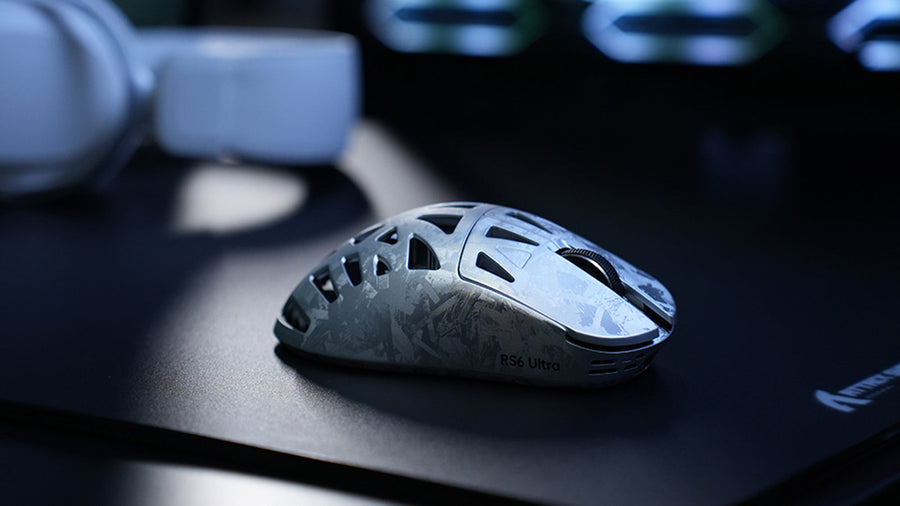
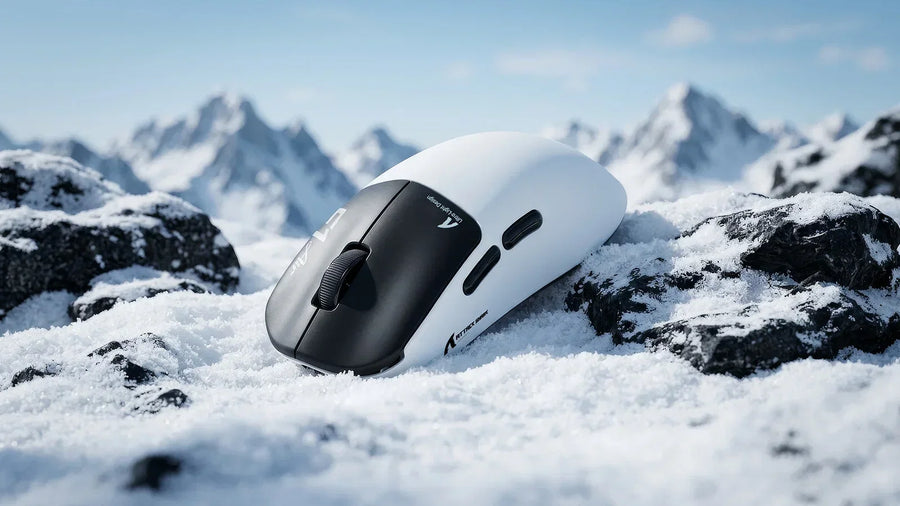
The most significant shift in CS2 hardware over the last three years has been the move toward ultra-lightweight designs. The days of heavy, weighted mice are largely over in the professional scene, replaced by a preference for speed and agility.
Reducing Inertia for Faster Stopping
A superlight mouse (typically weighing under 65 grams) has less inertia than a heavier model. In CS2, where "stopping" your crosshair on a target's head is the primary goal, less mass makes it easier to halt the mouse's momentum. This leads to fewer "overshot" targets and more consistent tracking during spray transfers.
Minimizing Physical Fatigue
Professional players practice for eight to twelve hours a day. Using a heavy mouse for these durations can lead to wrist strain and long-term repetitive strain injuries. By switching to a superlight mouse, players can maintain high levels of performance throughout a long tournament day without the physical toll associated with moving a 100-gram peripheral.
The Wireless Revolution
Almost all best gaming mice used by pros today are wireless. Modern 2.4GHz wireless technology has reached a point where it is faster and more stable than many wired connections. Removing the cable eliminates "cable drag" and the need for a mouse bungee, allowing the user to experience the full benefits of a lightweight chassis without any external resistance.
What Are the Most Common CS2 Pro Crosshair and DPI Settings?
While gear is important, how you configure it matters just as much. Pro players tend to use very specific CS2 pro crosshair and dpi settings that prioritize visual clarity and a low "effective DPI" (eDPI) for maximum control.
The Prevalence of Low Sensitivity
The majority of professional CS2 players use an eDPI (DPI multiplied by in-game sensitivity) between 600 and 1000. This is significantly lower than the average casual player. A lower sensitivity allows for greater precision at long distances, making it easier to land headshots on targets that are only a few pixels wide. Most pros set their mouse to 400 or 800 DPI to ensure consistent sensor performance.
Standardizing the 400 DPI Baseline
While modern sensors can reach 25,000 DPI, you will rarely see a pro go above 1600. 400 DPI remains the most popular setting because it has been the standard for decades. It provides a "smooth" feel on the Windows desktop and within the game menus, and many players find that higher DPI levels make the mouse feel too "floaty" or sensitive to hand tremors.
Static vs. Dynamic Crosshairs
When examining CS2 pro crosshair and dpi settings, most pros opt for a small, static crosshair (Style 4). A static crosshair provides a consistent reference point that does not change size when moving or firing. Common colors include cyan, green, and yellow, as these offer the highest contrast against the various map textures in the Source 2 engine.
Aspect Ratio and Resolution
Gear and settings are also tied to visual presentation. Many pros play on a 4:3 aspect ratio (such as 1280x960) and "stretch" the image to fill a 16:9 monitor. This makes player models appear wider and easier to track. While this is a personal preference, it is a dominant trend that heavily influences how players perceive their mouse sensitivity and movement.
Which Keyboards Do Professional CS2 Players Use?
In the past, any mechanical keyboard was considered "good enough" for CS2. However, new switch technologies have turned the keyboard into a performance-critical component, especially concerning movement mechanics like jiggling and peeking.
The Rise of Magnetic (Hall Effect) Switches
The current "meta" for the best keyboards for gaming in CS2 involves Hall Effect or magnetic switches. Unlike traditional mechanical switches that have a fixed actuation point, magnetic switches allow players to customize exactly how deep they have to press a key for it to register. This is a game-changer for "counter-strafing," as it allows the player to stop their character instantly with minimal finger travel.
Rapid Trigger Technology
"Rapid Trigger" is the most sought-after feature in the best keyboards for gaming today. This technology allows a key to reset the instant it begins to move upward, rather than having to pass a fixed reset point. For a CS2 player, this means they can tap the 'D' key and immediately tap the 'A' key to stop, resulting in a much faster transition from moving to being perfectly accurate.
Compact Layouts for Mouse Space
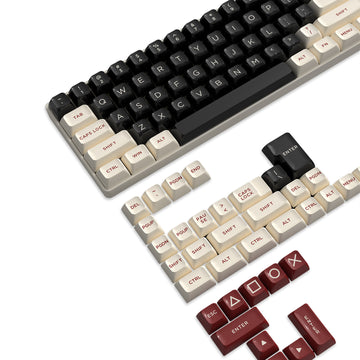
You will rarely see a professional CS2 player using a full-sized keyboard with a number pad. TKL (Tenkeyless), 75%, or 60% layouts are the standard. These compact designs provide more desk real estate for the mousepad. Since many pros use low sensitivity and large mouse movements, having the extra space prevents the mouse from hitting the side of the keyboard during a wide "flick."
Do the Gaming Mice and Keyboards Actually Improve Performance?
It is a common question whether buying the best gaming mice will actually raise your rank. While hardware cannot replace game sense or reaction time, it does provide a higher "performance ceiling" and removes technical bottlenecks.
Reliable gear eliminates variables. When a player knows their superlight mouse will track perfectly and their keyboard will register every strafe, they can focus entirely on the game. This psychological confidence is vital in high-pressure situations like a 1v1 clutch. High-quality peripherals are built to withstand the rigors of travel and intensive use, ensuring the "feel" of the setup remains identical whether at home or in an arena.
Modern hardware is designed to compensate for human error. A superlight mouse makes it easier to correct a crosshair that is slightly off-target. A keyboard with Rapid Trigger makes a slightly late counter-strafe feel on time. In a game where the margin of error is virtually zero, these small hardware advantages aggregate into a significant competitive edge over dozens of rounds.
How Can You Build a CS2 Setup Without Copying Every Pro?
While looking at pro gear is a great starting point, your setup should be tailored to your unique ergonomics and budget. You do not need to spend $200 on a mouse just because your favorite player uses it.
Measure Your Hand and Grip Style
Before buying one of the top gaming mice, measure the length and width of your hand. If you have small hands, an oversized ergonomic mouse will feel cumbersome. Match the mouse to your grip: "palm" grips need more support, while "claw" grips benefit from a shorter, more agile chassis. Most manufacturers now provide detailed sizing guides to help you find the right fit. Select a pointing device designed to fit the hand.
Focus on One Upgrade at a Time
If you are currently using budget gear, start by upgrading to a mouse with a modern sensor. The jump from a generic office mouse to one of the best gaming mice is much more noticeable than the jump between two different high-end models. Once your aim is stabilized, look into a mechanical keyboard to improve your movement precision.
Experimenting with CS2 Pro Crosshair and DPI Settings
Don't be afraid to tweak the CS2 pro crosshair and dpi settings you find online. A pro might use 400 DPI because they have a massive desk and a huge mousepad. If you have limited space, a higher sensitivity might actually be better for you. Use pro settings as a baseline, but adjust them incrementally until the movement feels natural and effortless to your wrist and arm. OSHA also recommends performing hand tasks with the wrist in a straight, neutral posture.
Conclusion: Build a Consistent CS2 Setup
Professional CS2 players treat their peripherals as precision instruments, prioritizing low weight, high polling rates, and customized actuation. Whether it is the agility of a superlight mouse or the mechanical advantage of the best keyboards for gaming, the goal is always to achieve total consistency. By understanding these trends and applying them to your own ergonomics, you can create a setup that enhances your strengths and helps you climb the ranks in the world’s most demanding tactical shooter.
FAQs
What DPI do most CS2 pros use?
Yes, the vast majority of pros use either 400 or 800 DPI. While 400 DPI is the classic standard, 800 DPI is becoming more common as it reduces "pixel skipping" on high-resolution monitors. Regardless of the choice, they maintain a low in-game sensitivity to keep their eDPI within the precise 600-1000 range.
Are wireless mice reliable for competitive CS2?
Yes, modern 2.4GHz wireless technology used in best gaming mice is indistinguishable from wired connections in terms of latency. Most professional players have switched to wireless models to eliminate cable drag, which is a major benefit when performing the large, sweeping arm movements required for low-sensitivity aiming.
What keyboard switches are best for CS2?
Yes, Hall Effect (magnetic) switches are currently considered the best for CS2. They offer adjustable actuation points and Rapid Trigger technology, which provide a objective advantage in movement-heavy mechanics like counter-strafing. If magnetic switches are unavailable, linear mechanical switches are the preferred alternative for their smooth, fast response.
Should I use a heavy or light mouse for CS2?
No, heavy mice are generally avoided in the modern CS2 scene. Most players prefer a superlight mouse because it is easier to stop instantly and causes less fatigue during long sessions. A lighter mouse provides a more agile feel, making it easier to track targets and make micro-adjustments during a spray.
Do pro crosshair settings work for everyone?
No, crosshair settings are highly personal. While copying CS2 pro crosshair and dpi settings can give you a clean, functional layout, you may need to adjust the size or thickness based on your monitor's resolution and your own eyesight. The most important thing is that the crosshair remains visible against all backgrounds without being so large that it obscures the enemy.