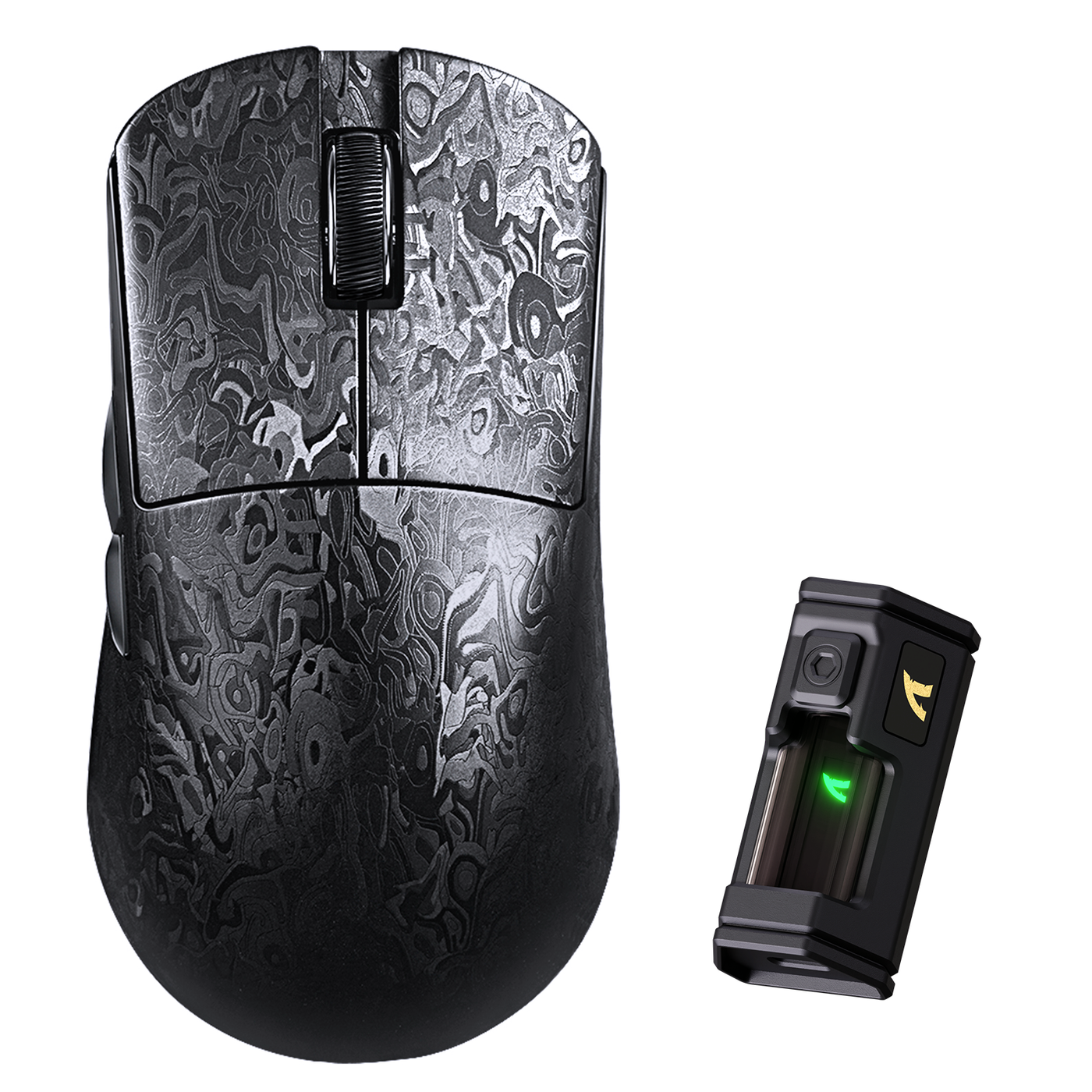
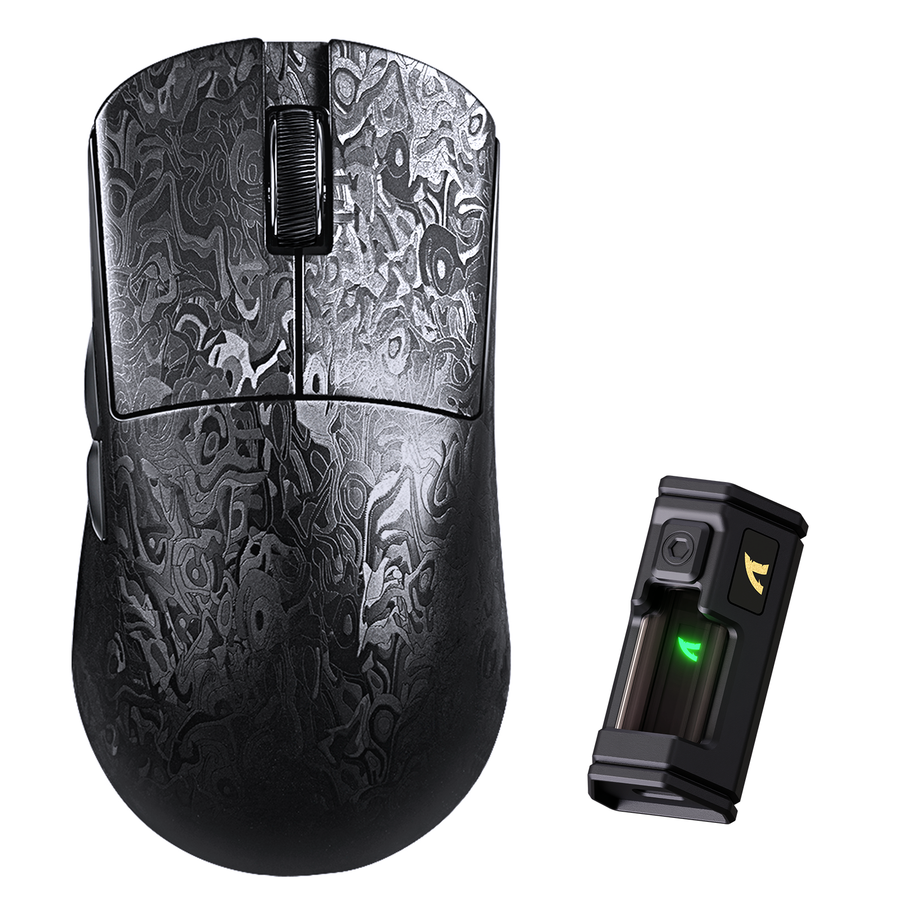
Grip style should narrow your search, not make the decision on its own. For the best mouse for claw grip, start with the points where your hand contacts the shell during an FPS session. Then compare hand size, your current mouse’s shape, verified dimensions, hump position, side profile, surface feel, and return terms. An Attack Shark product title or lightweight specification can identify a candidate, but it cannot prove that the shell will feel comfortable in your hand.

Use the process below to decide what evidence you need before ordering. If a key dimension, outline, coating description, or current policy is missing, treat that field as unresolved rather than assuming the mouse will fit.
Match Grip Style Before Mouse Specs
Grip type is a useful first filter, but hand proportions and your current mouse can outweigh a nominal match. Start with palm, thumb, and finger contact, then compare shape evidence before headline specifications.
- Palm grip: More of the palm rests on the shell while the fingers lie flatter across the buttons. Look first for usable support and a hump that does not create a pressure point.
- Claw grip: The fingers arch over the buttons, with partial palm contact or a lighter touch at the rear. Look for a hump and rear width that support the hand without crowding the fingers.
- Fingertip grip: The fingertips guide the mouse while the palm has little or no contact with the shell. Look for finger clearance and a shape that does not push the palm into unwanted contact.
Before comparing models, use your current mouse as a reference. During a normal FPS session, note where your palm, thumb, ring finger, and pinky touch the shell. Also note pressure, slipping, finger tension, or restricted movement. Those observations are more useful than simply labeling yourself “claw” or “fingertip.” This grip-type overview from CNET provides additional context for that comparison.

Weight, sensor, DPI, and polling rate can matter after the basic shape works. They cannot tell you whether the rear is too wide, the hump is in the wrong place, or the buttons force your fingers into an awkward bend.
Best Mouse for Claw Grip: Check the Hump and Rear Width
A claw candidate should let your fingers stay naturally arched while the hump and rear provide useful support without forcing unwanted palm pressure. Screen for shape and clearance before inferring fit from a low-weight or gaming-focused product description; independent claw-grip testing offers useful context for these criteria.
Use this quick screen before the detailed check:
- Compare the hump position with the part of your palm that contacts the mouse.
- Check rear width, finger bend, click reach, and side clearance against your current mouse.
- Treat surface feel as a final personal check, not proof of sweat resistance or comfort.
Use this ordered screen:
- Check the hump position. Compare where the shell rises with the part of your palm that contacts the mouse. A hump that sits too far forward may crowd the fingers; one that sits too far back may fail to support the part of your hand that rests on it.
- Check rear width and palm contact. The rear should provide enough support for your grip without pushing the outer edge of your palm outward. Compare the outline with your current mouse from the rear and side when those views are available.
- Check finger curvature and click reach. Your index and middle fingers should remain comfortably arched over the buttons. If reaching the clicks creates tension or makes your fingers flatten, the shell may be a poor fit even if its specifications look attractive.
- Check clearance for micro-adjustments. Move the mouse slowly in the way you aim in FPS games. Watch for your ring finger, pinky, thumb, or palm catching on the sides or desk. Restricted movement is a not-fit signal, not something to solve with a headline sensor claim.
- Check surface feel last. Coating can affect how securely your hand braces the shell, but a product-page surface description does not establish sweat resistance or comfort. Treat texture as a personal check and confirm the current return terms before buying.
For small- and medium-handed readers, compare published length, width, height, and rear profile with your current mouse whenever those facts are available. If the product page does not provide essential geometry, you cannot make a confident Attack Shark mouse for claw grip recommendation from the name alone.
Shortlist Attack Shark Mice by Verified Fit Evidence
R11 Ultra, R6 LIGHTSPEED, and X3MAX are candidates to inspect, not confirmed claw, fingertip, or palm matches. Use the product pages for navigation, then fill in the common record below from current first-party information. A missing field is an unresolved buyer check—not evidence that the mouse is either good or bad.
| Candidate | Published dimensions | Outline / side profile | Hump or rear support | Coating / surface description | Connectivity relevant to use | Current return terms | Unresolved checks |
|---|---|---|---|---|---|---|---|
| R11 Ultra details | Check current listing | Check current listing | Not verified in supplied research | Check current listing | Check current listing | Check current policy | Geometry, surface, and policy need confirmation |
| R6 LIGHTSPEED details | Check current listing | Check current listing | Not verified in supplied research | Check current listing | Check current listing | Check current policy | Side shape, rear support, surface, and policy need confirmation |
| X3MAX details | Check current listing | Check current listing | Not verified in supplied research | Check current listing | Check current listing | Check current policy | Length, width, height, clearance, surface, and policy need confirmation |
R11 Ultra Fit Checks
- Record the current dimensions, outline, hump position, and surface description from the product page.
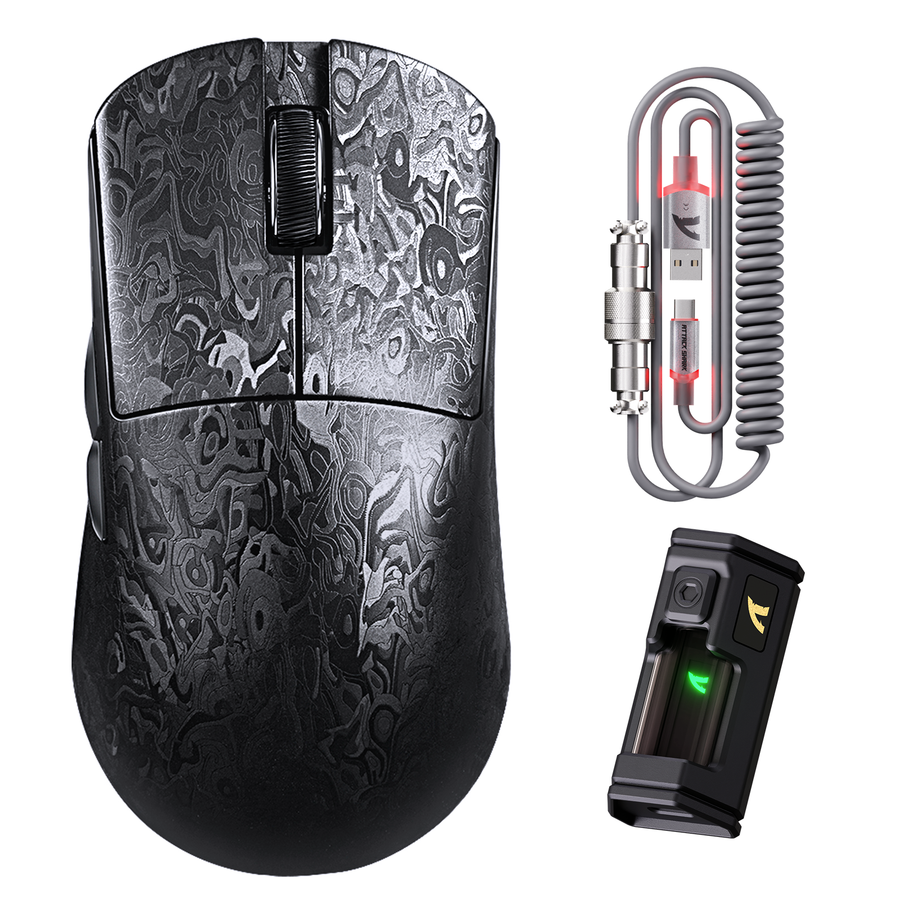
- Treat carbon-fiber or lightweight wording as a product description, not proof of grip compatibility.
- If the page does not show the geometry you need, keep the model in the “verify” column.
R6 LIGHTSPEED Fit Checks
- Check the current listing for dimensions, side shape, rear support, surface information, and return terms.
- Compare those details with any previous problem involving cramped fingers or palm pressure.
- If essential shape information is missing, do not make a confident purchase decision based on the name alone.
X3MAX Fit Checks
- Compare verified length, width, height, outline, and palm clearance with your hand and current mouse.
- Do not infer a mouse shape for small hands in FPS from the X3 name or a lightweight description.
- Keep dimensions, clearance, surface, and return terms open when the listing does not provide them.
If two candidates remain plausible, favor the one with clearer current fit evidence and usable return coverage, subject to the actual policy. That is a stronger buying rule than ranking models by sensor, polling, or product name.
Screen Fingertip and Palm Grip Differently
Fingertip users need freedom at the front and minimal palm interference. Palm users need dependable support without pressure points. Claw sits between those priorities, so compare the hand-contact pattern and shape evidence rather than applying one universal ranking.
| Grip | Typical contact pattern | Movement or support priority | Product-page checks | Common not-fit signal |
|---|---|---|---|---|
| Claw | Arched fingers with partial palm contact | Rear support plus finger clearance | Hump position, rear width, click reach, side clearance | Finger tension or unwanted palm pressure |
| Fingertip | Mainly fingertip contact with little palm contact | Fine finger freedom and low palm interference | Length, front width, finger clearance, rear clearance | Palm contact restricts movement or fingers feel cramped |
| Palm | Broad palm contact with flatter fingers | Support area and even pressure | Hump placement, shell length, pressure points, side support | Palm pressure, unsupported hand, or ring-finger strain |
Fingertip Grip Checks
A lightweight mouse for fingertip grip is not automatically a good fingertip fit. Check these points in order:
- Compare length and front width with the reach of your index and middle fingers.
- Confirm that the sides leave your thumb, ring finger, and pinky room for small adjustments.
- Check that the rear does not rise into your palm when you intend to keep palm contact minimal.
- Look for a click position that does not force your fingertips too far forward or make them tense.
- Treat persistent palm contact, restricted finger movement, or slipping as a not-fit signal.
Palm Grip Checks
For the best mouse for palm grip in FPS, shape and support matter more than weight alone. Check the shell’s support area, hump location, and pressure points, then consider whether the mouse glides comfortably without making your hand work harder than it does with your current model.
- Check the support area and hump location for pressure points.
- Confirm that the sides support your fingers without forcing the ring finger against the desk.
- Treat persistent palm pressure, an unsupported hand, or finger strain as a shape concern.
A larger or heavier shell is not automatically more supportive. Surface texture is also personal: a stated coating description is not proof of sweat resistance or long-session comfort.
Run a Pre-Purchase Fit Check Before Checkout
Use this five-step check before adding an Attack Shark candidate to your cart. It combines measurable inputs with the shape and policy details that product pages may leave unclear.
- Record your hand and current-mouse inputs. Measure hand length consistently from the wrist crease to the tip of the middle finger. Note the current mouse’s approximate length and where your palm, thumb, and fingers make contact. You do not need a universal hand-size cutoff; you need a repeatable reference for comparing candidates.
- Identify the grip contact you actually use. Watch one ordinary FPS session rather than choosing a label from memory. Note whether your palm rests on the shell, your fingers arch, or your fingertips do most of the steering. Record pressure, slipping, tension, and restricted movement.
- Verify dimensions and outline. Compare your reference measurements with the candidate’s current published length, width, height, and side or outline views. Check hump placement and rear support for claw, front width and palm clearance for fingertip, or support area and pressure points for palm. Stop the recommendation when essential geometry is missing.
- Check the surface and current policy. Look for a specific surface description, but do not turn it into a sweat-resistance promise. On the current product page, review shipping, returns, warranty, and restocking language. Do not rely on a general store assumption or an old policy summary.
- Reassess during normal use. Once the mouse arrives, use it in ordinary sessions rather than judging it only by a quick first impression. Watch for pressure, finger tension, slipping, restricted movement, or discomfort. If those warnings persist, preserve the packaging and follow the stated return process before the applicable deadline.
For a broader mouse shape comparison, use the same rule: shape evidence should come before performance headlines. If the current product page still leaves geometry or return coverage unclear, treat the candidate as higher uncertainty and compare another listing with clearer facts.
FAQs
These edge cases address the remaining checks before you put a candidate in your cart.
What mouse is best for fingertip grip?
There is no responsible universal Attack Shark winner without verified dimensions and testing. Compare front width, length, finger clearance, and palm interference with your hand and current mouse. If those fields are missing, choose a listing with clearer evidence or usable return coverage.
Is the Attack Shark X3MAX suitable for small hands in FPS games?
Use your hand measurements and the current X3MAX dimensions. Compare length, front width, side clearance, and rear clearance with your current mouse, then check the current return terms. The X3MAX name does not establish small-hand suitability.
How can I tell if a mouse coating will work for sweaty hands?
Separate a stated surface description from a tested sweat-resistance claim. Look for specific texture information and independent hands-on evidence. If the surface remains uncertain, give more weight to return options than to a marketing phrase.
Should palm-grip players choose a heavier gaming mouse?
Not automatically. Check support area, hump placement, pressure points, side support, and normal-use comfort first. Weight is a preference, not proof of palm comfort or control.
Can changing grip style fix an uncomfortable gaming mouse?
A small technique adjustment may help with a minor contact preference. Persistent pressure, finger tension, slipping, or restricted movement points to a shape problem. Try the adjustment briefly; if the warning remains, review the current return policy instead of forcing the fit.