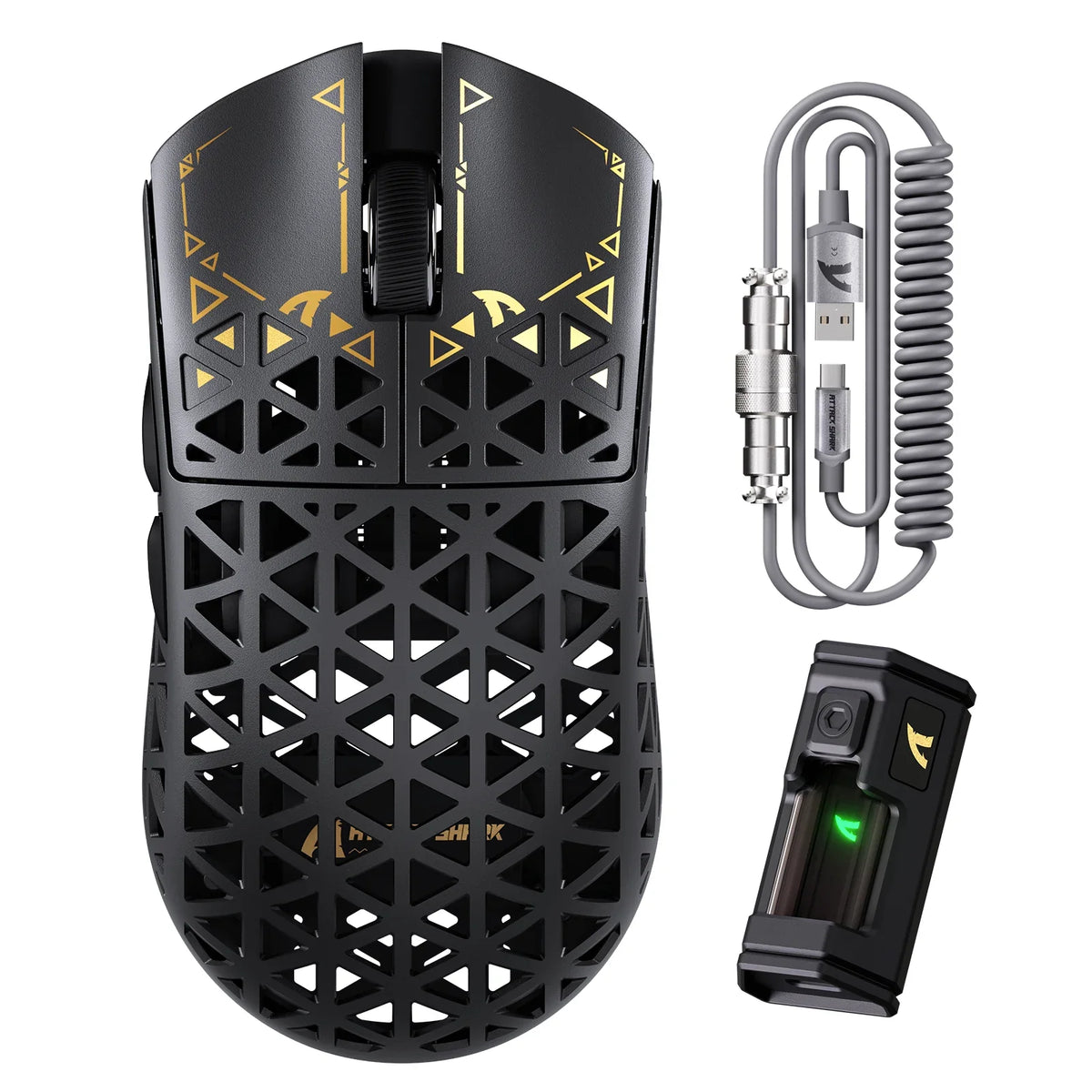
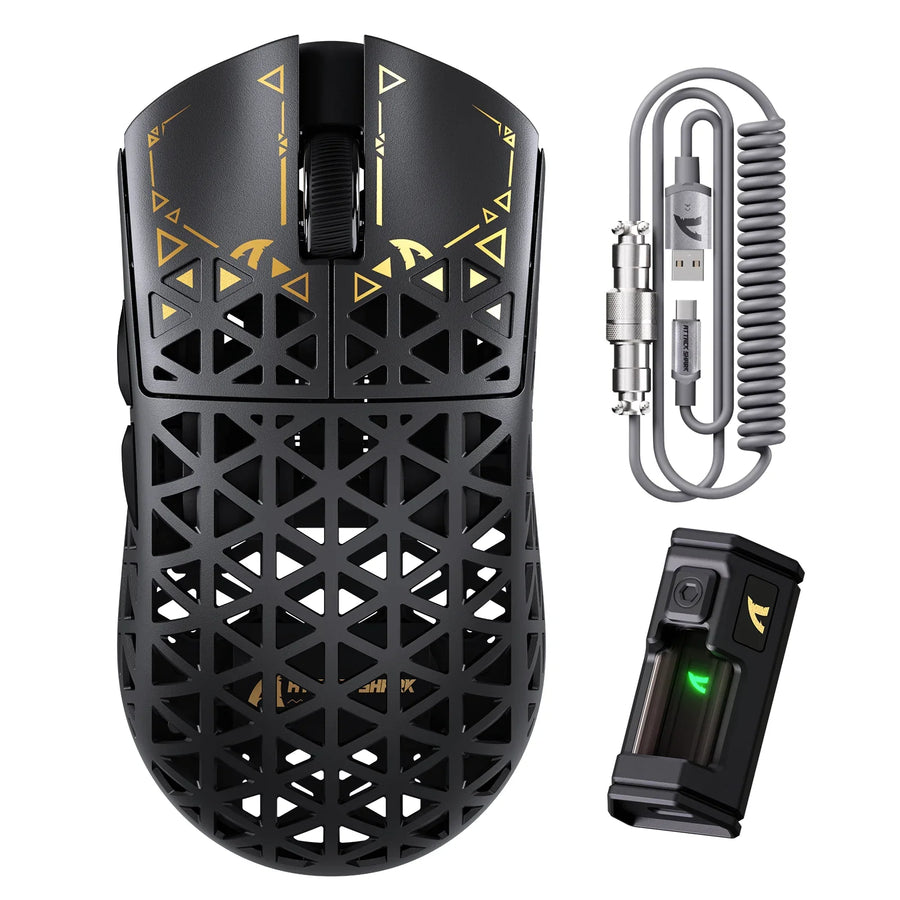
For a mouse that stays parked at one desk, a wired connection is often the more practical choice than wireless. It draws power straight from the USB port, so you never plan around a charge cycle or shop for a replacement battery. A paracord-style cable makes that wired connection easier to live with, since its thin, pliable core and soft sheath move more freely than a stiff stock cable.
That said, a paracord wired mouse is not automatically the right pick for every desk. If you switch between laptops through the day or want a completely cable-free mousepad, a wireless mouse's battery upkeep may be a fair trade for that freedom. The right choice depends on how permanent your setup is and how much a cable route bothers you.
Key Takeaways
- A wired mouse suits a permanent desk because it never needs charging or a replacement battery, as long as the USB connection stays active.
- Paracord-style cables use thinner, more pliable wiring that can reduce stiffness and snagging compared with a stock cable, though the cable still needs a clear route.
- Removing a battery can lower a mouse's weight, but only the exact listed spec for that model confirms whether it is actually lighter than a wireless option.
- Choose wireless instead when you move between computers often or want a completely cable-free pad, since that convenience is worth managing a battery.
When a Paracord Wired Mouse Is the Better Choice
A paracord wired mouse fits best when your computer stays in one spot and you would rather skip battery upkeep than deal with a cable. Once the mouse is plugged in, it stays ready without you checking a charge level or digging out a replacement battery.
Paracord construction addresses the biggest complaint people have about wired mice: a stiff, dragging cable. It does not, however, remove the cable itself. You are still tethered to the port, just with a lighter and more flexible tether.
That distinction matters when you decide between wired and wireless. If a cable route is workable on your desk and battery-free operation is the priority, wired wins. If you need a mouse that moves freely between machines or want nothing touching the pad at all, a wireless mouse is the better fit even with its battery-management tradeoff.
USB Power Removes Charging and Battery Replacement
Plugging a mouse into USB removes two recurring chores: charging it and buying a replacement battery. As long as the computer or hub keeps supplying power through that connection, the mouse stays operational without any monitoring on your part.

This is a bounded benefit, not a claim that the whole setup becomes maintenance-free. A wired mouse still depends on an active, working USB connection and a cable that reaches your hand comfortably. Compare that to a wireless mouse, where runtime and charging method vary by model. Some recharge through a cable, others swap AA or AAA batteries, and the exact interval before you need to act is specific to that product.
The practical takeaway is simple: wired removes mouse-battery tasks, but it adds a permanent physical connection you have to route somewhere sensible.
What a Paracord Cable Changes on Your Desk
A paracord cable changes how the wire feels and moves, not whether a wire exists at all. According to a paracord cable guide, this style of cable uses thin, pliable interior wires wrapped in a light, pliable sheath, which is a deliberate departure from thicker rubber or braided stock cables.
- Construction: Thinner internal wiring and a soft outer sheath replace the stiffer rubber or braid found on many stock mouse cables.
- Practical effect: That flexibility can reduce the stiffness, pull, and snagging you feel during fast or wide mouse movements compared with a stiff cable.
- Remaining limitation: The cable is still physical. Routing it behind your mousepad or through a bungee is what actually determines whether the flexibility translates into a smoother feel at your desk.
In other words, a paracord cable lowers the odds that the cable fights you, but a good route still does most of the work.
Can a Wired Mouse Be Lighter?
Removing a battery can make a mouse lighter, but it is potential weight savings, not a guarantee. A battery and its housing add mass that a wired mouse does not need to carry, which gives wired designs room to trim weight if the manufacturer chooses to.
Whether that potential turns into an actual advantage depends entirely on the specific model. A wired mouse with a bulky shell can still outweigh a well-designed wireless mouse. Before assuming wired means lighter, compare the exact listed weight, dimensions, and shape for the models you're considering rather than the connection type alone. Weight distribution across the shell also affects how light a mouse feels in hand, which is a separate factor from total weight; our weight distribution guide walks through why that balance matters for aim consistency.
Wired vs. Wireless for Real Desk Scenarios
The right connection type depends on how your desk actually works, not on a general reputation for wired or wireless. Match your situation to one of these scenarios before deciding.
- Permanent desk with a workable cable route: Choose wired. You avoid charging and battery replacement, and a paracord cable keeps the tether from feeling stiff.
- Frequent moves between computers or laptops: Choose wireless. A cable becomes an obstacle when you're unplugging and replugging throughout the day, and wireless removes that friction.
- Preference for a completely cable-free pad: Choose wireless, and plan to manage that model's specific charging or battery-replacement schedule in exchange for the cable-free surface.
None of these scenarios make one connection type universally better. Each trades one kind of upkeep for another, and the better trade depends on your desk, not the mouse category.
What to Check Before Buying a Wired Mouse
Before you buy, verify the details that actually affect fit rather than relying on the word "wired" or "paracord" alone. Work through these checks in order of decision impact.
- Connector and cable length. Confirm the connector type and usable cable length match your computer or hub, and that the cable reaches your hand comfortably from the port.
- Exact weight and dimensions. Compare the manufacturer's listed weight, dimensions, and shape against your grip size and available pad space instead of assuming any wired model is automatically light.
- Cable construction and routing space. Check whether the cable is described as paracord-style or another flexible build, and confirm your desk has room for a bungee or a clean route behind the pad; our cable routing guide covers how routing choices affect desk feel more broadly.
- Return and support terms. Review the current return window and support details on the product page before you commit, since these vary by retailer and model.
If your checks point to a permanent desk, a workable cable route, and no interest in battery upkeep, a wired mouse is the fit. We invite you to browse our wired mice collection to compare exact weights, cable types, and connectors side by side.
FAQs
How can you tell whether cable drag will bother you before buying?
Trace the full path a mouse cable would take across your desk, from the port to the far edge of your normal mousepad area. Note any spot where the wire catches on a monitor stand, rubs a sharp desk corner, or pulls taut during a wide swipe. If a mouse bungee or a rear path behind your pad clears those snag points, a wired mouse will feel natural; if your layout leaves no clear path, wireless may be the better fit.
Do you need a mouse bungee with a paracord cable?
A mouse bungee is not strictly required, but it keeps slack elevated above the desk pad so loose cable coils do not catch under the mouse base. If you route the wire directly behind your keyboard or monitor and leave enough slack for full arm swipes, a bungee may be unnecessary.
What connector compatibility should you check on your PC or hub?
Verify whether the mouse cable uses a USB Type-A or Type-C connector and whether your PC or desktop hub has an unblocked port ready. If you connect through an unpowered USB hub, ensure the port supplies stable bus power so the sensor and tracking remain uninterrupted during operation.